Giveaway Entry Form Template
Run your giveaway with a form that collects entries cleanly and keeps the process fair.



Giveaways are a straightforward way to grow your audience and reward your community. But managing entries through post comments, DMs, or email replies is chaotic — you end up with duplicates, missing information, and no easy way to select a winner or verify eligibility.
A dedicated entry form organizes the whole thing. Every entry comes in through the same channel with the same information, making it easy to verify eligibility, eliminate duplicates, and select a winner fairly. Conditional logic can apply eligibility questions based on the prize type or regional restrictions.
Connect to a spreadsheet to maintain a live entry list throughout the campaign. Share the form link in your social posts, email campaigns, or website banners.
A giveaway entry form is an online form that participants complete to enter a prize drawing or contest. It collects contact information and any eligibility details needed to administer the giveaway fairly.
A form gives you a clean, organized list of entries with consistent information attached. It makes it easier to verify eligibility, prevent duplicate entries, and contact the winner quickly once the draw is complete.
Keep the entry barrier low, but collect what you need:
- First and last name
- Email address
- Confirmation of eligibility (age, location, or other requirements)
- How they heard about the giveaway (useful for tracking campaign performance)
- Optional: a prompt that earns a bonus entry (e.g., newsletter sign-up, social follow)
Require a valid email address on the form. You can also set Typeform to limit one response per person using unique link settings. For high-stakes giveaways, cross-referencing the email list for duplicates before the draw adds another layer of verification.
Yes. Include a checkbox that requires entrants to confirm they've read and agree to the giveaway rules. Link to the full terms in the checkbox label. This protects you legally and ensures participants understand the prize, eligibility criteria, and draw date.
Get inspired by relevant templates and categories
3200+ Templates, 300+ Integrations

Bank Reference Form
A reference request faxed to a bank branch and left sitting in a queue for weeks isn't the kind of turnaround a landlord or business can wait on. Collect the applicant's signed authorization and the specific details you need confirmed before the request even reaches the bank, so a decision isn't stuck behind a letter that hasn't come back yet.
View template

Bar Inventory Form
A bottle count eyeballed at the end of a shift and scrawled on a paper sheet doesn't hold up against a pour cost report that says something doesn't add up. Collect what your bar actually needs, item, count, and variance, on a schedule you can actually compare week to week.
View template

Equipment Inventory Form
Equipment that leaves a storage room in someone's arms, with no note about where it went, doesn't show up again until someone needs it and can't find it. Collect what your team actually needs, item details, condition, and who's got it, every time something moves.
View template
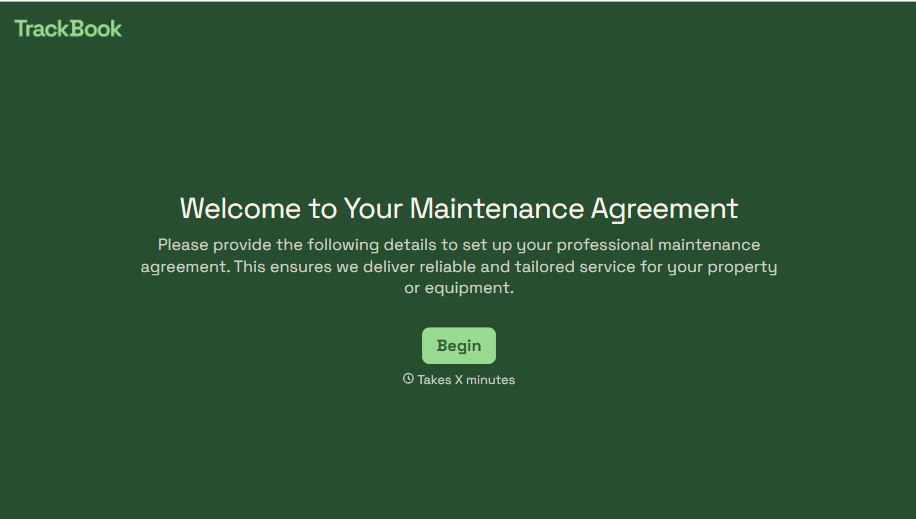
Maintenance Agreement Form
A maintenance plan agreed to over the phone isn't a contract your service team can actually work from, especially when nobody's sure whether the twice-a-year tune-up was part of the deal. Collect the equipment covered, service frequency, and a signed agreement before the first visit, so your team isn't guessing at scope once they're on-site.
View template
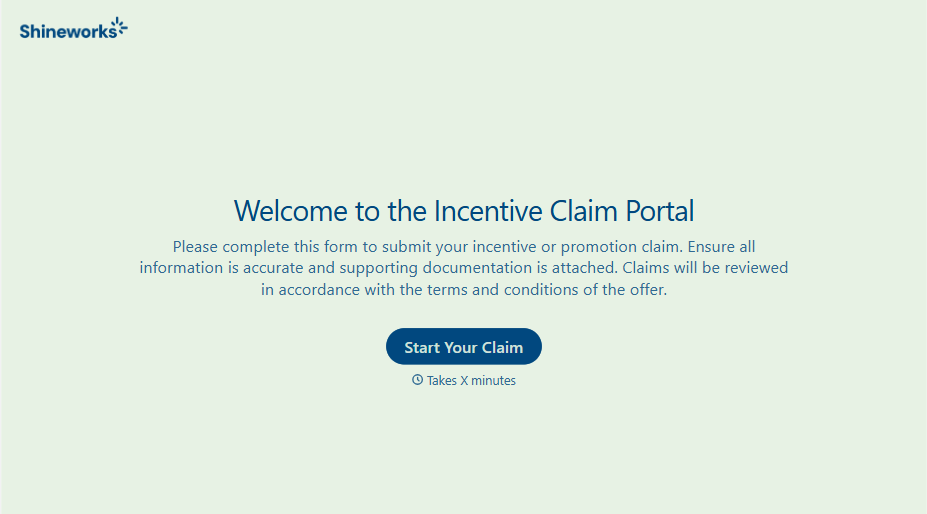
Incentive Claim Form
A rebate claim mailed in with a stapled stack of receipts isn't the kind of paperwork that gets processed quickly, especially when a required serial number turns out to be missing from page three. Collect proof of purchase, product details, and participant information upfront, so a claim doesn't bounce back for a missing document weeks later.
View template
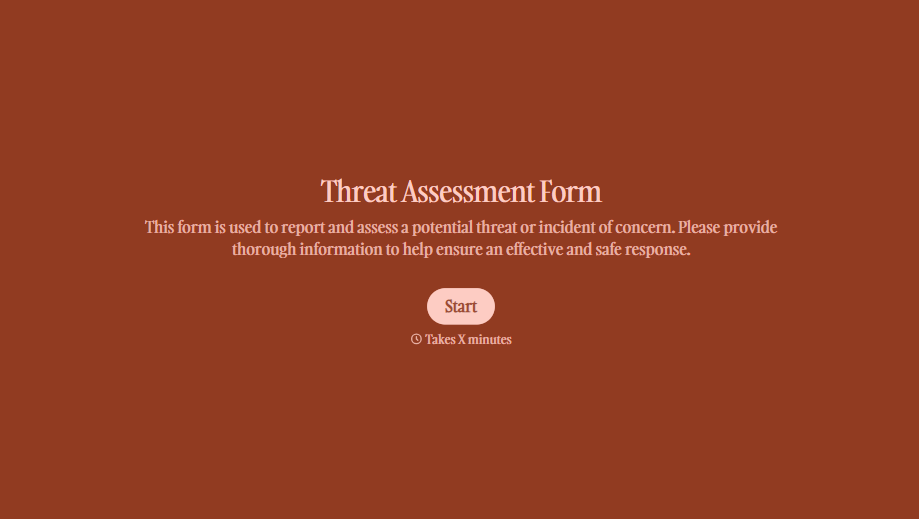
Threat Assessment Form
A concerning comment that gets passed from a teacher to a counselor to whoever's free that period loses detail with every retelling. Collect what your team actually needs, what was observed or reported, who was involved, and when, before an important detail gets dropped along the way.
View template
With Typeform, you can customize everything
Change text, colors, and even logos to match the look and feel of your brand. Then embed forms smoothly onto web and email.
Make forms feel effortless to fill out. Pace questions, call people by their name, and adapt the flow based on the data they share.
Stay efficient by connecting forms to your workflow. Typeform integrates with 300+ tools including Slack, Zapier, and HubSpot.


