Customer Satisfaction Survey Template
Stop assuming your customers are happy. Ask them.


Customer satisfaction isn't a binary state — it exists on a spectrum, and it shifts constantly. The product update you shipped last month? Some customers love it. Others hate it. The support interaction yesterday? That might have been a loyalty-building moment or the beginning of the end. Without regular, structured feedback, you're navigating customer relationships with your eyes closed.
This customer satisfaction survey template captures how customers actually feel about your product, service, and support at key touchpoints. Rating scales provide quantifiable data you can track over time. Open-ended questions reveal the specific experiences driving those numbers. Conditional logic follows up on low scores to understand what went wrong, and on high scores to learn what's working.
Deploy the survey after purchases, support interactions, or at regular intervals through email or in-app triggers. Responses flow into Google Sheets, your CRM, or Slack via integrations, giving your team real-time visibility into customer sentiment. Track CSAT scores over time, segment by customer type or product, and build a feedback engine that keeps you ahead of dissatisfaction instead of reacting to it.
A customer satisfaction survey (often called a CSAT survey) measures how happy customers are with your product, service, or specific interactions. It typically uses a satisfaction scale — from very satisfied to very dissatisfied — paired with open-ended questions that explain the rating. The resulting data helps organizations identify what's working, what's not, and where to invest to improve the customer experience.
Timing depends on what you're measuring. Post-purchase surveys should arrive 1 to 3 days after delivery. Post-support surveys should go out immediately after ticket resolution. Periodic relationship surveys work best quarterly. The golden rule: survey when the experience is fresh and when the customer has had enough time to form an opinion, but not so much time that they've forgotten the details.
- Overall satisfaction with your product or service (rating scale)
- Satisfaction with the most recent interaction or purchase
- How well the product or service met their expectations
- What they value most about their experience with you
- What one thing would most improve their experience
- Likelihood of purchasing from you again
Keep it under five minutes — ideally two to three minutes. Tell respondents exactly how long it will take upfront. The one-question-at-a-time format already boosts engagement, but timing matters too: send surveys when customers are most likely to engage, not on Monday mornings or Friday evenings. Personalize the invitation by referencing their specific purchase or interaction, and always explain how their feedback will be used. People are more willing to respond when they believe it'll make a difference.
They measure different things. CSAT (Customer Satisfaction Score) measures happiness with a specific experience or overall relationship. NPS (Net Promoter Score) measures loyalty and willingness to recommend. CES (Customer Effort Score) measures how easy it was to accomplish a task. Most organizations benefit from using all three at different touchpoints. CSAT after interactions, NPS quarterly, and CES after support or onboarding experiences.
Get inspired by relevant templates and categories
3200+ Templates, 300+ Integrations
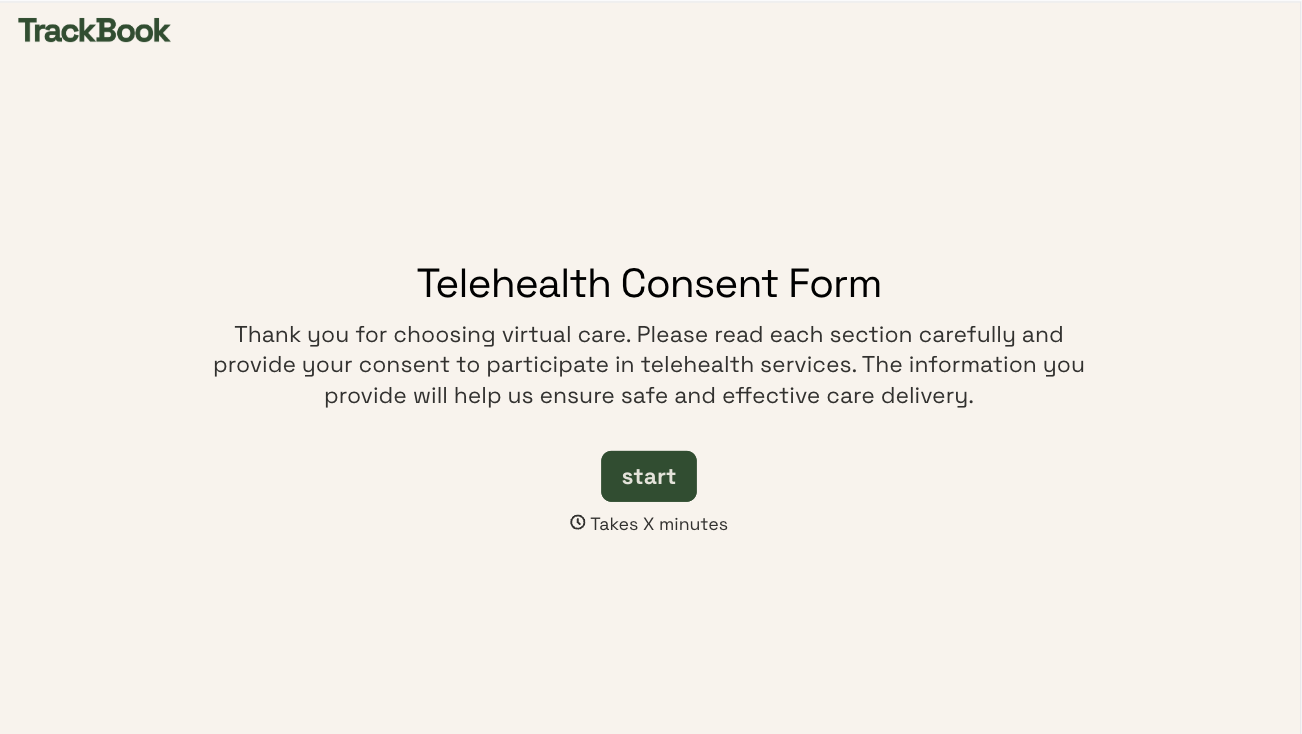
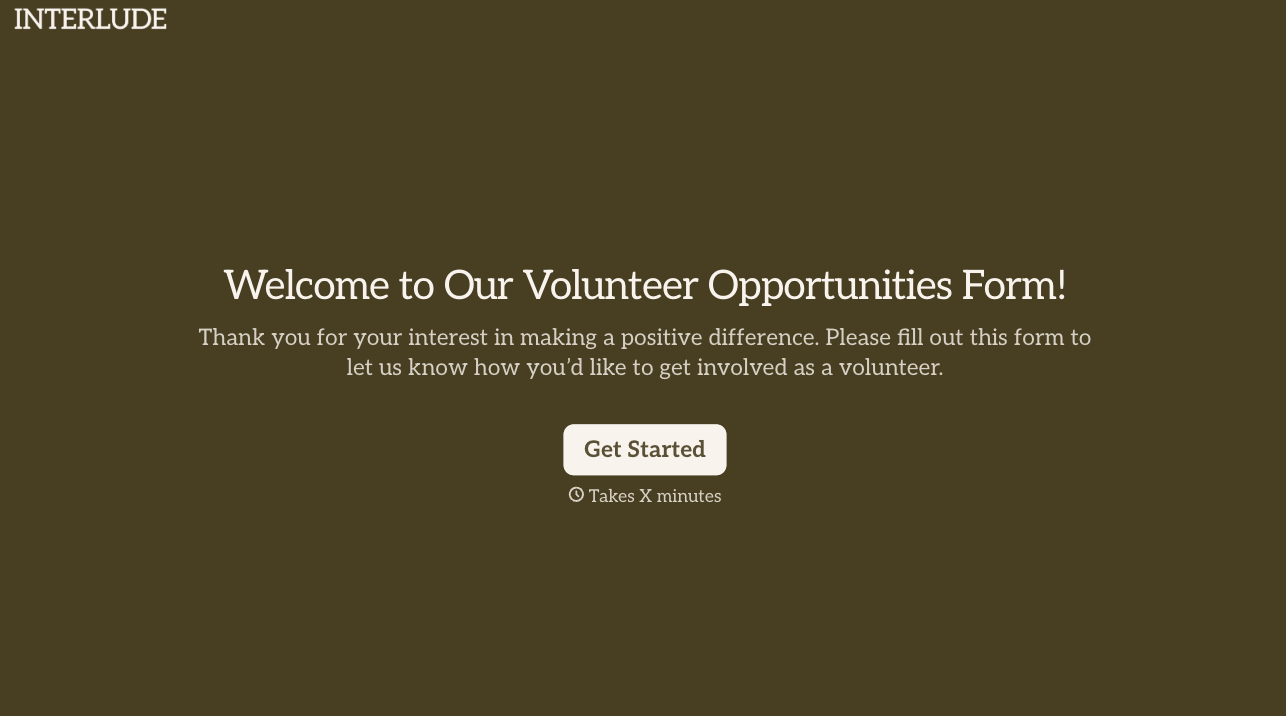
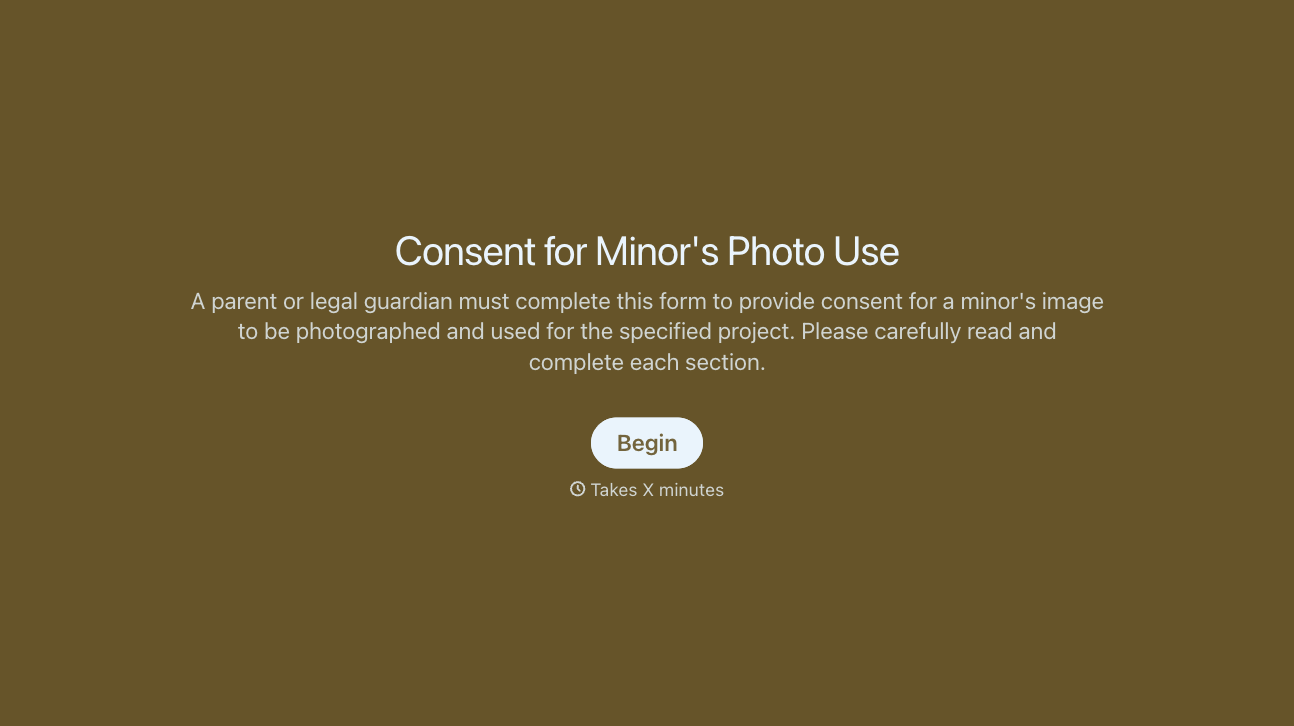
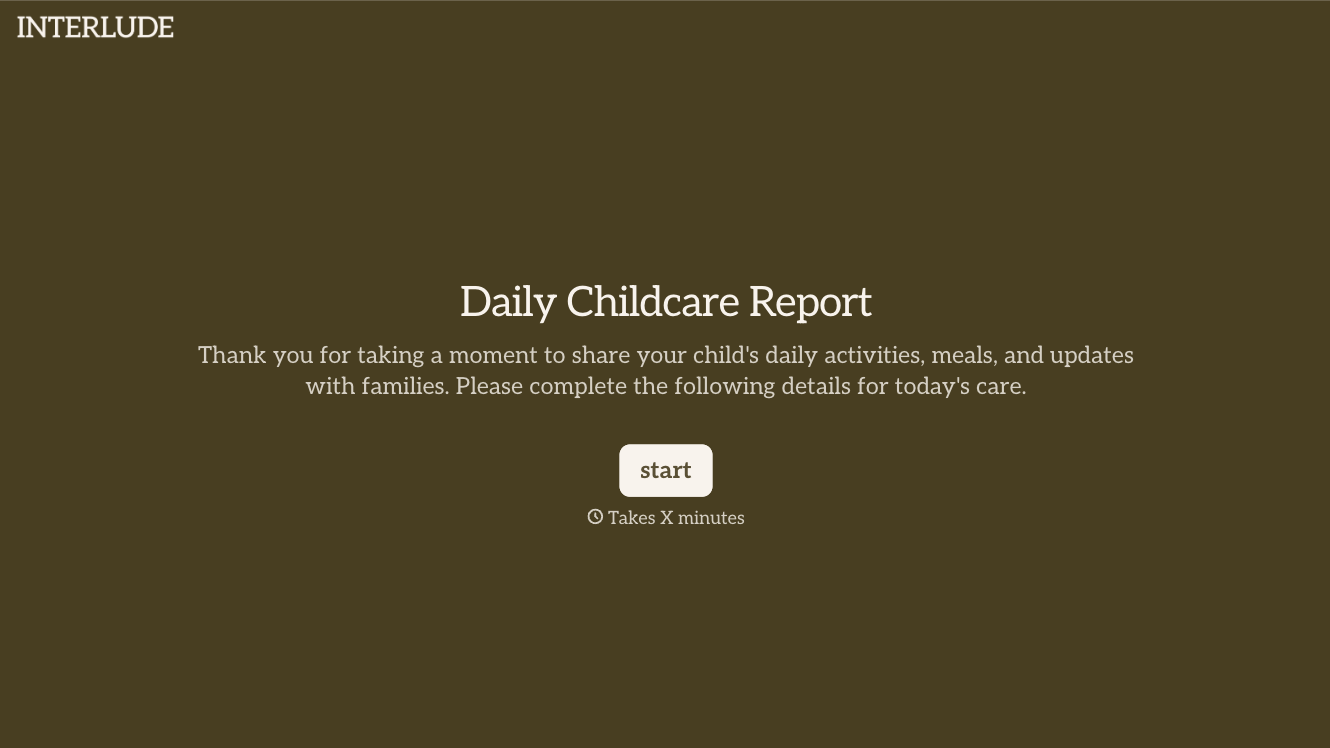

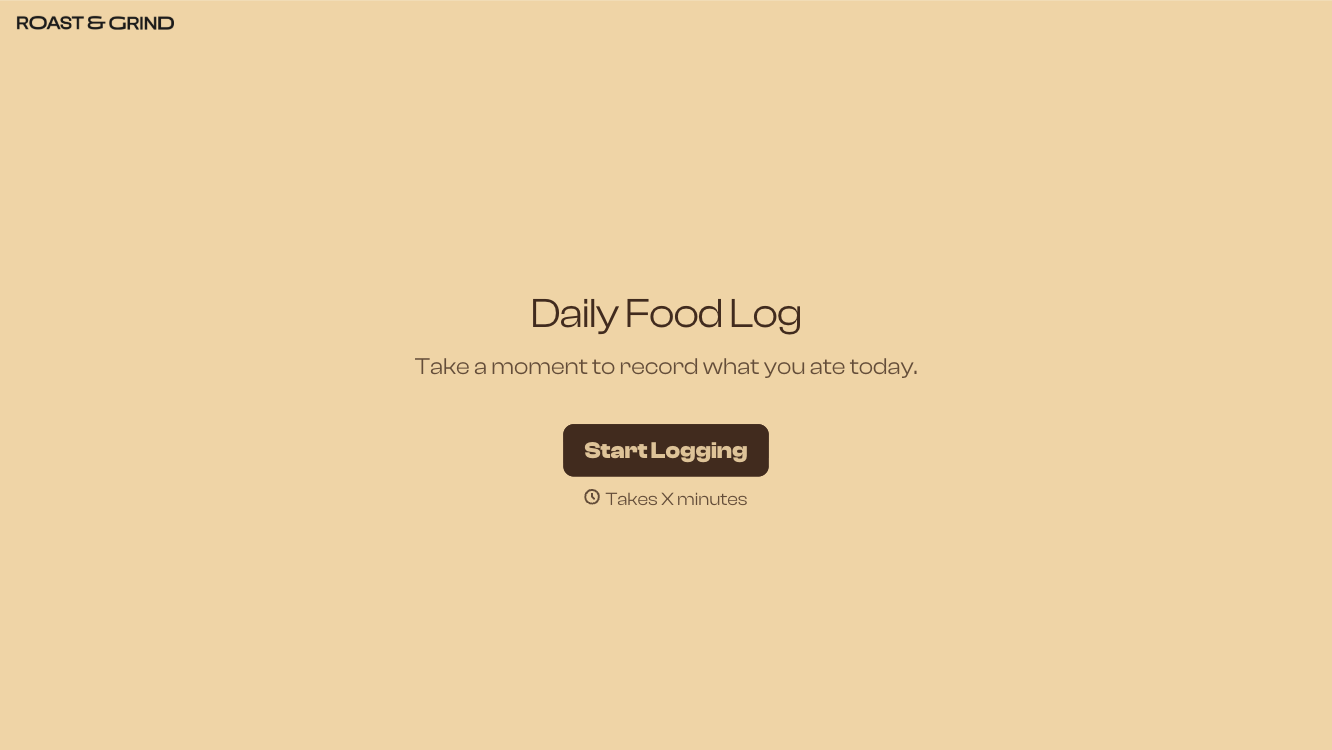
With Typeform, you can customize everything
Change text, colors, and even logos to match the look and feel of your brand. Then embed forms smoothly onto web and email.
Make forms feel effortless to fill out. Pace questions, call people by their name, and adapt the flow based on the data they share.
Stay efficient by connecting forms to your workflow. Typeform integrates with 300+ tools including Slack, Zapier, and HubSpot.


