Online Trivia Quiz Template
Test knowledge, spark competition, and keep people hooked, question by question.


Trivia isn't just for bar nights. It's a killer engagement tool for team building, classroom learning, audience interaction, or growing your brand's following. But building a quiz from scratch, scoring it, and managing results? That's where the fun usually stops and the spreadsheet headaches begin.
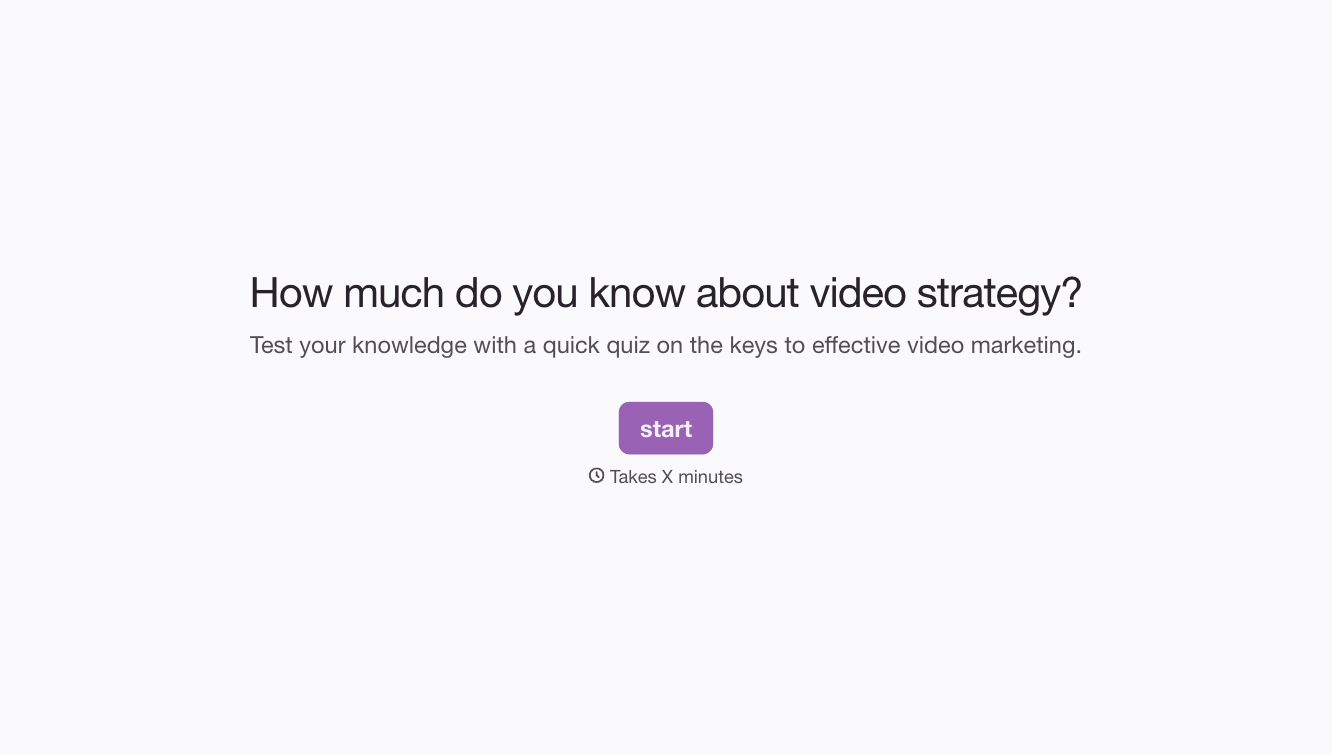
This online trivia quiz template handles the heavy lifting. Set up multiple-choice or open-ended questions, assign point values, and let the one-question-at-a-time format build suspense with each click. Conditional logic can send participants down different paths based on their answers, rewarding correct responses or offering hints for wrong ones.
Customize the theme, add images or GIFs to your questions, and share the quiz link anywhere. Results are collected automatically, so you can announce winners, analyze performance, or use the data for follow-up content, all without manual grading.
An online trivia quiz is a digital questionnaire that tests participants' knowledge on a specific topic or a mix of subjects. It typically features multiple-choice questions with scored answers and can include images, videos, or timed responses. It's used for entertainment, education, team building, and audience engagement.
Trivia quizzes are shareable, engaging content that drives traffic and interaction. They keep people on your site longer, generate leads (by gating results behind an email field), and create social sharing opportunities. For internal use, they're a fun way to reinforce training material or build team camaraderie. Engagement rates on interactive content consistently outperform static content.
- A mix of easy, medium, and hard questions to keep all skill levels engaged
- Questions relevant to your audience's interests or your brand's niche
- A variety of formats (multiple choice, true/false, image-based)
- A tie-breaker question for competitive quizzes
- An optional "how did you do?" self-assessment at the end
- A lead capture field (name and email) before revealing results
The sweet spot is 10-15 questions. Fewer than 10 feels too short, and participants don't get the satisfaction of a real challenge. More than 20, and dropout rates climb. If you're using the quiz for lead generation or team events, 10-12 questions keeps the experience tight and completable in under 5 minutes.
Yes. You can configure the thank-you screen to display a score, a personalized message based on performance, or a leaderboard link. For timed quizzes or competitive events, you can also route results to a spreadsheet where you rank participants by score and response time.
Get inspired by relevant templates and categories
3200+ Templates, 300+ Integrations
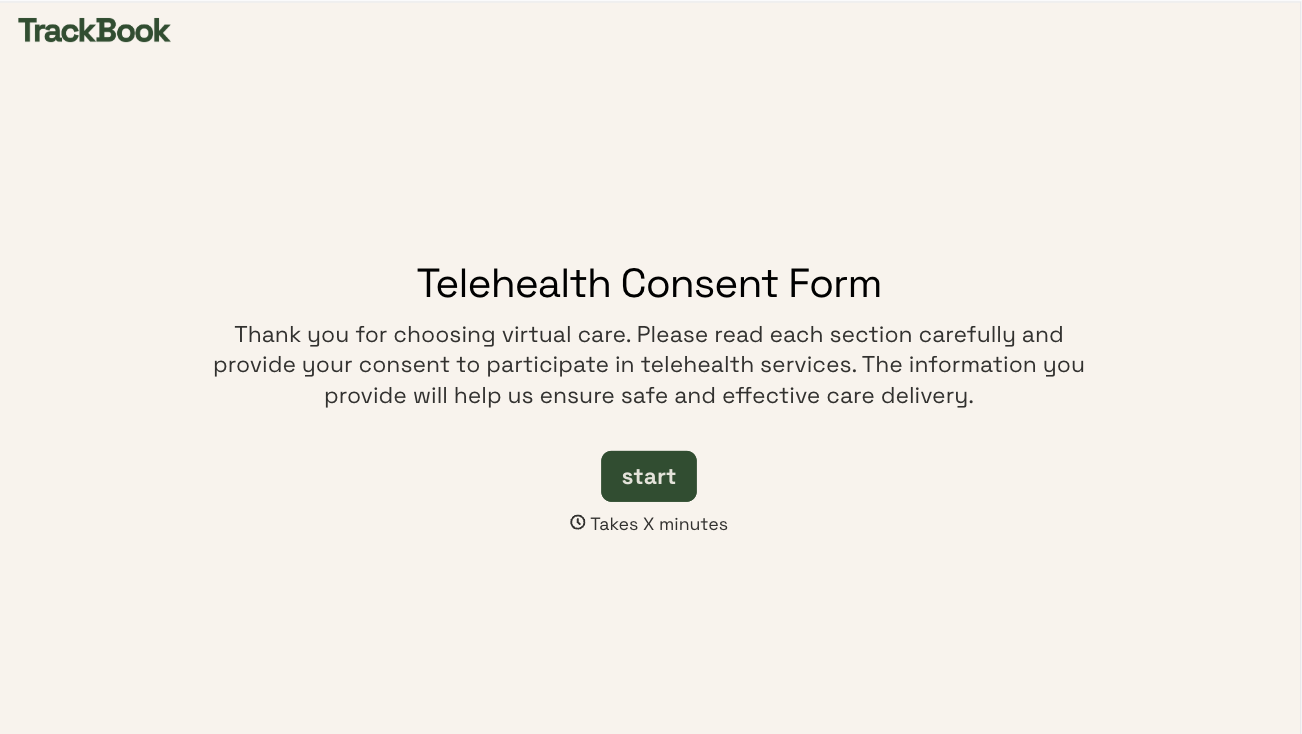
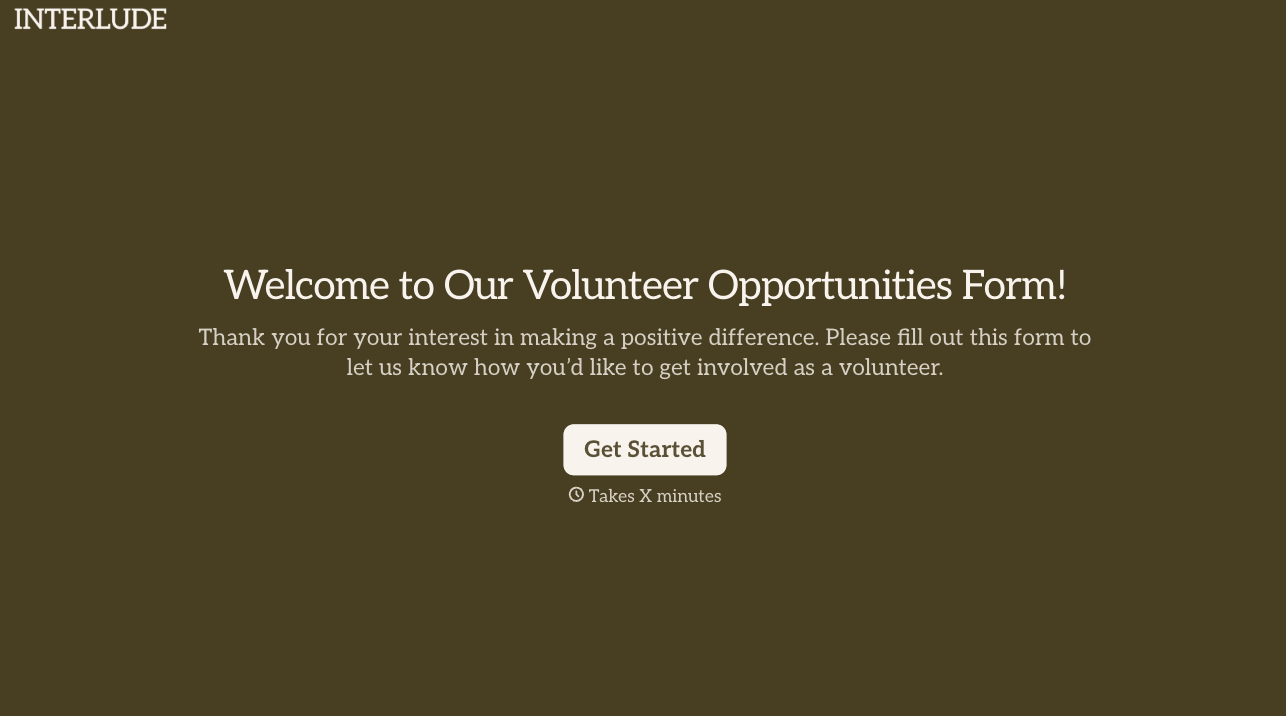
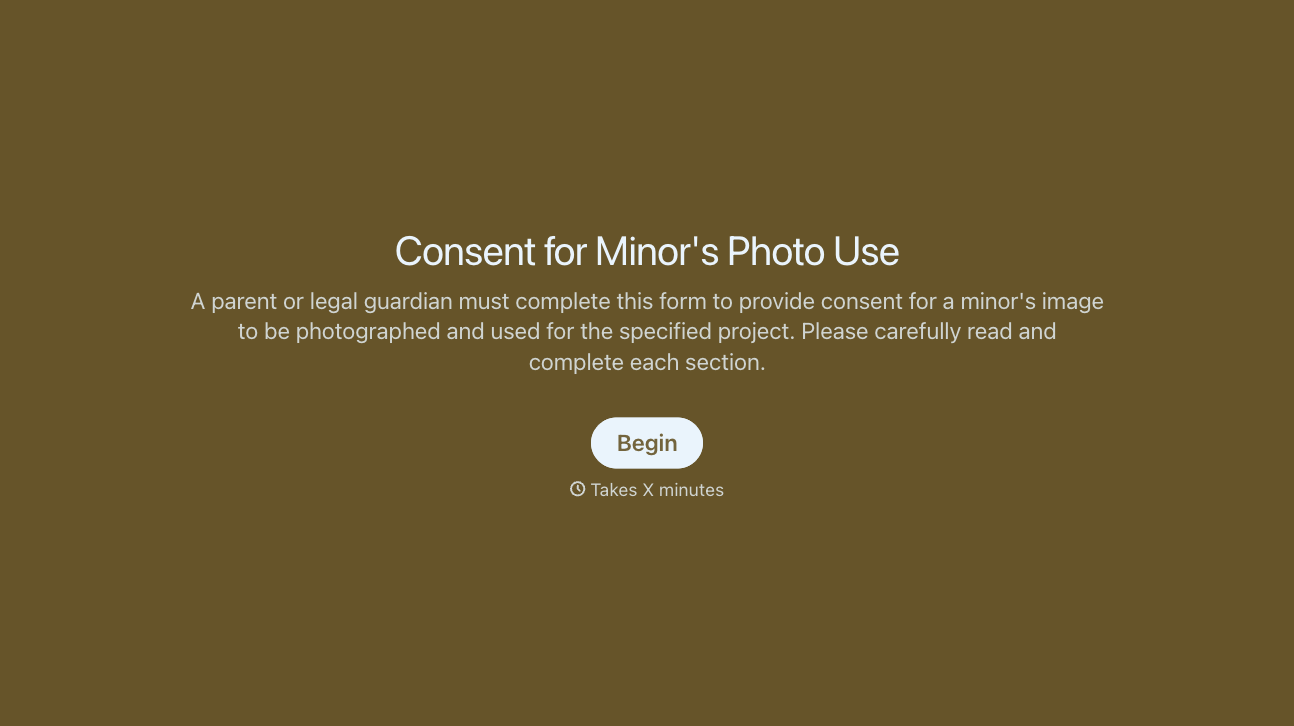
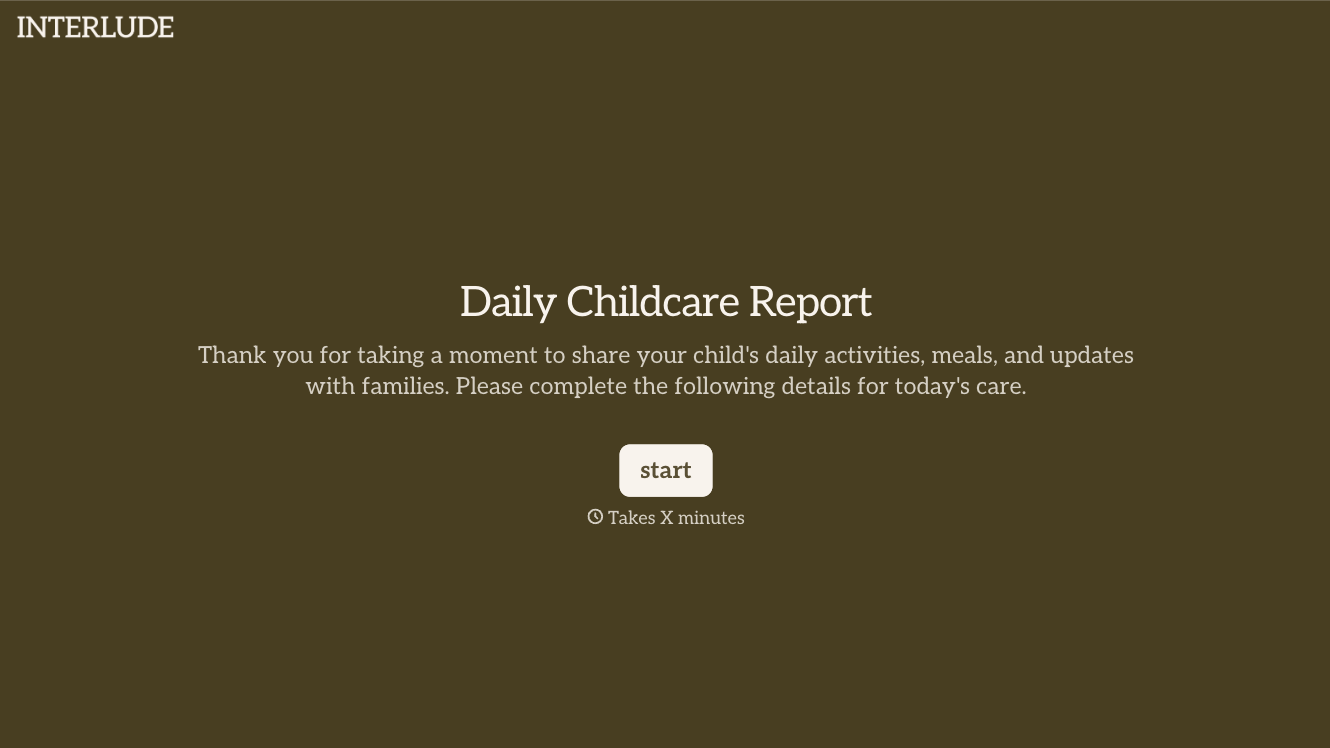

With Typeform, you can customize everything
Change text, colors, and even logos to match the look and feel of your brand. Then embed forms smoothly onto web and email.
Make forms feel effortless to fill out. Pace questions, call people by their name, and adapt the flow based on the data they share.
Stay efficient by connecting forms to your workflow. Typeform integrates with 300+ tools including Slack, Zapier, and HubSpot.


