Support Request Form Template
Give customers a direct path to report problems, and give your team everything it needs to resolve them fast.


When support requests arrive through email, chat, and DMs, they’re easy to lose track of. Your team spends precious time asking basic questions that could have been answered beforehand. Every follow-up question your team has delays the time to customer resolution. Typeform's support request form template gives your team a reliable way to collect what they need before they even begin.
The form captures the customer's contact details, issue category, product or service affected, a description of the problem, and any relevant screenshots or attachments. Questions appear one at a time, so customers can describe the problem clearly without feeling overwhelmed. Conditional logic adapts questions based on issue category—a billing question, for example, surfaces different follow-up fields than a technical issue, keeping questions relevant to each submission.
Customize issue categories to match your support tiers, then embed the form on your help center or link it from your auto-reply. Responses land in your helpdesk, Slack, or Google Sheets via Zapier automatically. A complete support request submission reduces the back-and-forth of follow-up emails, leading to faster resolution times.
A support request form is a structured intake tool for collecting problem reports from customers or employees. It captures contact details, issue category, a problem description, and relevant attachments (screenshots, error codes, etc.). It functions as the first step in a consistent support workflow—replacing scattered emails and social media messages with organized, actionable submissions.
A shared inbox invites unstructured messages that often lack the context your team needs to act. A support request form ensures every report includes issue category, affected product, and reproduction steps, before a single reply goes out. You spend less time chasing missing details and more time resolving the actual problem. At scale, that time adds up fast.
Gather everything your team needs to understand and resolve the issue:
- Full name and contact email
- Issue category (billing, technical, account access, etc.)
- Product or service affected
- Description of the problem
- Steps to reproduce (if applicable)
- Screenshot or file attachment
- Priority level (urgent, normal, low)
Connect the form to your helpdesk or use Zapier to route submissions by issue category—billing requests go to finance, technical issues go to the engineering queue, and account questions go to customer success. Set up Slack or email notifications so the right person sees a new submission immediately. Submissions arrive labeled and categorized, so no one wastes time digging through an email chain.
Yes. The file upload field lets customers attach screenshots, error logs, or supporting files at the time of submission. Each attachment arrives alongside the submission details so your team can get started right away. The file upload field supports common formats (PNG, PDF, JPG, etc.) up to 10MB, and is available on paid Typeform plans.
Get inspired by relevant templates and categories
3200+ Templates, 300+ Integrations
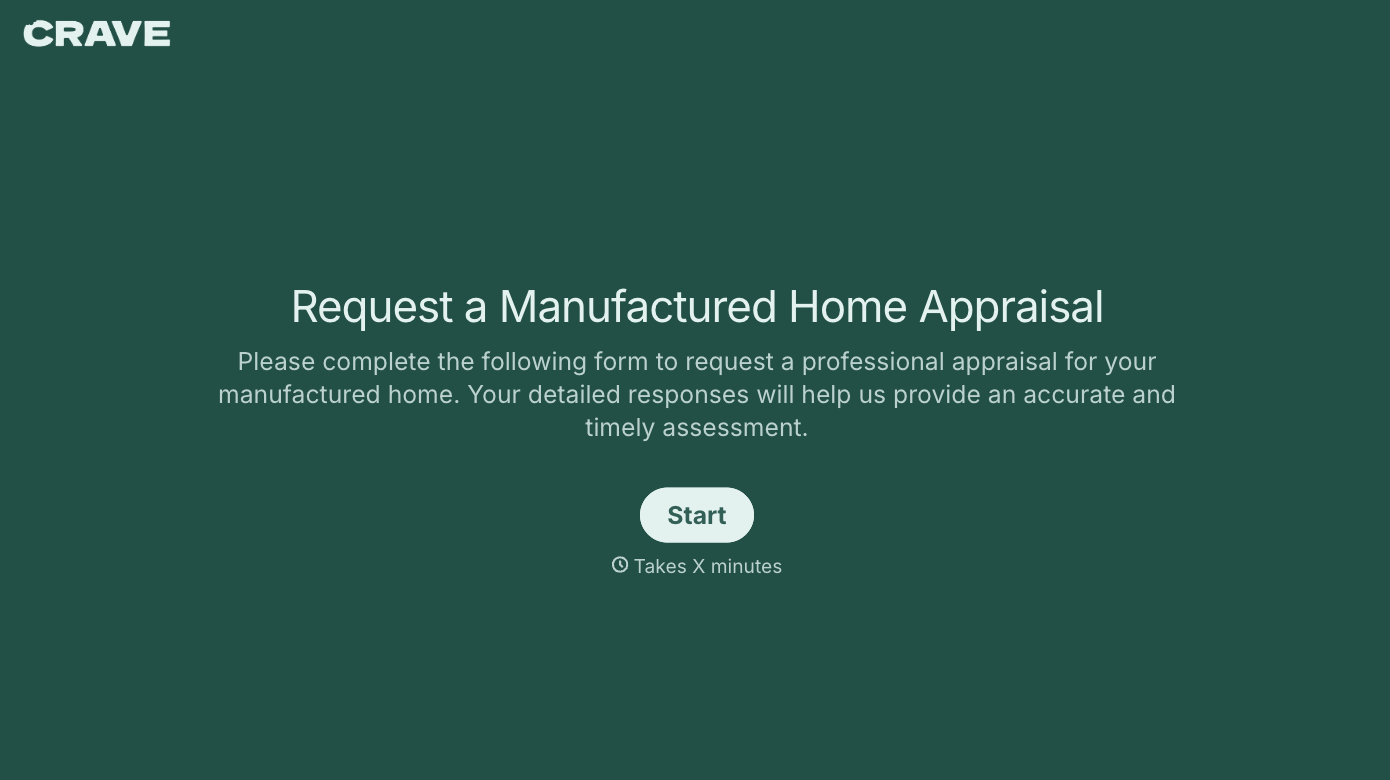

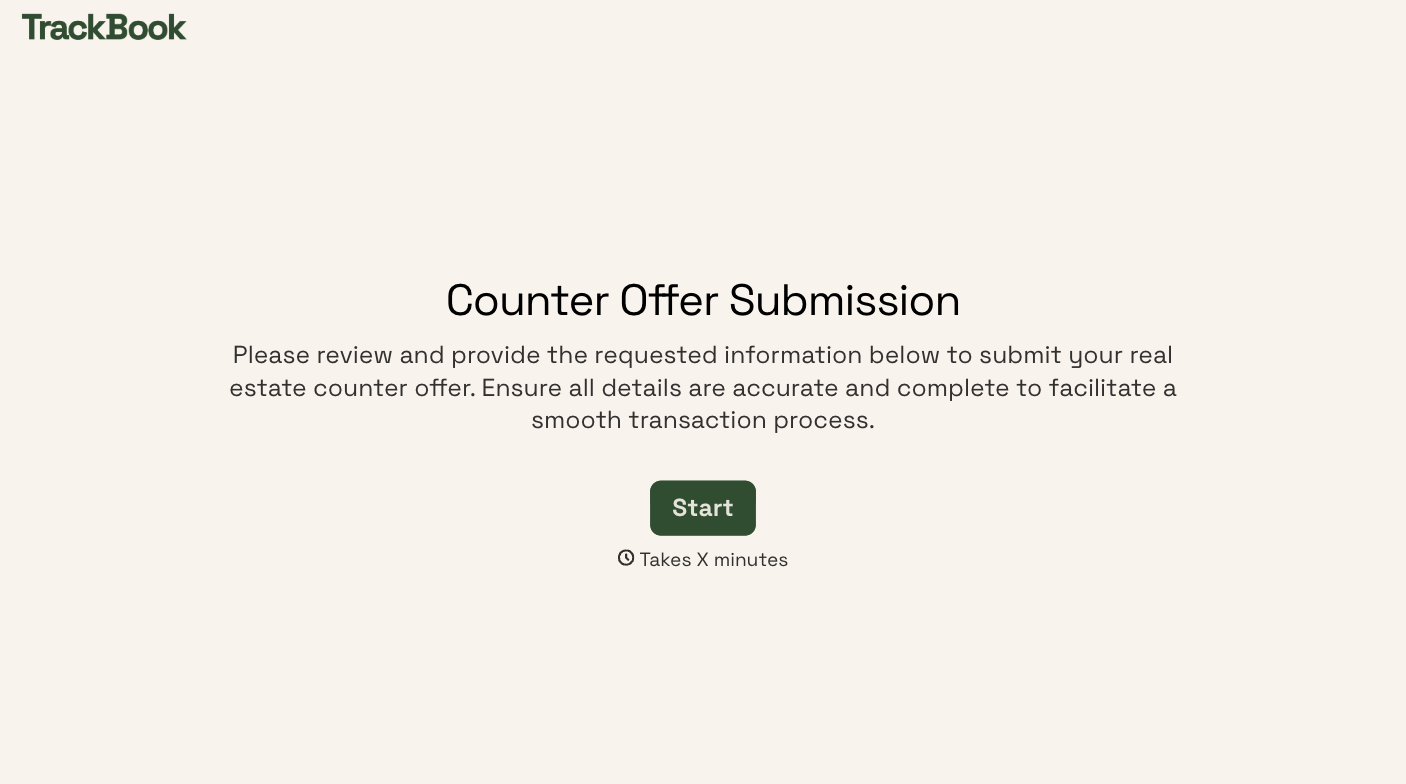

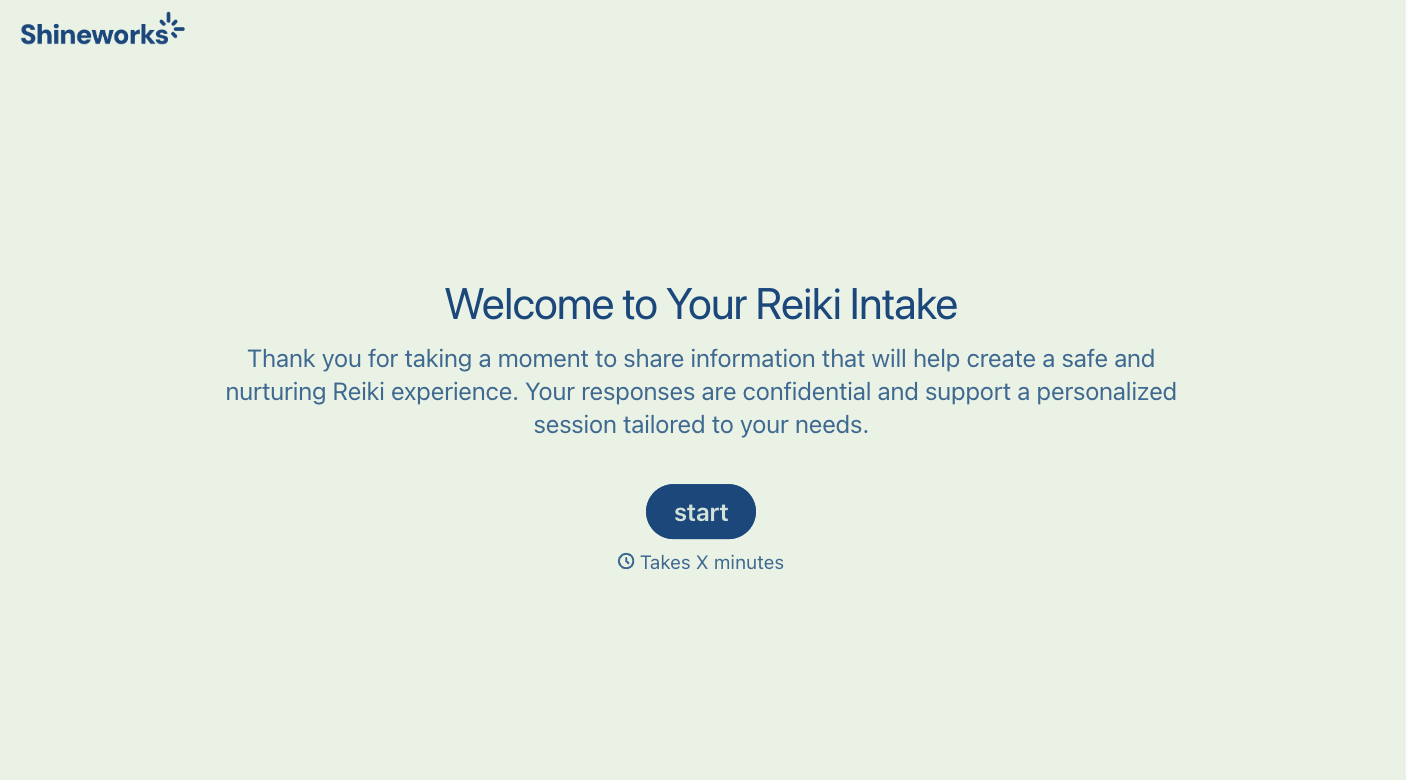

With Typeform, you can customize everything
Change text, colors, and even logos to match the look and feel of your brand. Then embed forms smoothly onto web and email.
Make forms feel effortless to fill out. Pace questions, call people by their name, and adapt the flow based on the data they share.
Stay efficient by connecting forms to your workflow. Typeform integrates with 300+ tools including Slack, Zapier, and HubSpot.


