Online Registration Form Template
Build a registration experience that works for any purpose. Clean, professional, and ready in minutes.


Registration forms are everywhere. Courses, programs, conferences, memberships, services, classes, portals. And every organization seems to reinvent the wheel each time they need one. The result is usually a hastily assembled form that's either too long, too vague, or too ugly, and all 3 hurt completion rates. People abandon registration forms more often than most organizations realize, and the cost is invisible because you never see who gave up.
This online registration form template provides a versatile foundation that adapts to virtually any registration use case. Collect names, contact details, preferences, qualifications, and any supplementary information through a smooth, one-question-at-a-time experience. Conditional logic customizes the path based on registration type, category, or qualifying responses, so a volunteer registration looks different from a course registration without requiring 2 separate forms. Submissions flow to Google Sheets, your CRM, email marketing tools, or project management platforms through Zapier.
Customize the fields, branding, and flow to match your specific registration need. Whether it's for 20 people or 2,000, the form scales effortlessly. Drop it on your website, share the link, or embed it in an email. You're live in minutes.
An online registration form is a digital form used to collect information from people who want to sign up for an event, program, service, course, organization, or platform. It gathers personal details, preferences, qualifications, and any other data the organizing entity needs to process the registration. It's the digital equivalent of a sign-up sheet, but far more capable.
Online forms are accessible from anywhere, work on any device, collect clean data automatically, and eliminate the manual processing that paper and email-based registration require. They're faster for registrants, easier for organizers, and they create a structured dataset that's ready for analysis, communication, and follow-up from the moment someone submits.
Start with these and customize from there:
- Full name and email address
- Phone number (if needed for communication)
- What they're registering for (if multiple options exist)
- Any relevant experience or qualifications
- Special requirements or accommodations
- Agreement to terms, waivers, or policies
Typeform's one-question-at-a-time format is inherently mobile-friendly — each screen adapts to the device size. Beyond that, keep question text concise, use tap-friendly answer formats (buttons over dropdowns where possible), minimize required typing, and test the form on your own phone before publishing. Most registrations now happen on mobile, so this isn't optional.
Yes. Connect your form to an email tool through Zapier and trigger a confirmation email the moment someone registers. Include all the details they need — what they registered for, date, time, location, what to bring, who to contact with questions. A prompt, polished confirmation sets the tone for the entire experience ahead.
Get inspired by relevant templates and categories
3200+ Templates, 300+ Integrations
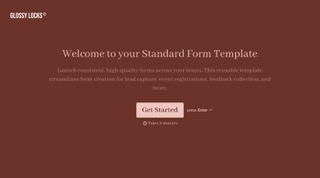
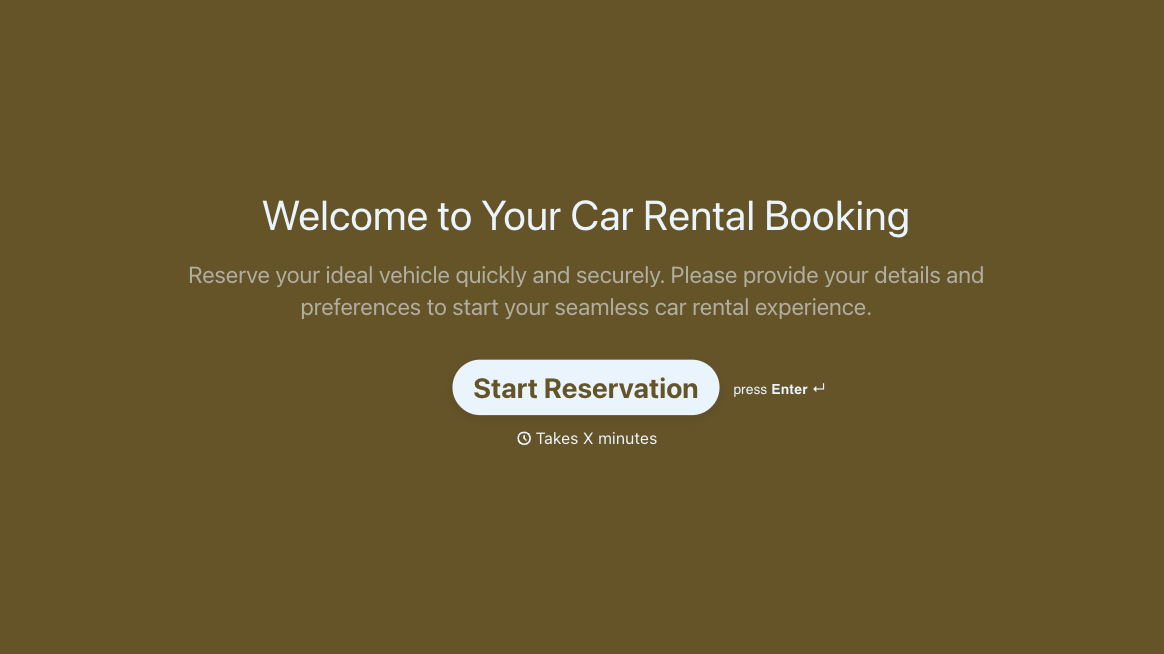
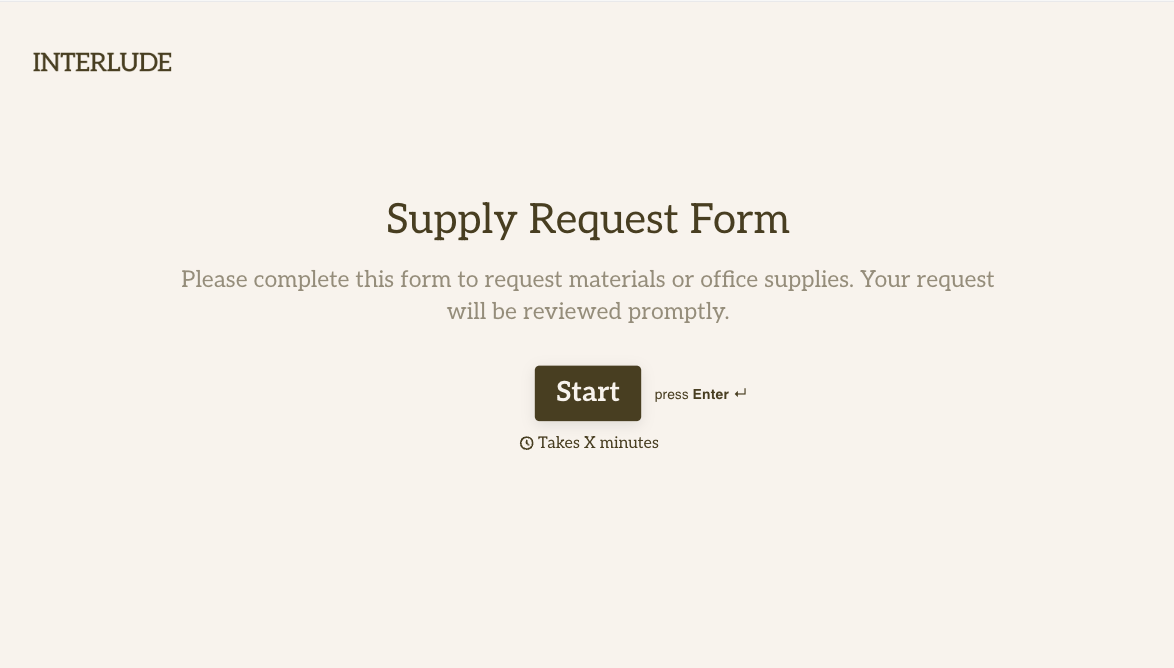
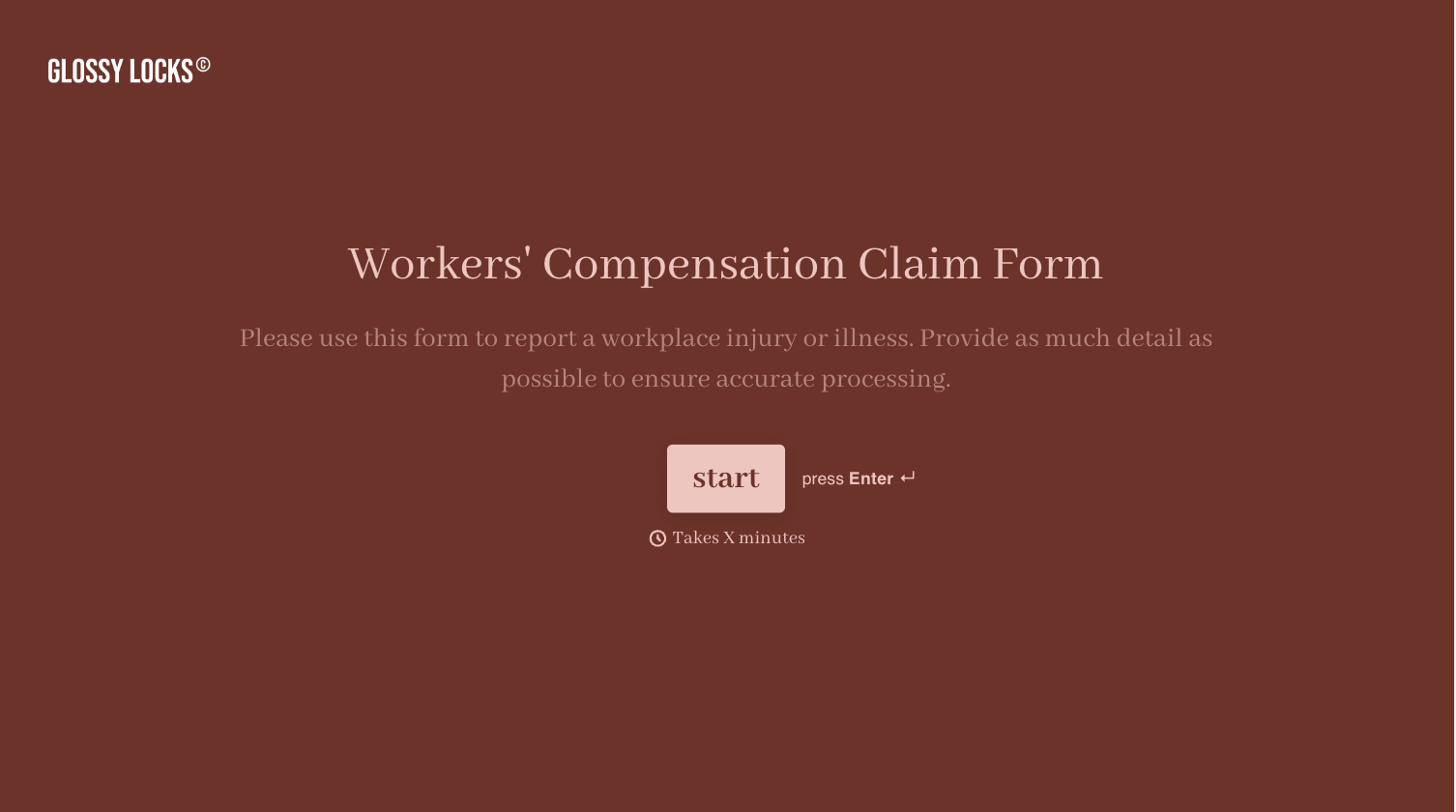
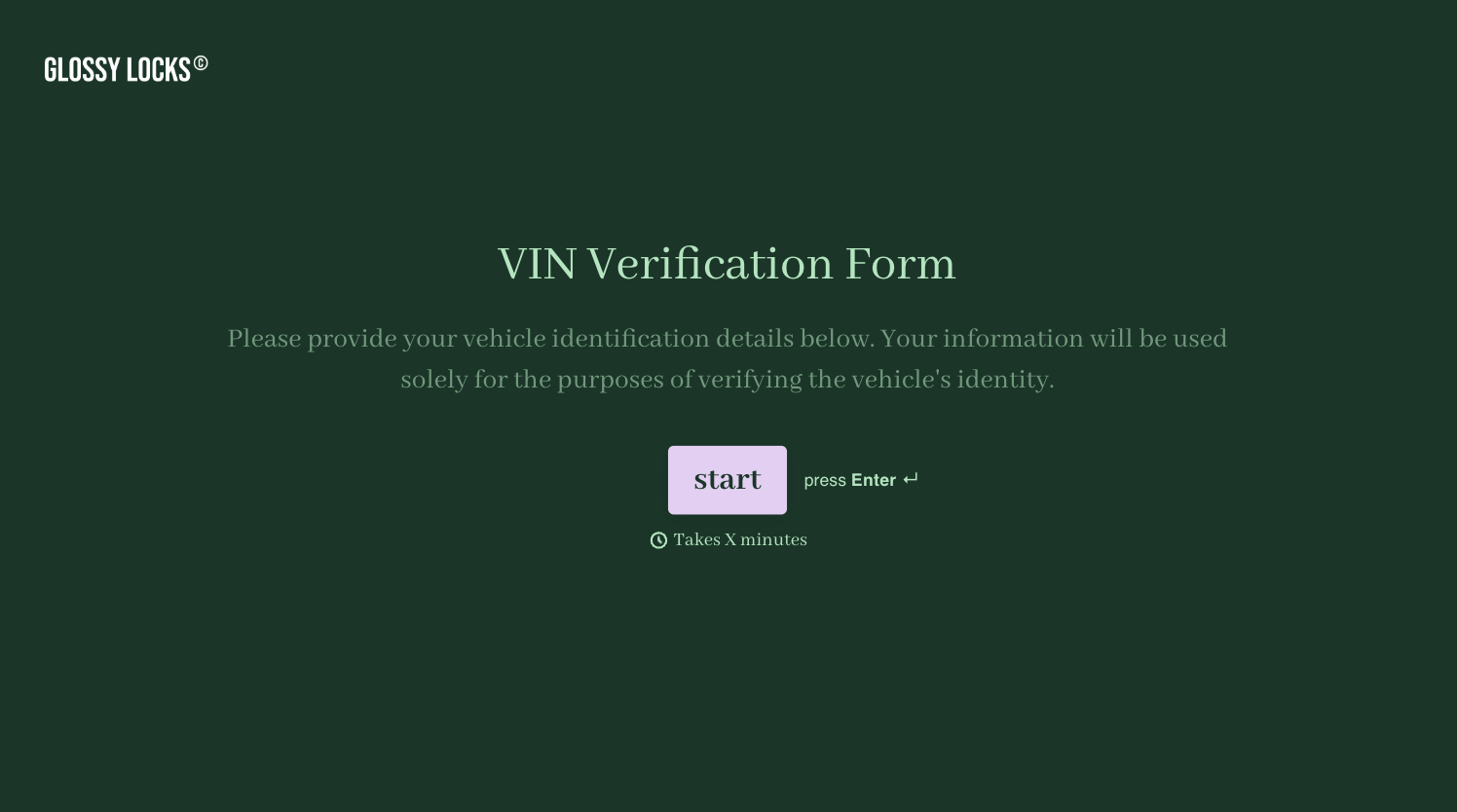
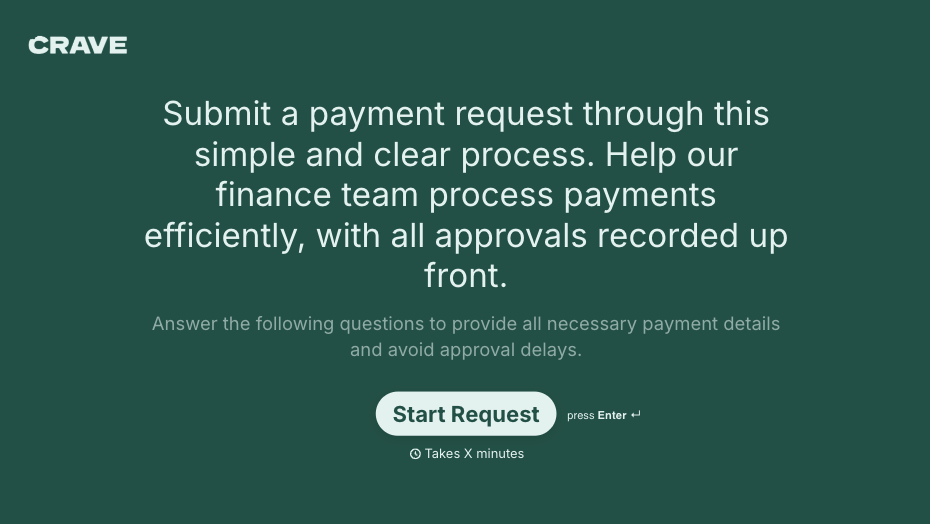
With Typeform, you can customize everything
Change text, colors, and even logos to match the look and feel of your brand. Then embed forms smoothly onto web and email.
Make forms feel effortless to fill out. Pace questions, call people by their name, and adapt the flow based on the data they share.
Stay efficient by connecting forms to your workflow. Typeform integrates with 300+ tools including Slack, Zapier, and HubSpot.


