Photo and Image Upload Form Template
Collect photos and image files from clients, contributors, or teams without managing email attachments.


Collecting images through email means hunting through threads for attachments, dealing with files that are too large, and receiving formats you didn't ask for. By the time you've tracked down everything you need from everyone, the process has taken far longer than it should.
A Typeform photo and image upload form gives contributors a structured, single channel for submitting files. Respondents upload directly within the form alongside any required context — their name, a caption, the intended use, or whatever metadata you need. You can restrict file types and sizes to keep submissions usable, and everything arrives organized in your Typeform responses panel.
Set the form up once, customize it for your specific use case, and share the link to anyone who needs to submit. No email chains required.
A photo and image upload form is a digital form that allows people to submit image files along with any relevant supporting information. It's used by businesses, publications, schools, and event organizers to collect visual content in a structured way.
Centralizing image submissions through a form eliminates scattered email threads, ensures you receive the metadata you need, and makes it easier to manage submissions at scale.
Match the fields to your use case, but typical questions include:
- Submitter's name and contact details
- Photo or image file upload
- Caption or description
- Date the photo was taken
- Location or context
- Rights or usage permissions
- Any relevant tags or categories
Typeform's file upload field supports common image formats including JPEG, PNG, and GIF. You can set a maximum file size within the field settings. For high-resolution photography, advise submitters on appropriate file size ranges to avoid upload failures.
Uploaded files are stored with each response in Typeform and can be downloaded individually or in bulk. For automated workflows, connect the form to Google Drive or Dropbox via Zapier to route incoming files to a specific folder automatically.
Get inspired by relevant templates and categories
3200+ Templates, 300+ Integrations

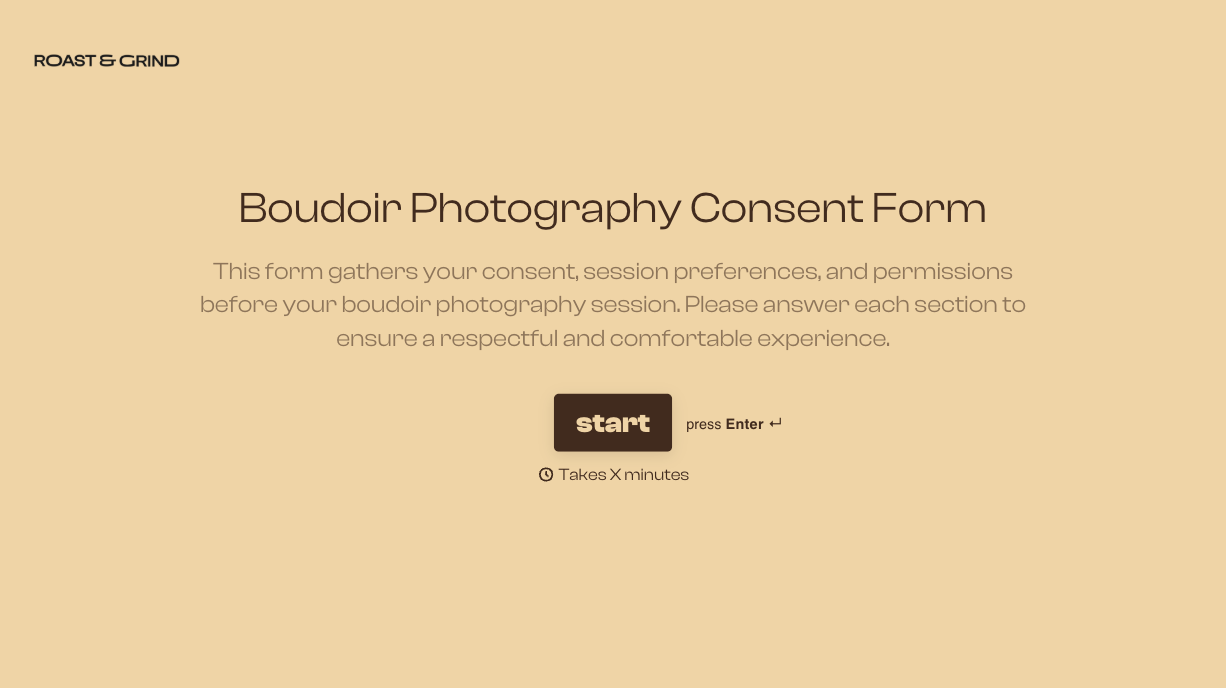
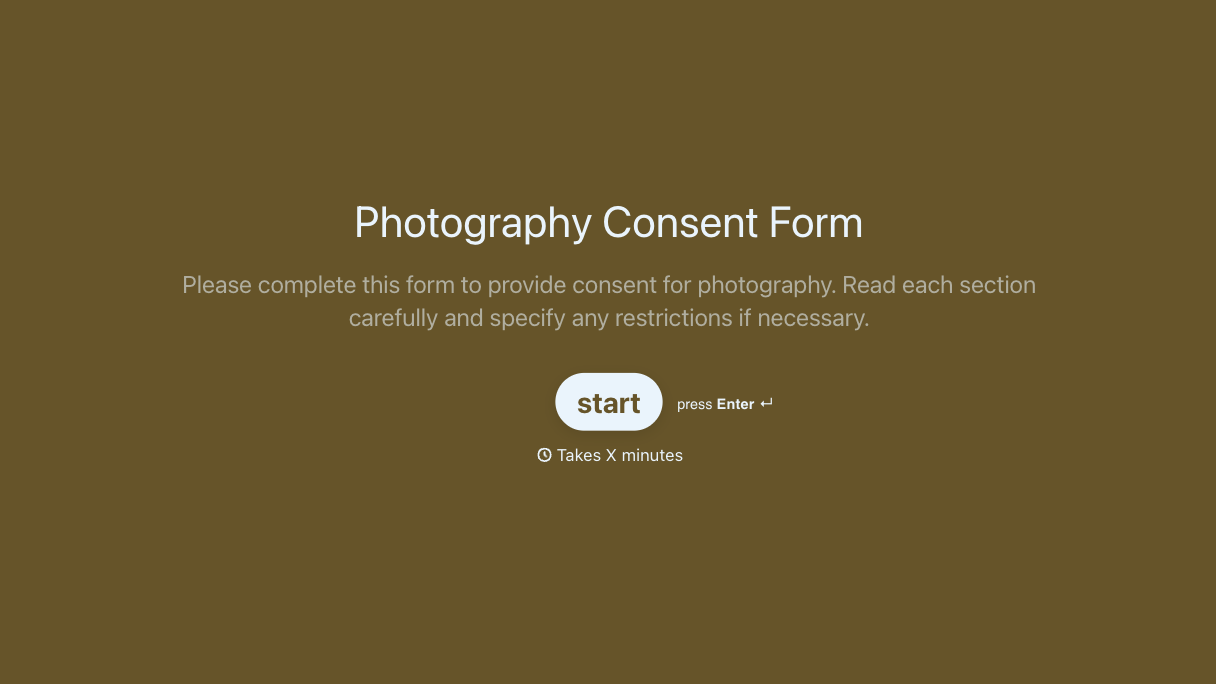


With Typeform, you can customize everything
Change text, colors, and even logos to match the look and feel of your brand. Then embed forms smoothly onto web and email.
Make forms feel effortless to fill out. Pace questions, call people by their name, and adapt the flow based on the data they share.
Stay efficient by connecting forms to your workflow. Typeform integrates with 300+ tools including Slack, Zapier, and HubSpot.


