Lecturer Evaluation Form Template
Collect structured student feedback on lecturers so academic leadership has useful data to act on.


End-of-semester feedback is only valuable if it's honest, specific, and actually reaches the people who can act on it. Paper evaluation forms get lost, anonymous feedback boxes go unanswered, and vague ratings like "4 out of 5 for teaching quality" don't tell anyone what needs to change. When the feedback process feels like a formality, students disengage and the data becomes noise.
A Typeform lecturer evaluation form collects structured feedback that's both measurable and specific. Rating scales capture overall sentiment while open-text questions let students explain their scores in their own words. The one-question-at-a-time format encourages more thoughtful responses than a dense grid. Conditional logic can route students to follow-up questions based on ratings, so low scores prompt for more context without adding length to every response.
Distribute it at the end of each teaching period, make it anonymous, and connect responses to your academic review process.
A lecturer evaluation form is a structured feedback survey completed by students at the end of a course or teaching period. It assesses teaching quality, communication, course material, and overall student experience.
Structured evaluations give academic leadership comparable data across lecturers and courses, making it easier to identify trends, address issues, and support professional development. Vague or informal feedback rarely produces actionable insight.
Cover the dimensions that reflect teaching quality:
- Overall rating of the lecturer
- Clarity of explanations and delivery
- Responsiveness to student questions
- Organization and structure of the course material
- Accessibility and approachability outside class
- Whether the course met its stated learning objectives
- Open field for suggestions or additional comments
Frame the evaluation as a direct input into course improvement, not a formality. When students see that feedback from previous cohorts led to specific changes, participation rates and response quality both improve. Consider communicating what changed as a result of past evaluations.
Voluntary evaluations typically produce more genuine responses, but lower completion rates. Mandatory evaluations improve sample size but can produce perfunctory answers. Many institutions require completion as part of course wrap-up while making all responses anonymous to balance both concerns.
Get inspired by relevant templates and categories
3200+ Templates, 300+ Integrations
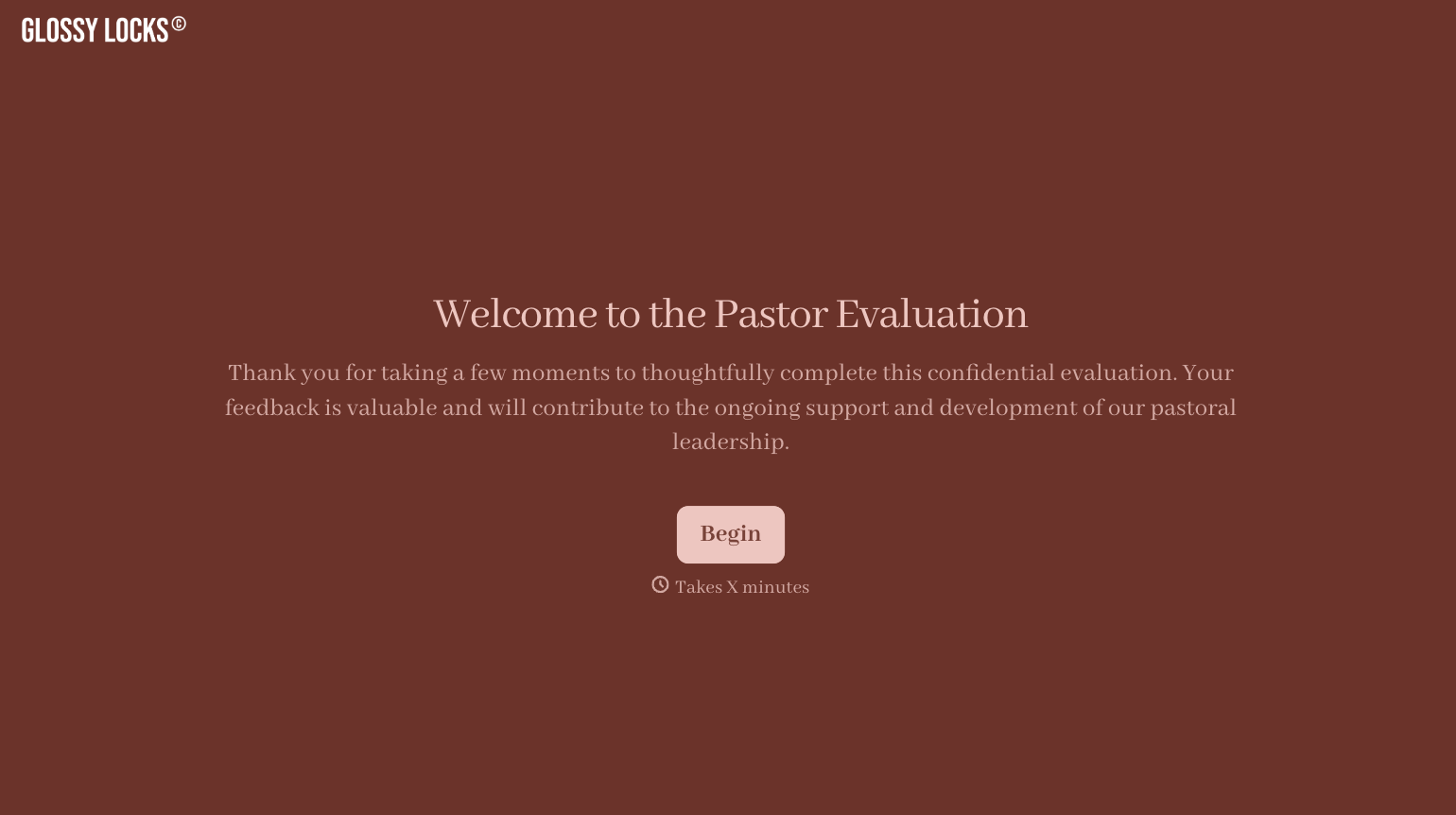
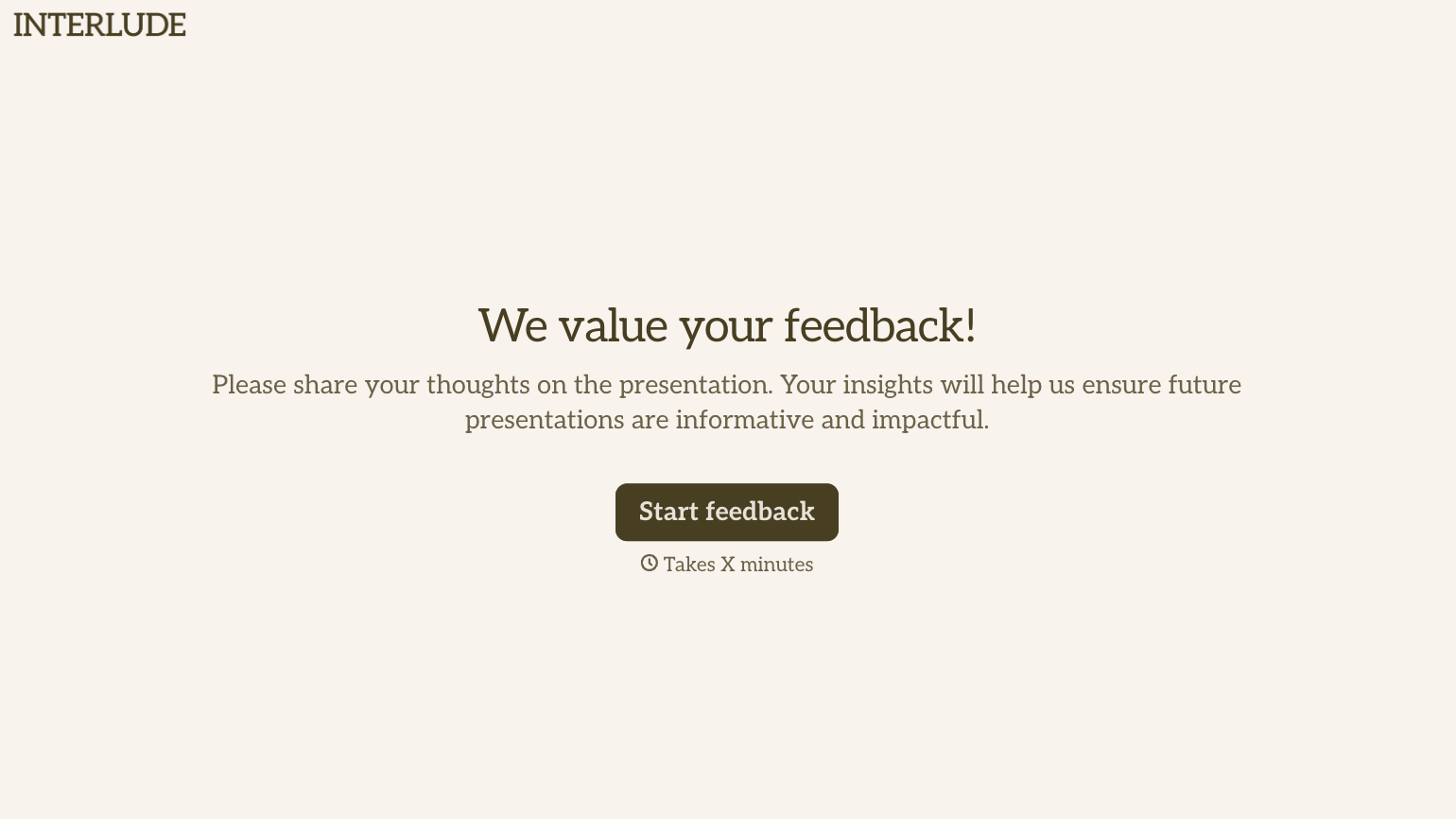
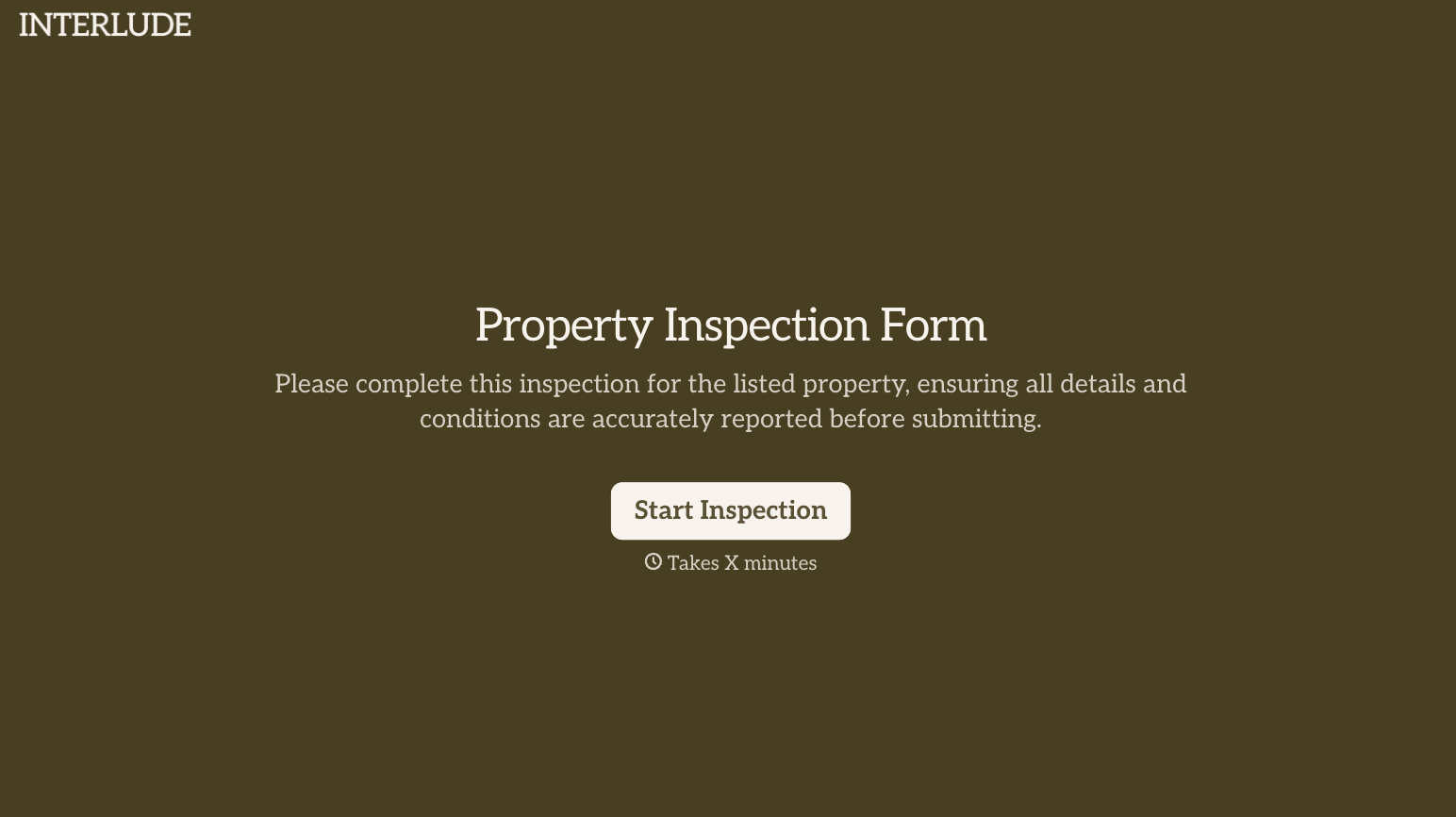
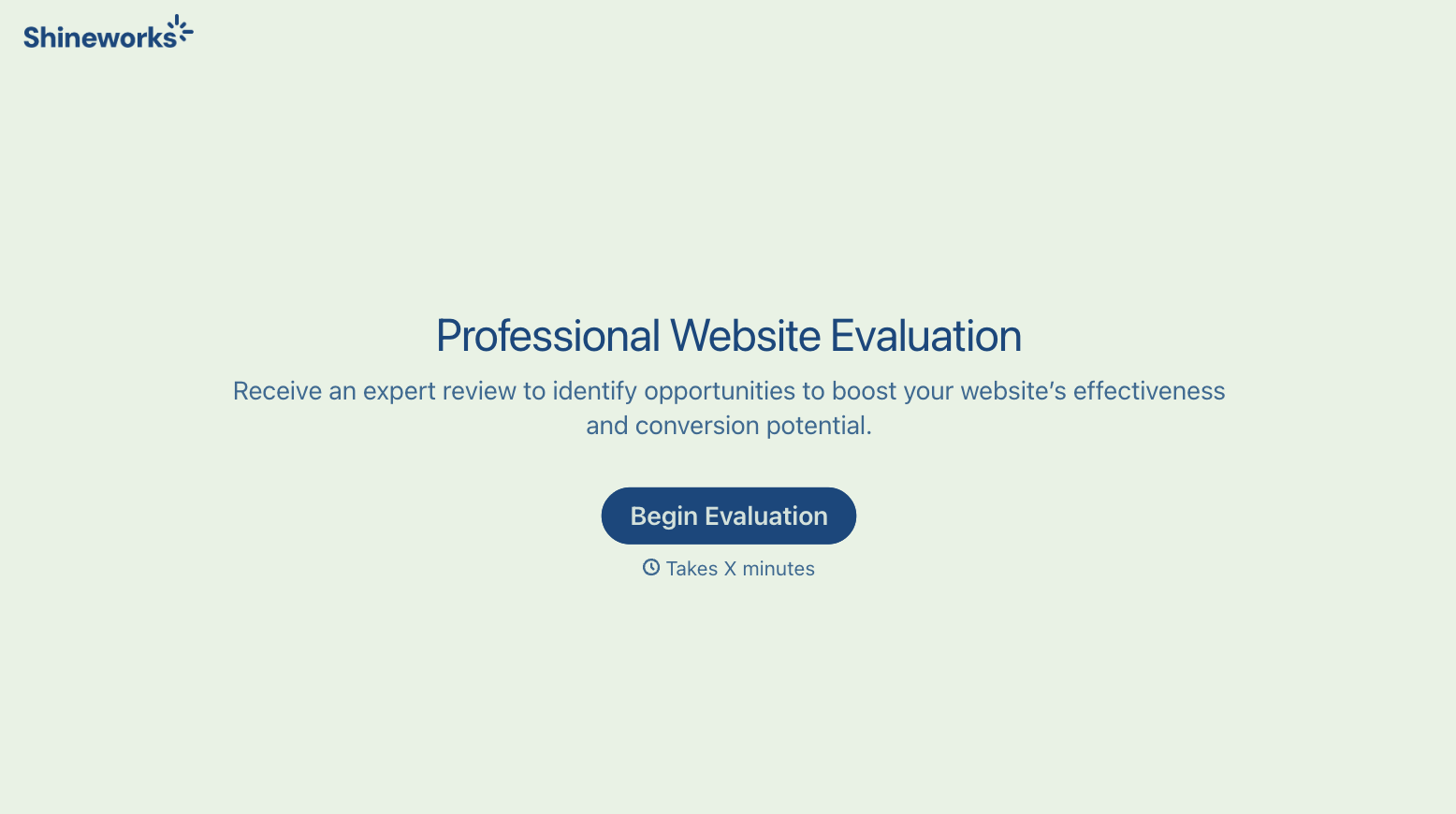
With Typeform, you can customize everything
Change text, colors, and even logos to match the look and feel of your brand. Then embed forms smoothly onto web and email.
Make forms feel effortless to fill out. Pace questions, call people by their name, and adapt the flow based on the data they share.
Stay efficient by connecting forms to your workflow. Typeform integrates with 300+ tools including Slack, Zapier, and HubSpot.


