Inspection Form Template
Document conditions on-site. Accurately, consistently, every time.


Inspections demand precision. Whether you're checking a rental property, a construction site, or a fleet vehicle, the details matter, and scribbled notes on a clipboard don't cut it. Missed items, illegible entries, and inconsistent formatting make it harder to spot issues and even harder to prove due diligence later.
This inspection form template standardizes your process. Every inspector follows the same checklist, rates the same criteria, and uploads photos directly into the form. Conditional logic lets you surface additional questions based on findings. If something fails, the form automatically asks for details and corrective actions.
Build it once and reuse it across locations, assets, or teams. Responses sync to your preferred tools in real time, so managers can review findings without waiting for someone to type up their notes. It works on any device, which means inspectors can complete it on-site from a phone or tablet.
An inspection form is a standardized document used to evaluate the condition, safety, or compliance of a property, asset, or process. It typically includes a checklist of items to assess, rating scales, space for notes, and the ability to attach supporting evidence like photos. It creates an official record of what was found and when.
Digital forms eliminate transcription errors, enforce consistency across inspectors, and create an instant, searchable record. Photos and notes are attached to the same submission, so there's no more matching loose images to paper reports. Real-time syncing means decision-makers can act on findings immediately, not days later when a report finally lands on their desk.
- Date, time, and location of the inspection
- Inspector name and credentials
- Checklist items with pass/fail or rating scale
- Photo upload for documenting conditions
- Notes field for observations or deficiencies
- Recommended corrective actions and priority level
Make critical fields required so the form can't be submitted with gaps. Conditional logic helps too. If an inspector marks an item as "fail," the form can immediately prompt them for details, photos, and a recommended fix. This built-in structure prevents the "I'll fill it in later" problem that plagues paper checklists.
Yes. The template is a starting point you can adapt for property inspections, safety audits, vehicle checks, equipment reviews, or any other evaluation. Swap out the checklist items, adjust the rating criteria, and save different versions for different use cases, all from the same flexible foundation.
Get inspired by relevant templates and categories
3200+ Templates, 300+ Integrations
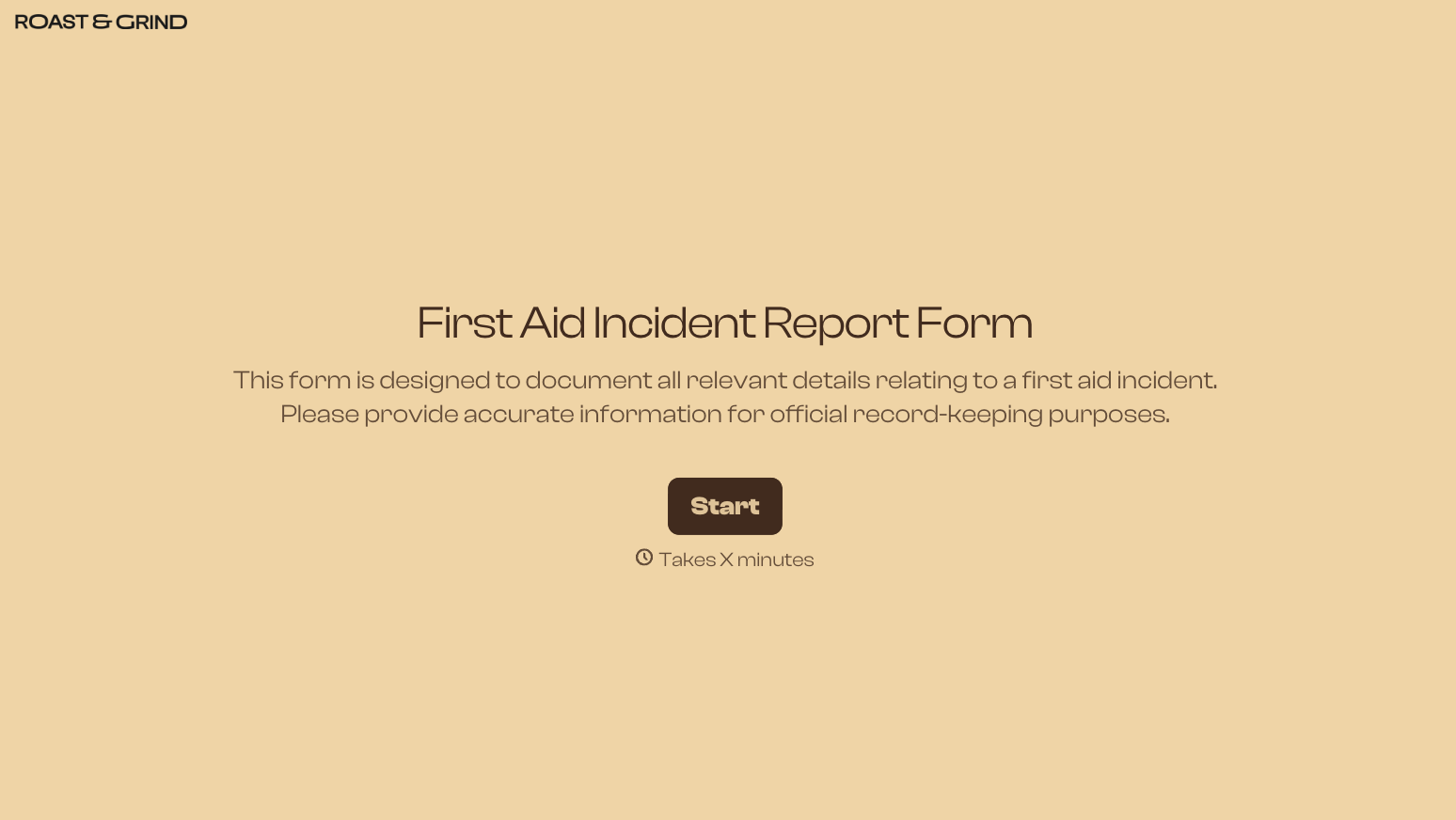
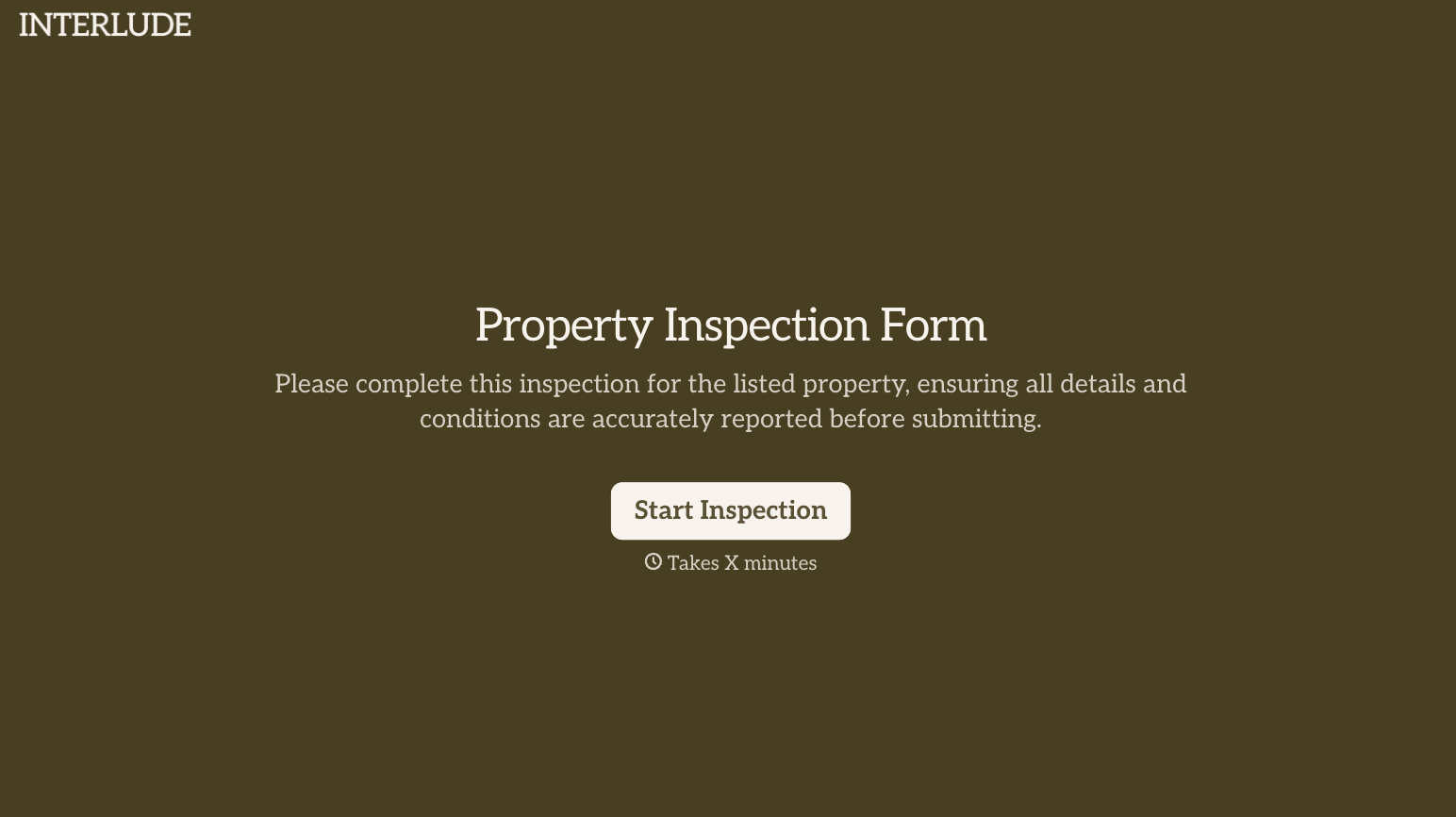
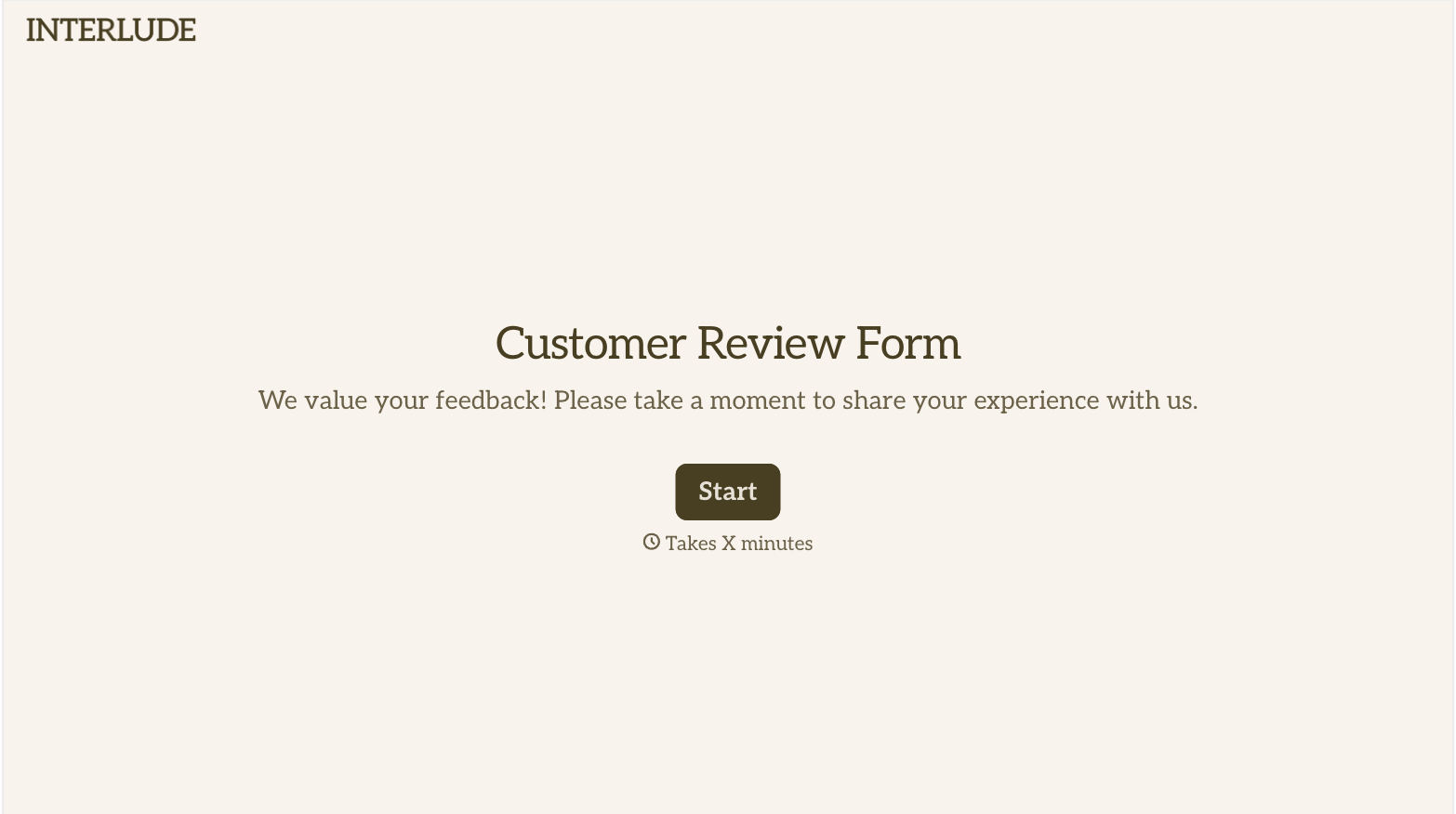
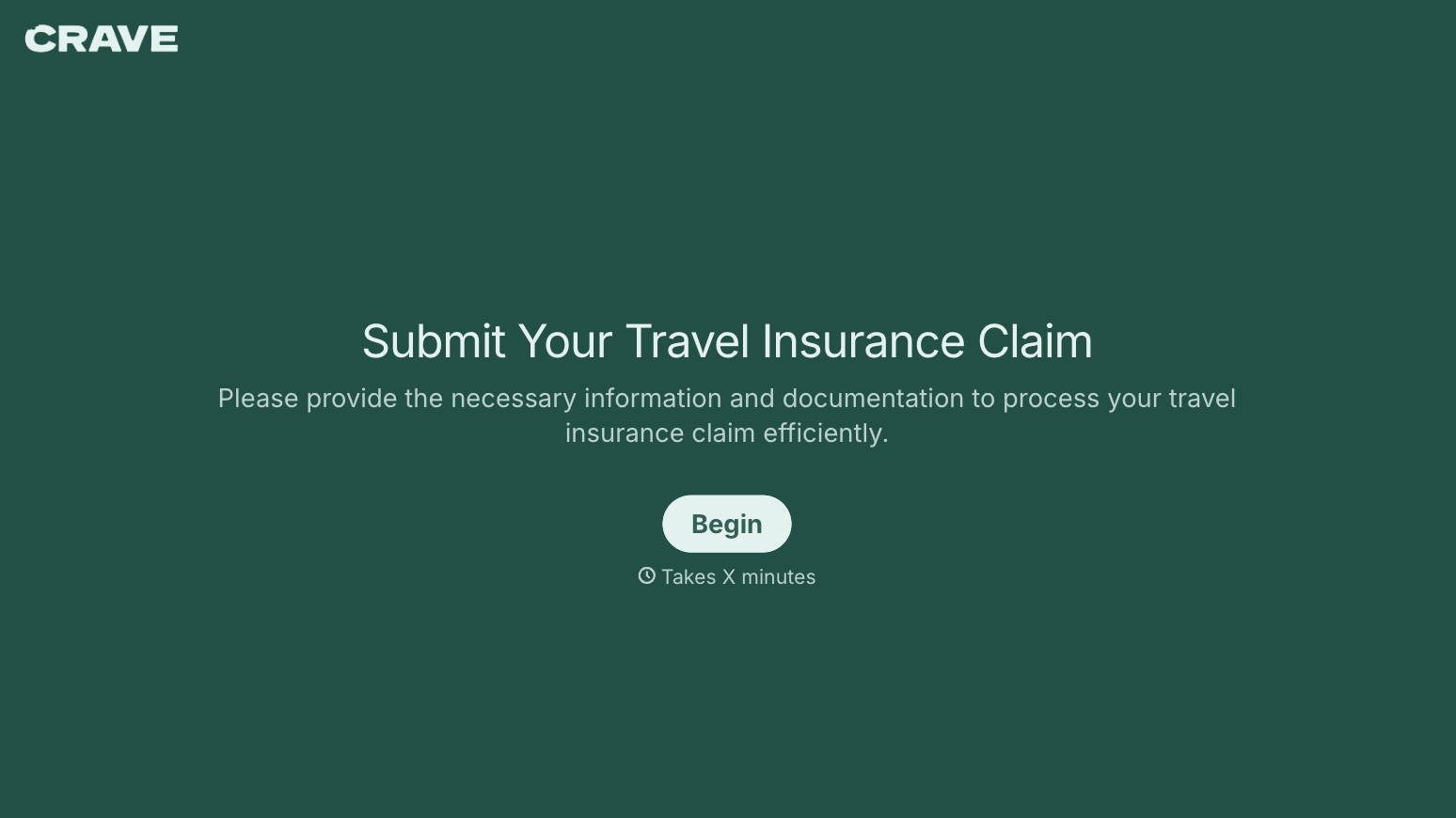
With Typeform, you can customize everything
Change text, colors, and even logos to match the look and feel of your brand. Then embed forms smoothly onto web and email.
Make forms feel effortless to fill out. Pace questions, call people by their name, and adapt the flow based on the data they share.
Stay efficient by connecting forms to your workflow. Typeform integrates with 300+ tools including Slack, Zapier, and HubSpot.


