Sandwich Order Form Template
Collect lunch sandwich orders online so every order is accurate, complete, and ready to make — no clarifications needed.



Sandwich orders break down at the details — someone orders a BLT and forgets to say they need it on gluten-free bread. Another person's preference for no mayo gets lost in the lunch group chat. By the time you're at the counter, you're working from memory and guessing.
A Typeform sandwich order form collects each person's order with all the right details — bread type, fillings, sauces, sides, and any dietary requirements. Conditional logic can surface relevant customization options based on the sandwich chosen, so the questions stay relevant and are fast to complete. Connect responses to a Google Sheet and you've got a clear order list ready to go.
Customize the menu to match your offerings, share the link before the order cutoff, and stop dealing with last-minute changes.
A sandwich order form is a structured way to collect individual lunch orders, capturing all the customization details needed to prepare each order accurately. It's used by delis, cafes, and teams coordinating group orders.
When customization options are involved, written orders are more reliable than verbal ones. A form captures every preference in a consistent format, reducing errors and speeding up preparation.
Cover the details that make each order unique:
- Customer or employee name
- Bread type
- Protein or main filling
- Additional toppings and fillings
- Sauces and condiments
- Dietary requirements or allergen notes
- Side order (if applicable)
- Pickup time or delivery preference
Include a clearly labeled allergen field and make it required. When you export responses, sort by allergen flags so the kitchen can handle them separately. Include a note in the form confirmation so people know their dietary requirements will reach the kitchen.
Yes. Use Typeform's response closing feature to stop accepting submissions at a set time. Add the cutoff time in the form introduction so people know when to submit by.
Get inspired by relevant templates and categories
3200+ Templates, 300+ Integrations
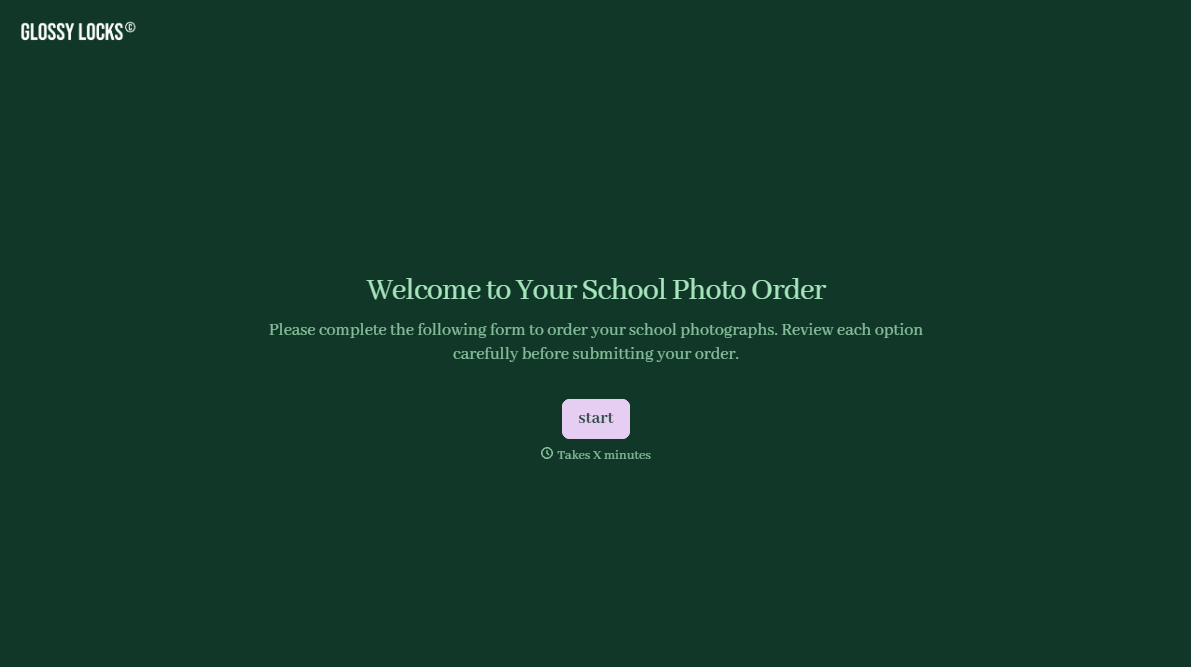
School Photography Order Form
A paper order form stuffed in a backpack for two weeks isn't an order anyone can act on. Collect student information, package selection, and payment before picture day, so your photographer shows up with an accurate count instead of a stack of crumpled envelopes.
View template
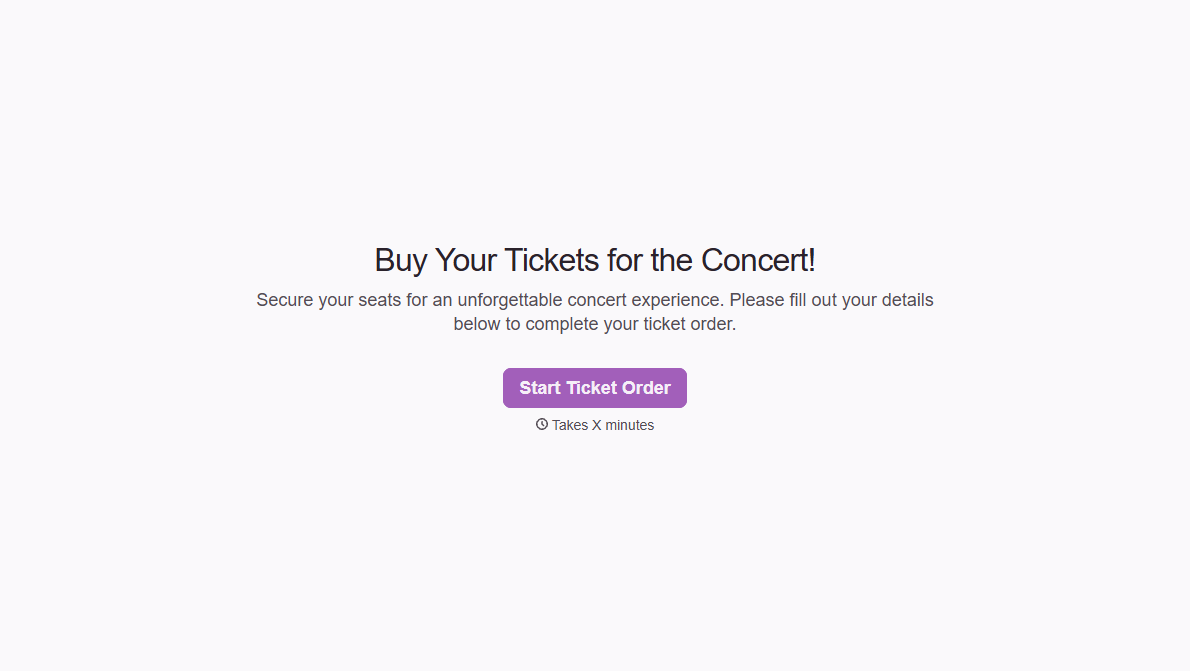
Concert Ticket Order Form
A ticket order collected through a Venmo request and a group text isn't a record, it's a promise to remember who paid and who still owes. Take the order, the payment, and the confirmation in the same form, so nobody's showing up at the door as a name someone half-remembers.
View template
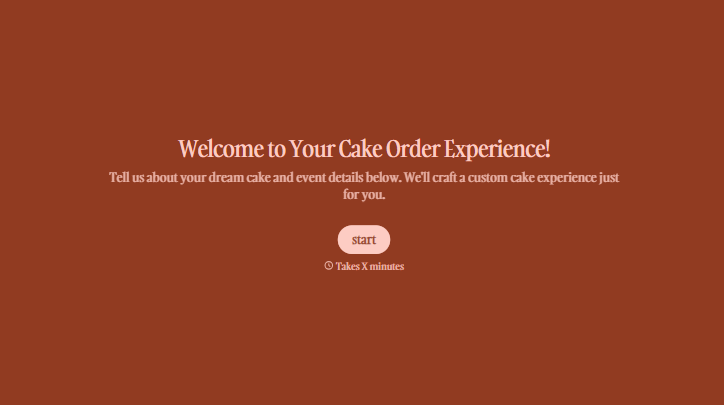
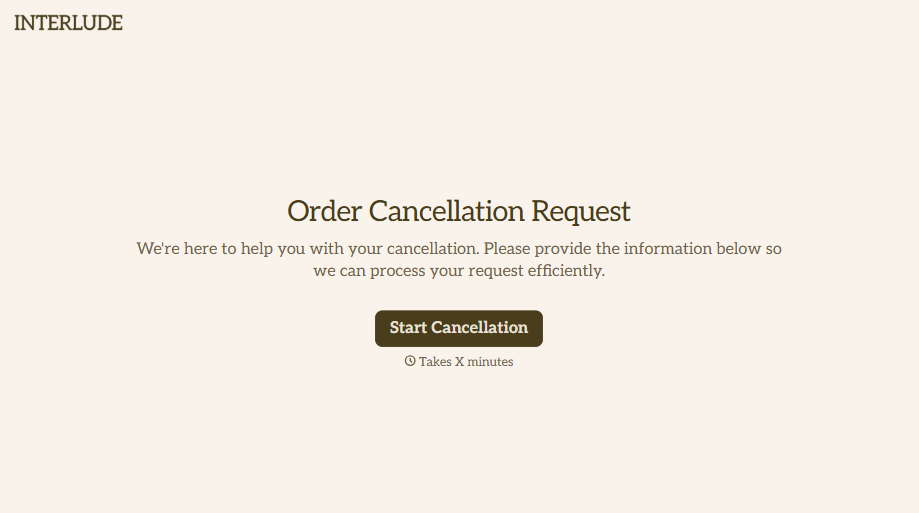

With Typeform, you can customize everything
Change text, colors, and even logos to match the look and feel of your brand. Then embed forms smoothly onto web and email.
Make forms feel effortless to fill out. Pace questions, call people by their name, and adapt the flow based on the data they share.
Stay efficient by connecting forms to your workflow. Typeform integrates with 300+ tools including Slack, Zapier, and HubSpot.


