Merchandise Order Form Template
Take merchandise orders online and keep track of what's been ordered without a messy inbox.



Whether you're selling branded merch for a team, club, event, or small business, collecting orders through social media comments, email, or word of mouth creates a disorganized pile of requests that's hard to fulfill accurately. Sizes get mixed up, payments are delayed, and you end up spending more time sorting orders than delivering them.
An online merchandise order form captures every order in a consistent format. Customers select their items, choose sizes and quantities, and provide their delivery details — all in one place. Conditional logic shows size options only for the items that come in multiple sizes, keeping the form clean and easy to navigate.
Connect to a payment processor to collect payment at the time of ordering. Responses feed into a spreadsheet so you have a clear, fulfillable order list.
A merchandise order form is an online tool that allows customers to select and submit orders for physical products. It captures product choices, sizing, quantities, shipping information, and payment details.
A form standardizes every order and gives you a complete, accurate record of what's been requested. It reduces fulfillment errors and removes the back-and-forth of informal order collection.
A complete merchandise order form should include:
- Customer name and contact information
- Product selection
- Size and color options (where applicable)
- Quantity per item
- Shipping address and preferred delivery method
- Payment details (if not handled separately)
Yes. Add a clear note in the form header indicating that items are available for pre-order and include an estimated delivery date. Collect payment upfront if your process supports it, or use the form as an intent-to-purchase record and invoice separately when stock is confirmed.
Get inspired by relevant templates and categories
3200+ Templates, 300+ Integrations
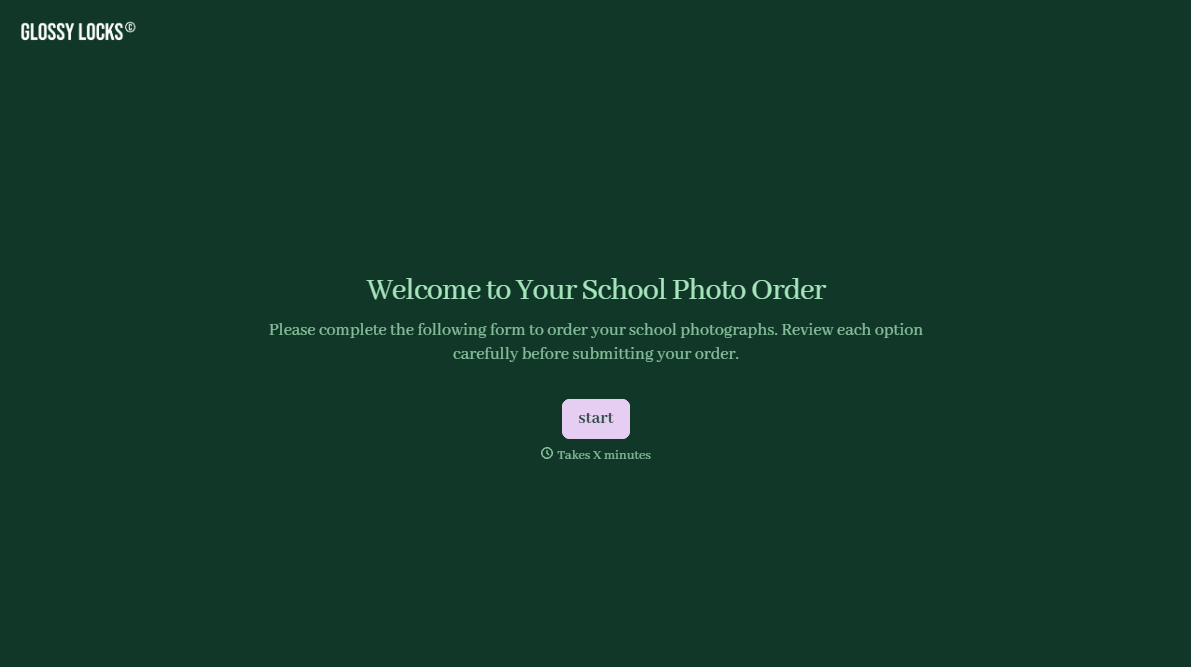
School Photography Order Form
A paper order form stuffed in a backpack for two weeks isn't an order anyone can act on. Collect student information, package selection, and payment before picture day, so your photographer shows up with an accurate count instead of a stack of crumpled envelopes.
View template
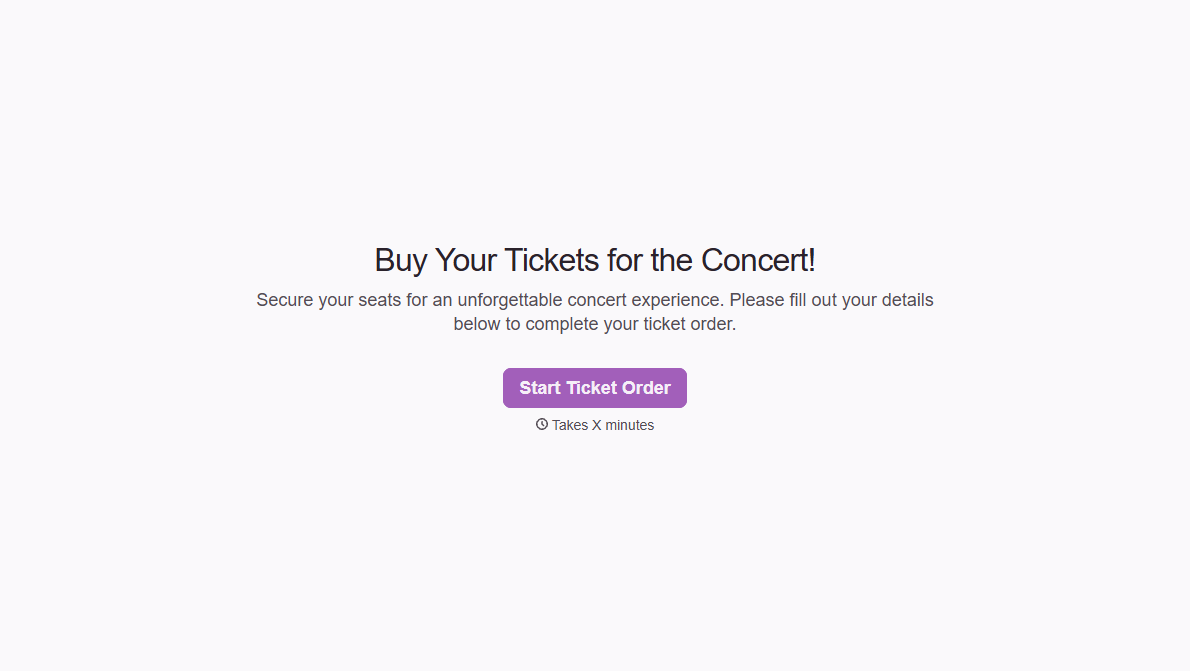
Concert Ticket Order Form
A ticket order collected through a Venmo request and a group text isn't a record, it's a promise to remember who paid and who still owes. Take the order, the payment, and the confirmation in the same form, so nobody's showing up at the door as a name someone half-remembers.
View template

With Typeform, you can customize everything
Change text, colors, and even logos to match the look and feel of your brand. Then embed forms smoothly onto web and email.
Make forms feel effortless to fill out. Pace questions, call people by their name, and adapt the flow based on the data they share.
Stay efficient by connecting forms to your workflow. Typeform integrates with 300+ tools including Slack, Zapier, and HubSpot.


