Marketing Brief Form Template
Align stakeholders and creatives before a single campaign goes live, because great marketing starts with great briefs.


Marketing campaigns fail for many reasons, but a surprising number of them trace back to the same root cause: a bad brief, or no brief at all. When objectives are vague, audiences are undefined, and success metrics are "we'll know it when we see it," the creative team is set up to miss the mark. Revisions multiply, budgets overrun, and the person who approved "something fun and engaging" is suddenly unhappy with the result.
This marketing brief form template puts structure around the chaos. Stakeholders answer focused questions about campaign objectives, target audience, key messages, channels, budget, timeline, and success criteria, one at a time, so nothing gets skipped. Conditional logic adjusts the brief based on campaign type (brand awareness vs. product launch vs. lead generation), keeping each brief relevant and concise. Completed briefs route to your creative team via Slack, email, or project management tools through Zapier.
Customize the questions and campaign types to match your organization's marketing operations, add your branding, and distribute to anyone who requests creative work. A 15-minute brief now prevents weeks of misaligned effort later.
A marketing brief is a strategic document that outlines the essential information and direction for a marketing campaign or initiative. It defines the objective, target audience, key messages, channels, budget, timeline, and how success will be measured. It aligns stakeholders and execution teams before work begins, serving as the campaign's north star.
Because every campaign without a brief is a campaign built on assumptions. A template ensures consistent, complete briefs regardless of who submits them. It eliminates the back-and-forth of "what's the budget?" and "who's the audience?" — questions that should be answered before creative work starts, not after.
Cover strategy and logistics:
- Campaign name and objective
- Target audience and key customer segments
- Core message and supporting proof points
- Channels and tactics to be used
- Budget and resource allocation
- Timeline, milestones, and launch date
A marketing brief covers the strategic what and why — business objectives, audience, channels, budget, etc. A creative brief focuses on the execution — the how: tone, visual direction, deliverables, formats. In practice, they often overlap, and many teams combine them into a single document. Use whichever level of detail matches your workflow.
The campaign owner — typically a marketing manager, brand lead, or product marketing manager. They're closest to the business objectives and audience insights — that said, the best briefs are collaborative: the owner drafts, the creative team asks clarifying questions, and the final brief reflects shared understanding before execution begins.
Get inspired by relevant templates and categories
3200+ Templates, 300+ Integrations
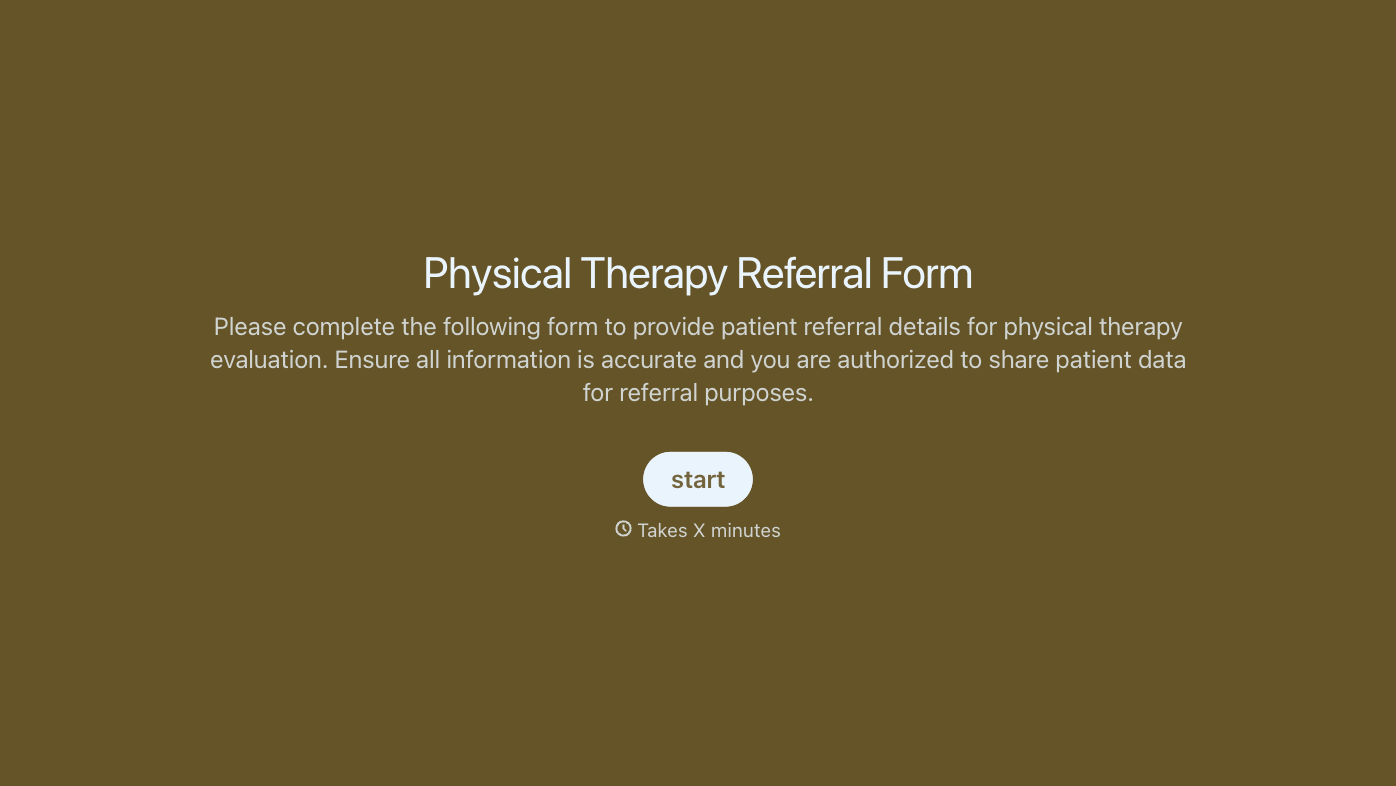
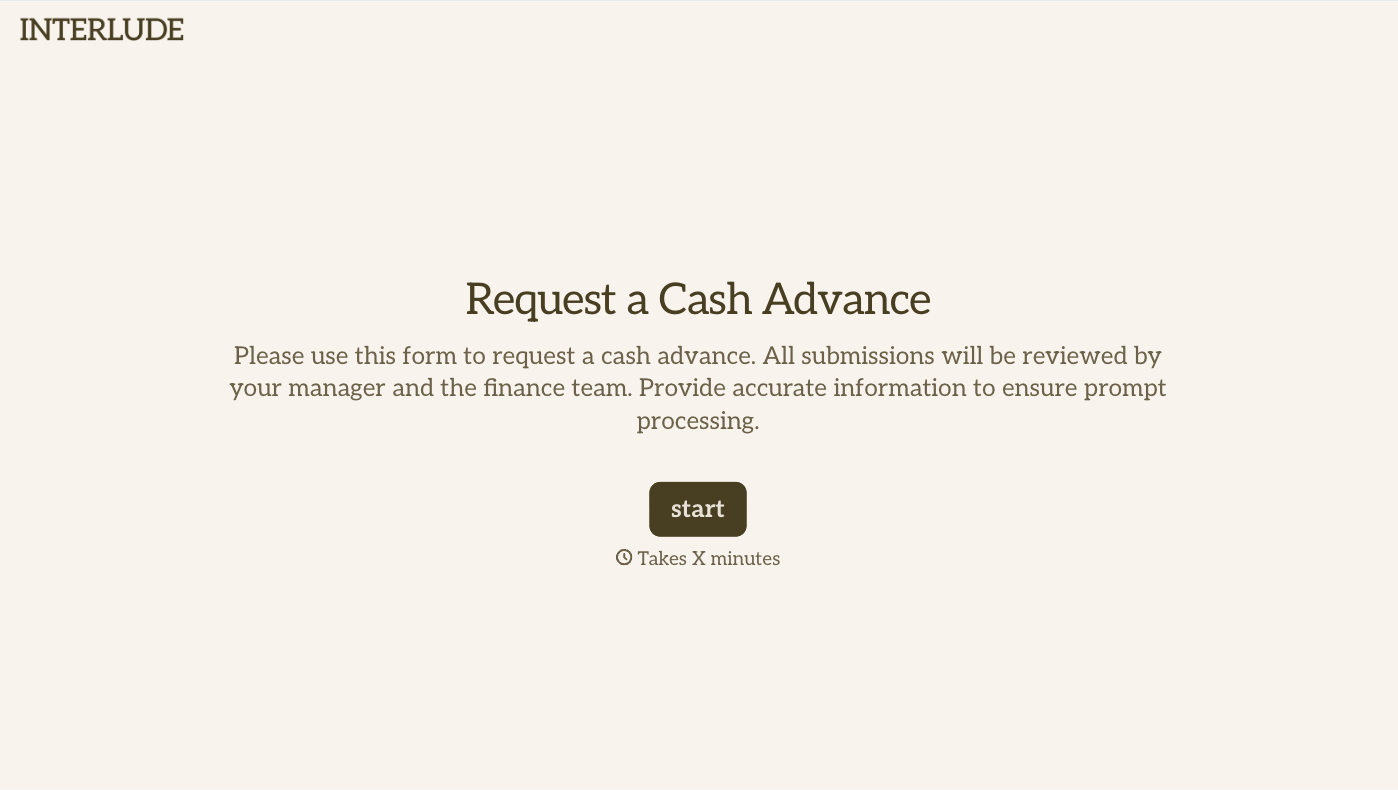
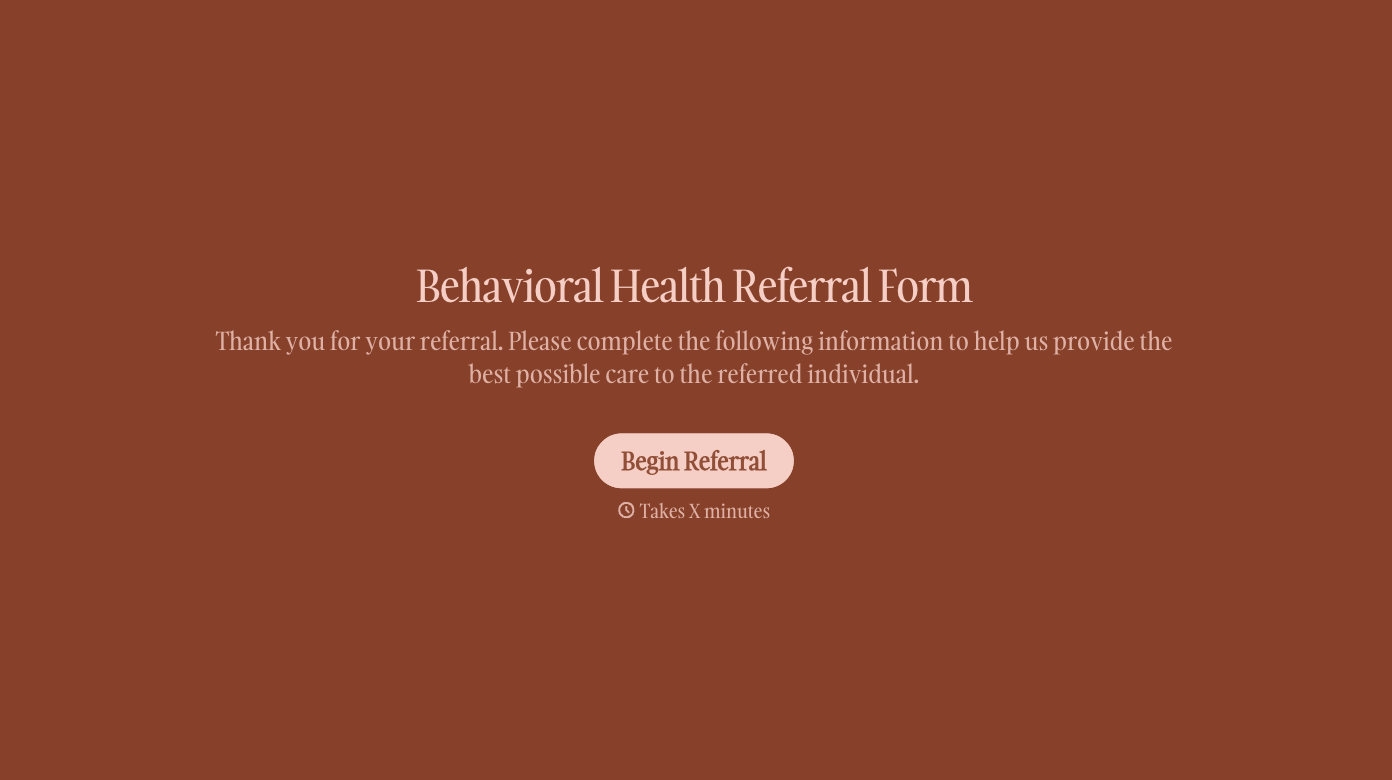
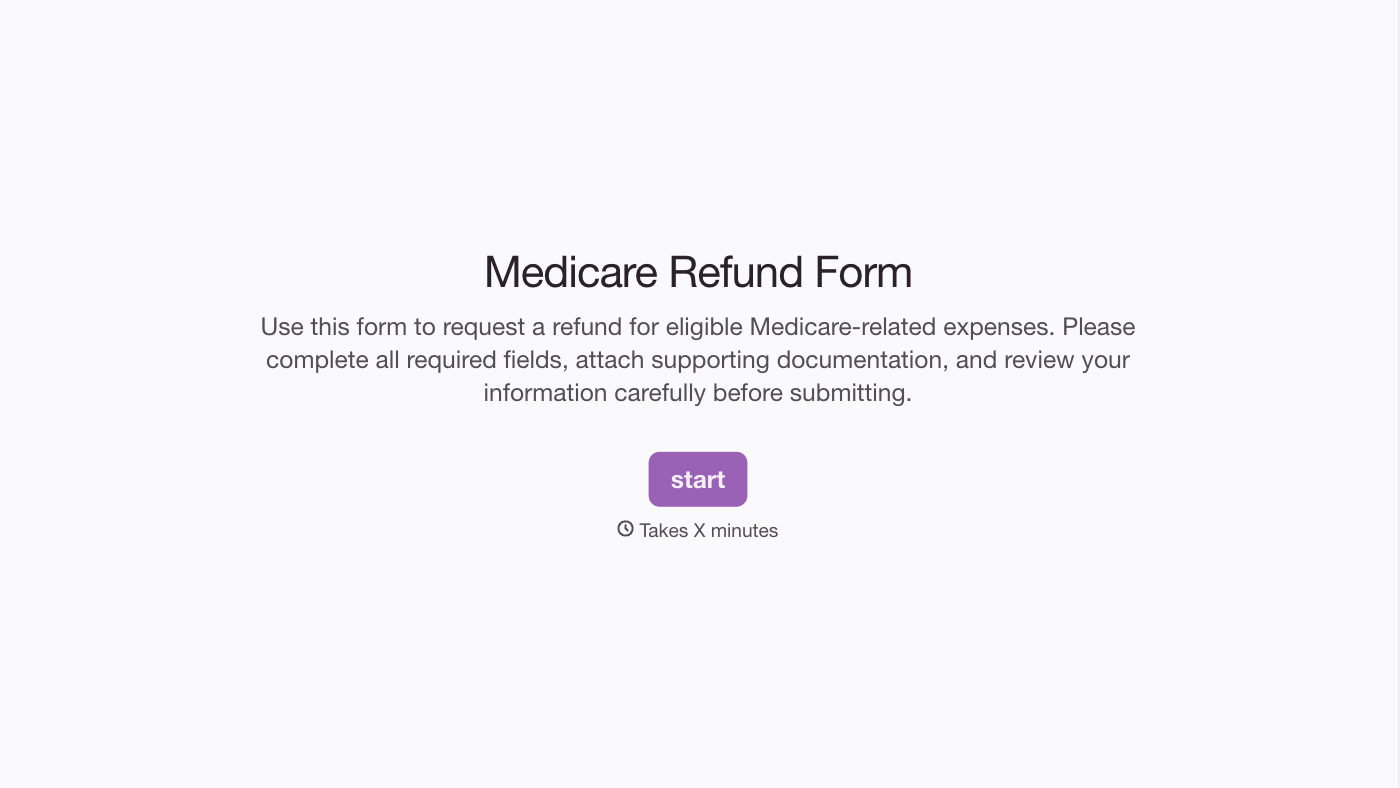
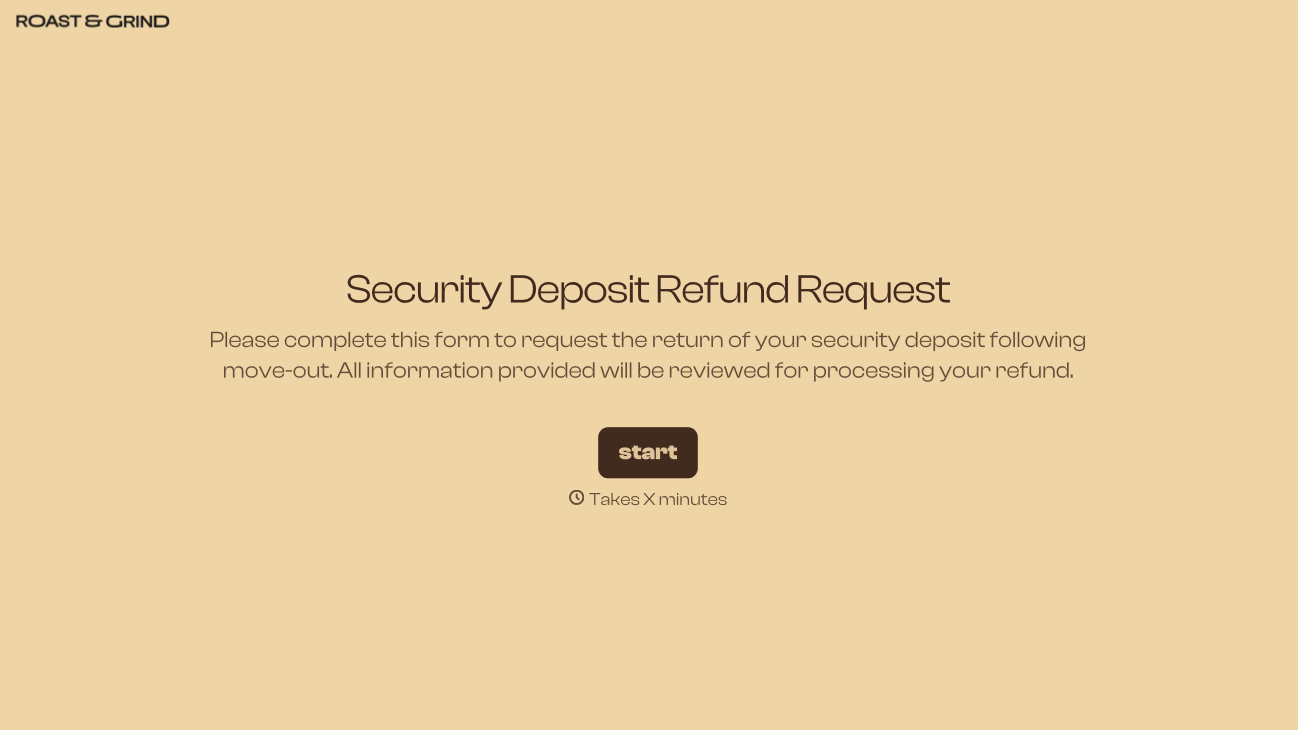
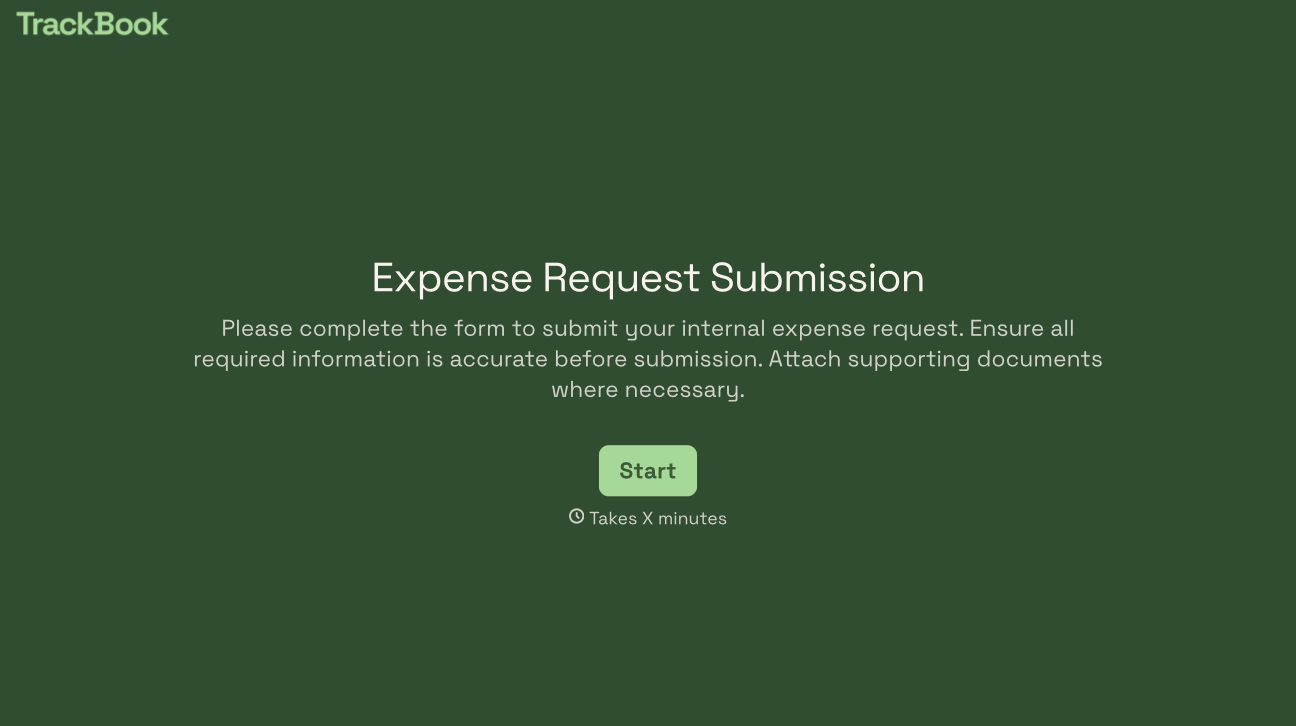
With Typeform, you can customize everything
Change text, colors, and even logos to match the look and feel of your brand. Then embed forms smoothly onto web and email.
Make forms feel effortless to fill out. Pace questions, call people by their name, and adapt the flow based on the data they share.
Stay efficient by connecting forms to your workflow. Typeform integrates with 300+ tools including Slack, Zapier, and HubSpot.


