Employee Evaluation Form Template
Replace the annual checkbox exercise with evaluations that actually tell you something.



Performance reviews have a reputation problem. Only 14% of employees strongly agreed that their performance reviews motivated them to improve, according to Gallup’s research. The form itself can make it harder to give useful feedback when it asks too little (Rate 1-5, done) or too much (40 questions that leave little time to think through each answer).
This employee evaluation form template keeps reviews focused without making them long. It walks evaluators through competency areas one at a time, so each answer gets attention. Conditional logic lets you customize questions by department or role level, so you're not evaluating a sales rep on the same criteria as a software engineer. Push completed evaluations to Google Sheets and use Typeform’s Slack integration to notify managers. You can also use Zapier to send evaluations to your HR system.
Adjust the competency categories, rating scales, and open-ended prompts to match your review cycle. Add your organization’s branding before sharing the form with teams.
Back up ratings with examples
Pair each rating with a short prompt asking for an example that supports the score, such as a project, a decision, or a piece of work. If a manager can’t point to an example, revisit the rating before the review. Ask for examples of strengths too, so employees know what to keep doing.
Ask managers to consider the full review period. Recent work is easier to recall, so a strong or difficult final month can carry too much weight. Brief notes throughout the cycle give managers examples to draw on when they fill out the form.
Define what each rating means
One manager’s 3 can be another manager’s 4. Give each point on the scale a short description. For example, “Meets expectations” could mean “Delivers agreed work on time with minimal revisions.” Use the same definitions across versions of the form and share them with employees. If your scale has a midpoint, spell out what it means. A clear definition helps managers use that rating when it fits the employee’s performance.
Before finalizing ratings, have managers compare how they applied the scale across teams. Gallup found that 26% of employees strongly agreed their reviews were accurate, and 29% strongly agreed they were fair. Comparing ratings can help managers spot where they’ve applied the same criteria differently.
Set goals for the next review cycle
Agree on 2 or 3 goals, the support the employee will need, and how you’ll measure progress. Write each goal so someone else could tell whether it was met. Ask employees to propose goals in their self-assessment so their priorities are part of the discussion. Gallup found that employees whose managers involved them in setting goals were 4 times as likely to be engaged as other employees. Start the next review by checking progress on those goals.
The terms are often used interchangeably. Both assess job performance, goal progress, and development areas. This template works for either format, as well as for peer reviews and self-assessments. Adjust the framing of the questions to match the type of review you're running.
Create a separate version of the form for employees to complete before the manager review, using the same competency framework. This gives managers context for the conversation before it happens and helps employees feel heard rather than evaluated from only one direction.
Only form owners and designated collaborators with account access see individual responses in Typeform. You control visibility through your workspace settings. Connected tools follow their own permissions, though. If evaluations sync to a shared spreadsheet or post to a Slack channel, anyone with access there can see them. Send notifications to private channels and limit who can open the sheet.
Many organizations run formal evaluations once or twice a year, with lighter quarterly check-ins in between. Gallup recommends holding progress reviews at least every 6 months. Use the template on a consistent schedule so feedback is regular and expected rather than occasional and surprising.
Responses live in your Typeform results panel and sync to connected tools through integrations. Export responses as a CSV or Excel file, or use the print option to save an individual response as a PDF for employee records or your HRIS. Keep a copy handy to reference during calibrations or development conversations.
Get inspired by relevant templates and categories
3200+ Templates, 300+ Integrations
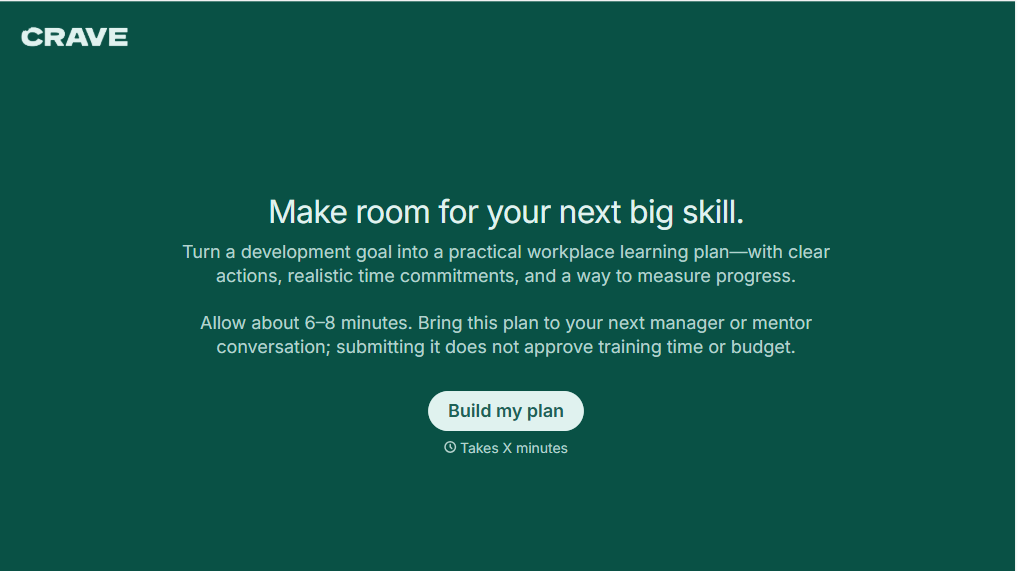
Workplace Learning Plan Form
Help employees and managers create structured professional development plans with a form that collects learning goals, skill gaps, and training preferences. Keep development priorities organized so teams can track progress, identify learning opportunities, and support employee growth in the workplace.
View template

Skills Assessment Consent Form
Give employers, training providers, and educational organizations a straightforward way to obtain consent for skills assessments with a form that collects participant information, assessment details, and authorization. Keep consent records organized so administrators can communicate evaluation procedures, explain how results will be used, and confirm participation before assessments begin.
View template
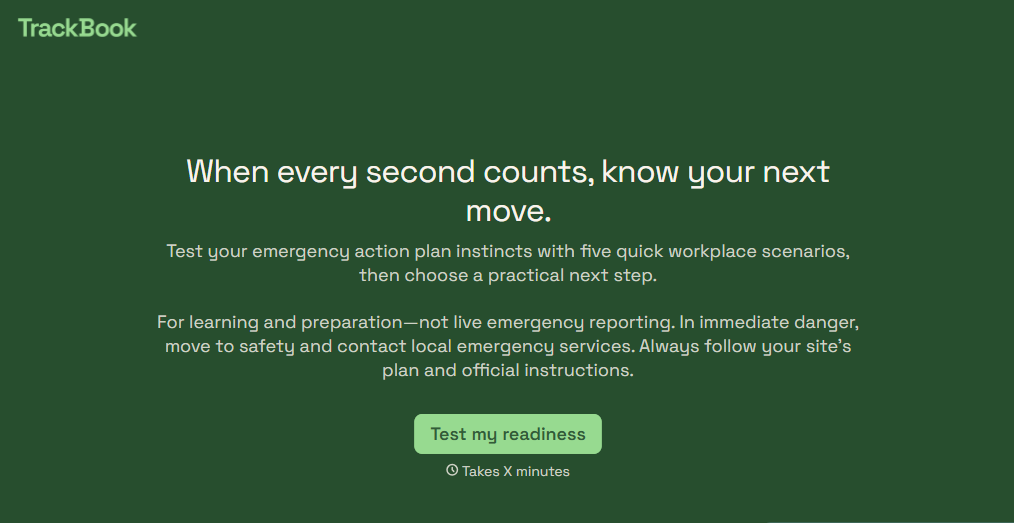
Emergency Action Plan Quiz Form
Give employees an easy way to test their emergency preparedness knowledge with a quiz that covers evacuation procedures, emergency contacts, and workplace safety protocols. Keep the results organized so your team can identify knowledge gaps, reinforce training, and improve emergency response readiness.
View template
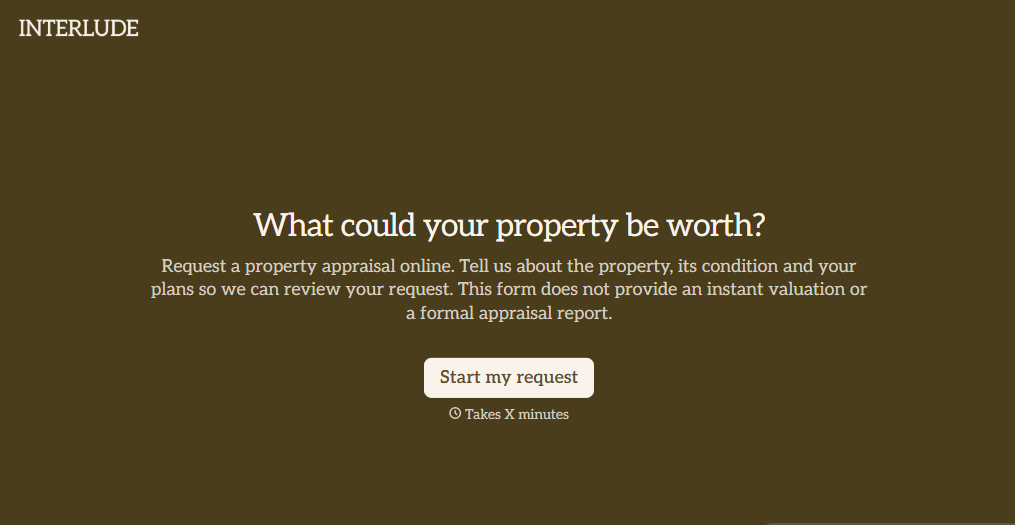
Digital Property Appraisal Form
Give property owners a convenient way to request real estate appraisals with a form that collects property details, ownership information, and valuation needs. Keep appraisal requests organized so real estate professionals can review submissions, evaluate property characteristics, and coordinate accurate property assessments.
View template

Camp Volunteer Staff Reference Form
Give camp coordinators an easy way to collect references for prospective volunteers with a form that gathers information about reliability, relevant experience, and interpersonal skills. Keep reference responses organized so camp administrators can evaluate applicants, identify strengths, and make informed volunteer selection decisions.
View template
With Typeform, you can customize everything
Change text, colors, and even logos to match the look and feel of your brand. Then embed forms smoothly onto web and email.
Make forms feel effortless to fill out. Pace questions, call people by their name, and adapt the flow based on the data they share.
Stay efficient by connecting forms to your workflow. Typeform integrates with 300+ tools including Slack, Zapier, and HubSpot.