Email opt-in form template
Grow your list without a static signup box that just collects an address and goes quiet. Capture consent up front and get every subscriber synced to your email platform the moment they hit submit.



A basic email signup box collects an address and not much else. There's no record of what someone agreed to, no way to ask what they're actually interested in, and the address usually sits in an export waiting for someone to upload it to your email platform by hand—sometimes days after someone signed up.
Typeform's email opt-in form asks for consent explicitly with a Legal or Checkbox question, so every subscriber has a documented, un-pre-checked opt-in instead of an assumed one. Conditional logic lets people tell you what they want to hear about, like the product updates, a newsletter, event invites, so you're not sending everyone the same email. Connect the form to Mailchimp or Klaviyo and every submission syncs to the right list or segment automatically, no export required.
Every signup lands in your email platform already consented, tagged, and ready to receive the first send that’s not just sitting in a spreadsheet waiting to be uploaded. You can show when and how someone opted in, and they only ever see the topics they said they wanted.
An email opt-in form is an online form that collects someone's email address along with their explicit consent to receive marketing messages. Instead of assuming permission because someone browsed your site, it documents that a person actively agreed to be contacted, which regulations like GDPR and CAN-SPAM expect you to be able to show.
A basic signup box collects an address and stops there, there’s no record of consent, no way to segment by interest, and usually no plan for what happens between someone submitting and someone else exporting the list. An opt-in form documents consent at the point of signup and can route the response straight into your email platform, so there's no gap between someone agreeing to hear from you and actually hearing from you.
Capture what your list needs and what compliance expects:
- Email address
- Name, if you plan to personalize
- Explicit, un-pre-checked consent to be contacted
- Topics or frequency they're opting into
- How they found you, if you want to track sources
Not by itself. Explicit consent is one requirement among several, so you're still responsible for honoring unsubscribes, being transparent about who's sending the email, and following the specific rules for your subscribers' region (GDPR in the EU, CASL in Canada, CCPA in California, and others). Use the form to document consent correctly, and check the rest of your compliance requirements separately.
Yes. Typeform connects natively to Mailchimp and Klaviyo (available on all plans) so a new response can add a subscriber to a list or segment in real time, no export or manual upload involved. Set the mapping up once and every future signup flows straight into your existing email marketing setup.
Get inspired by relevant templates and categories
3200+ Templates, 300+ Integrations
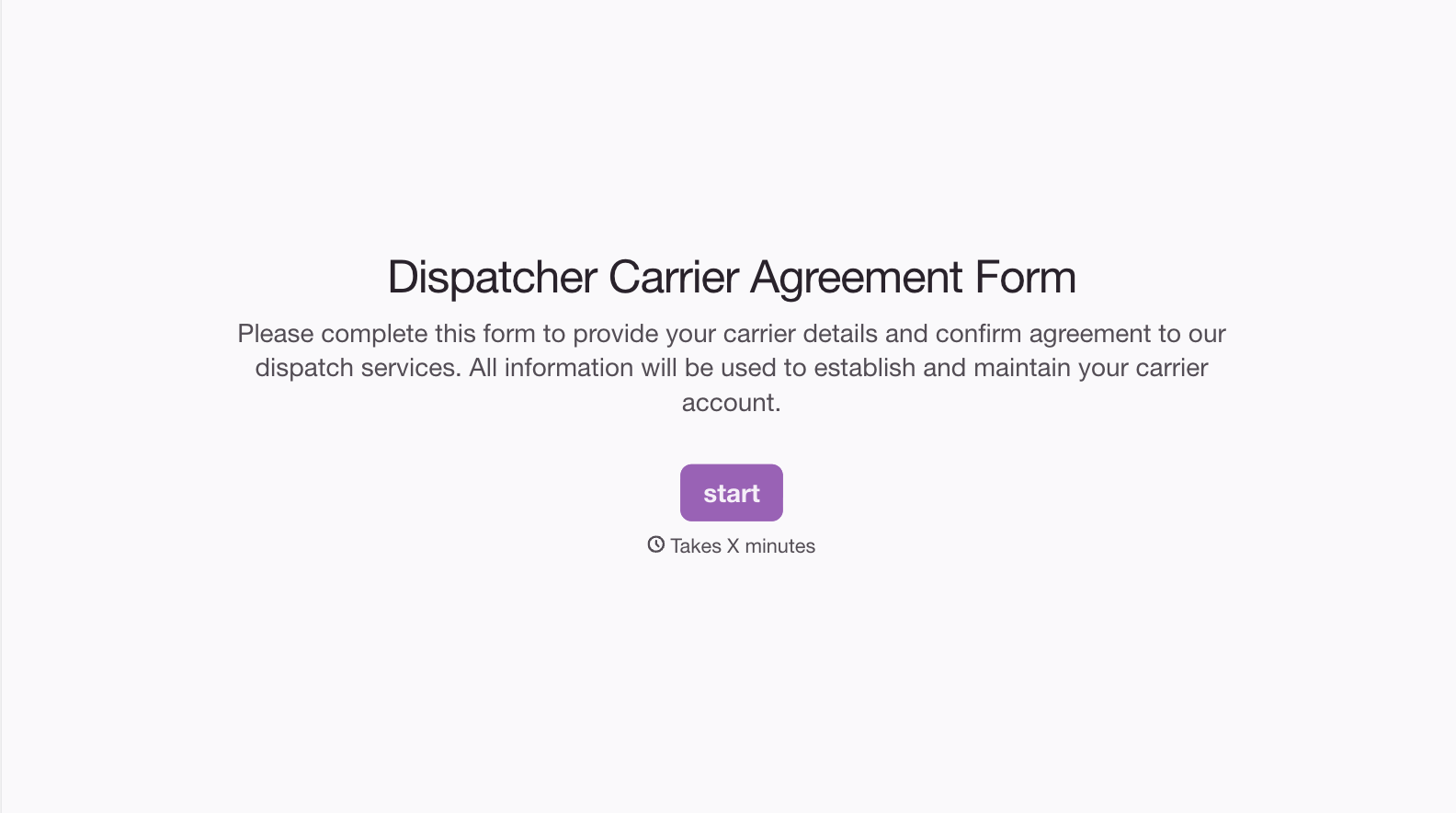
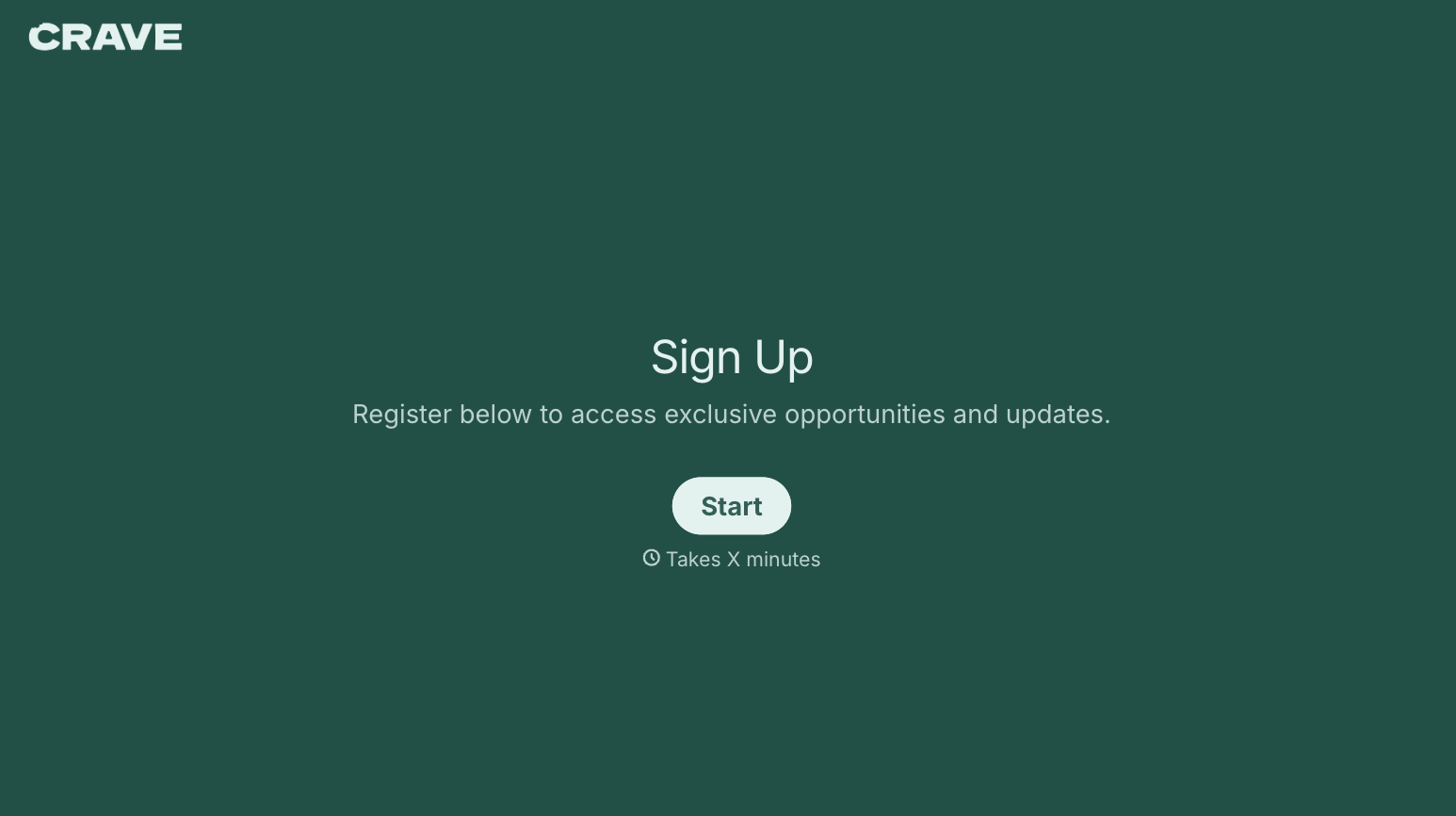
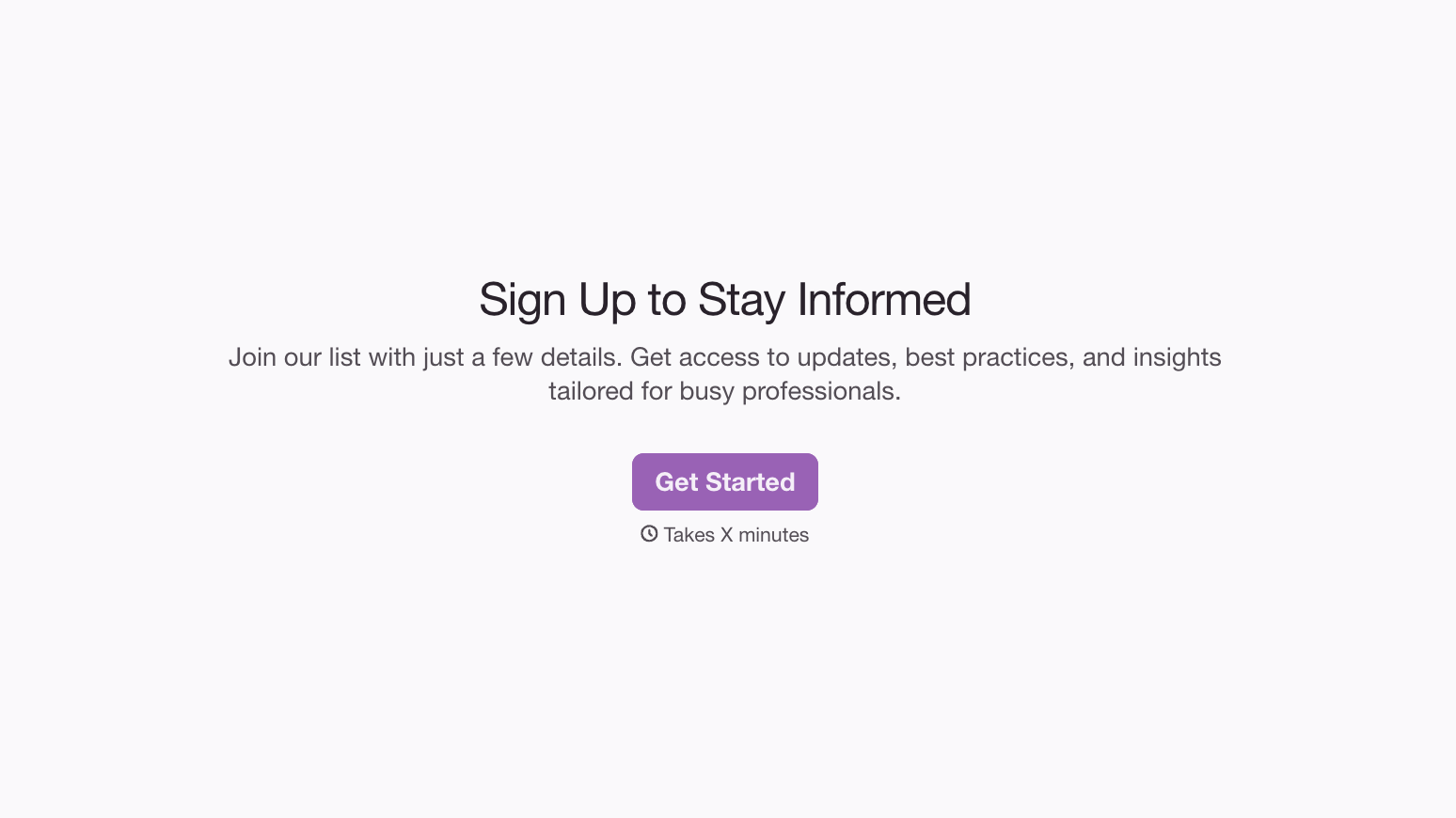
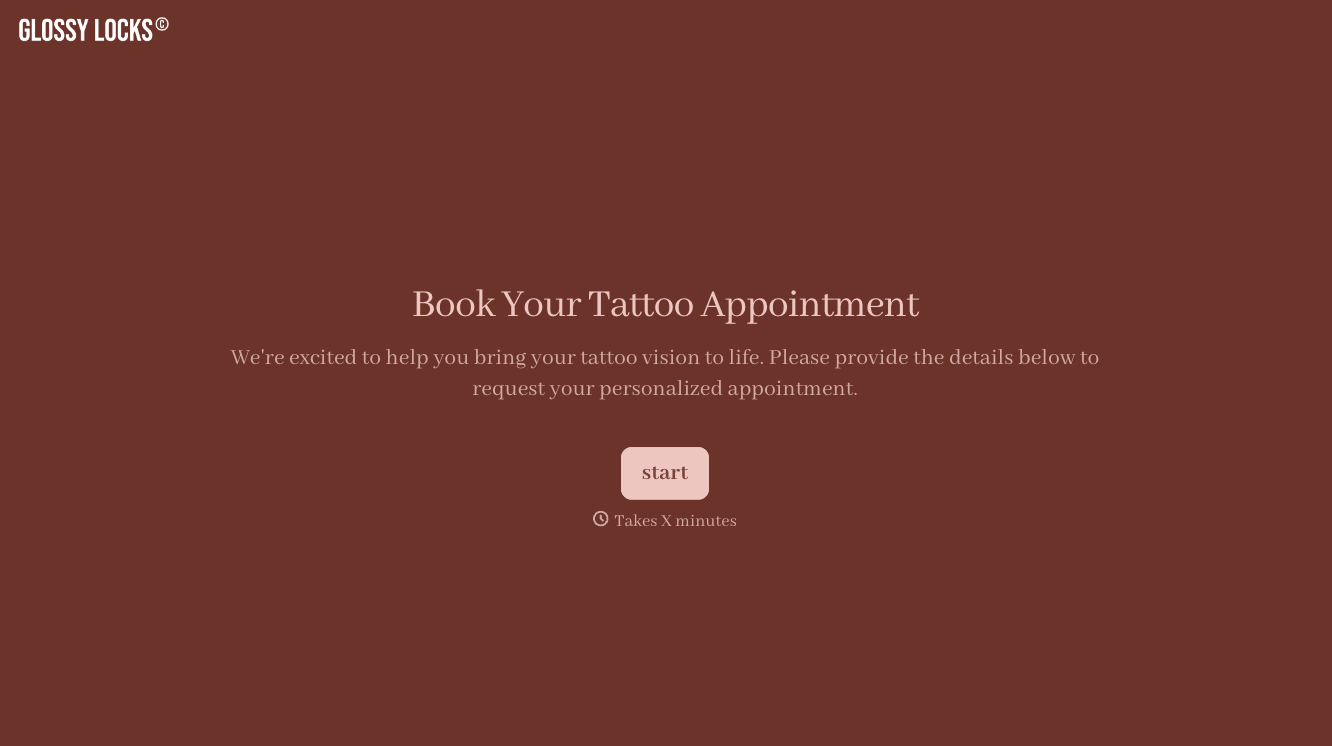

With Typeform, you can customize everything
Change text, colors, and even logos to match the look and feel of your brand. Then embed forms smoothly onto web and email.
Make forms feel effortless to fill out. Pace questions, call people by their name, and adapt the flow based on the data they share.
Stay efficient by connecting forms to your workflow. Typeform integrates with 300+ tools including Slack, Zapier, and HubSpot.


