Construction Change Order Form Template
Keep construction projects on track, even when the plan changes.


In construction, change is inevitable. A client wants a different finish. The site reveals conditions nobody expected. Materials are backordered and a substitution is needed. Each change ripples through budgets, timelines, and subcontractor schedules. Without a formal process, those ripples turn into waves.
This construction change order form template is built for the realities of job sites. It captures the change description, cost impact, schedule adjustment, affected trades, and required approvals. All structured so nothing gets buried in an email thread or lost on a clipboard. Conditional logic routes the form based on change type: owner-requested, field condition, or design revision.
Use it on-site from a phone or tablet. Submissions sync to your project management software, accounting system, or a shared spreadsheet. Creating an auditable trail that keeps general contractors, owners, and subs aligned.
A construction change order form is a formal document that amends the original construction contract. It records modifications to scope, materials, cost, or timeline, and requires sign-off from the relevant parties (owner, contractor, architect). It's a legally significant document that protects all stakeholders and keeps the project's financial and scheduling record accurate.
Construction projects involve multiple parties, complex dependencies, and significant money. A verbal agreement to "add a window here" can create cascading effects on structural work, electrical, and finishing. Change orders ensure every modification is evaluated for cost and schedule impact before work proceeds. Preventing disputes, budget overruns, and legal exposure.
- Project name, address, and contract number
- Description of the change in scope or materials
- Reason for the change (owner request, field condition, code requirement, etc.)
- Itemized cost breakdown (labor, materials, equipment, markup)
- Revised completion date or schedule impact
- Signatures of owner, contractor, and architect/engineer
Include a field that identifies all affected trades and their individual cost and schedule impacts. This prevents the common problem of a change order being priced by the GC but not communicated to the sub who's actually doing the work. Each affected party should be notified — integrations with email or project management tools can automate this.
A change order is a mutually agreed amendment — both parties review and sign before work proceeds. A change directive (sometimes called a construction change directive) authorizes work to begin before the cost is fully agreed upon, typically when time-sensitive conditions make waiting impractical. Your form should include a field indicating which type of change is being documented.
Get inspired by relevant templates and categories
3200+ Templates, 300+ Integrations
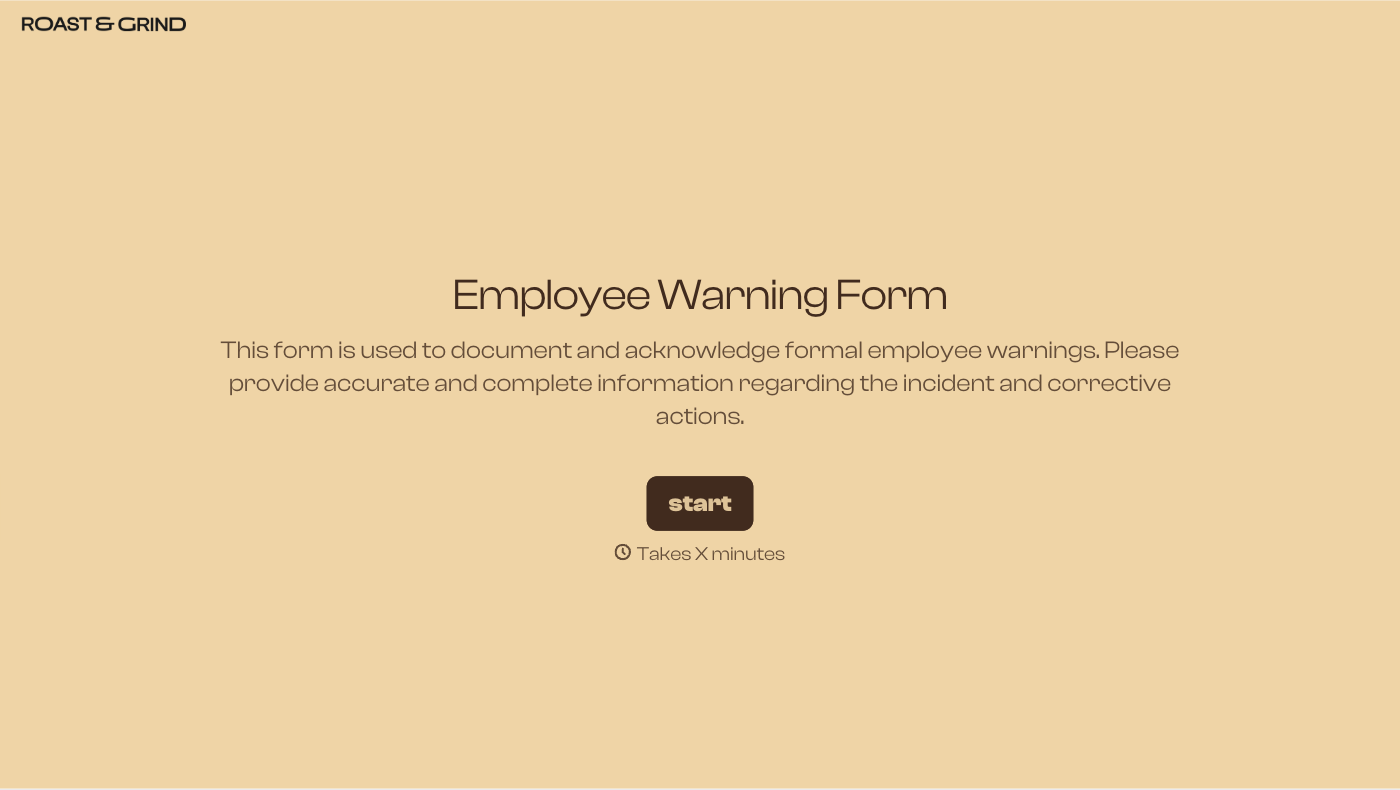
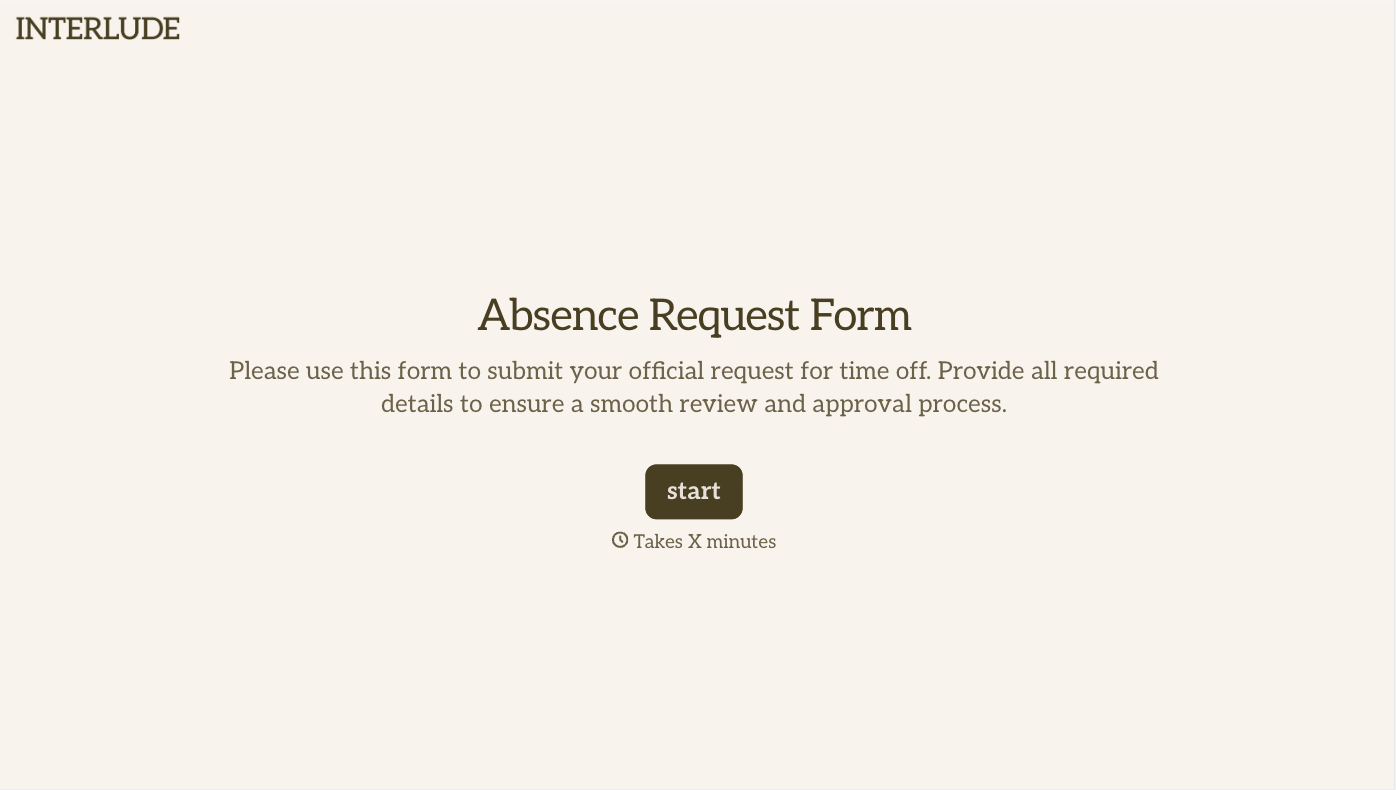
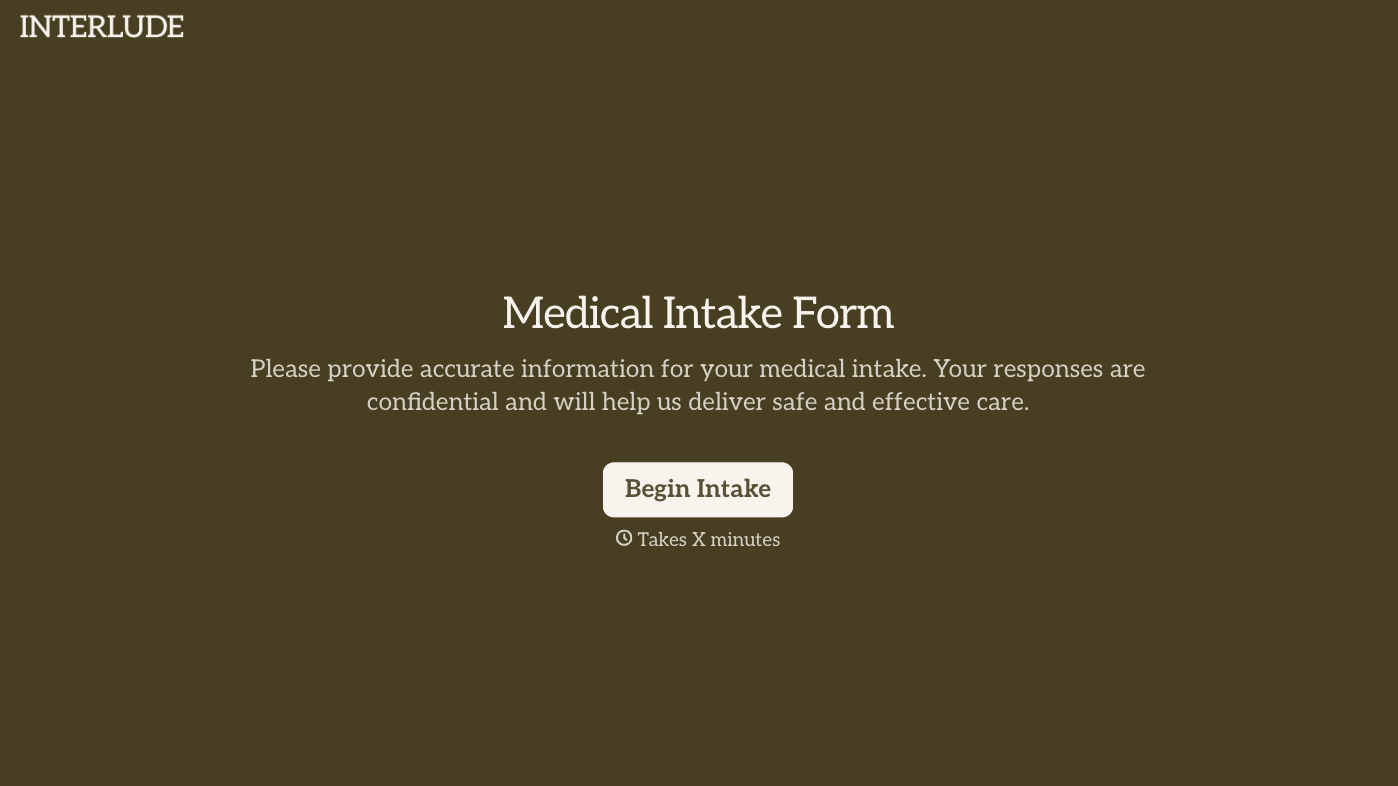
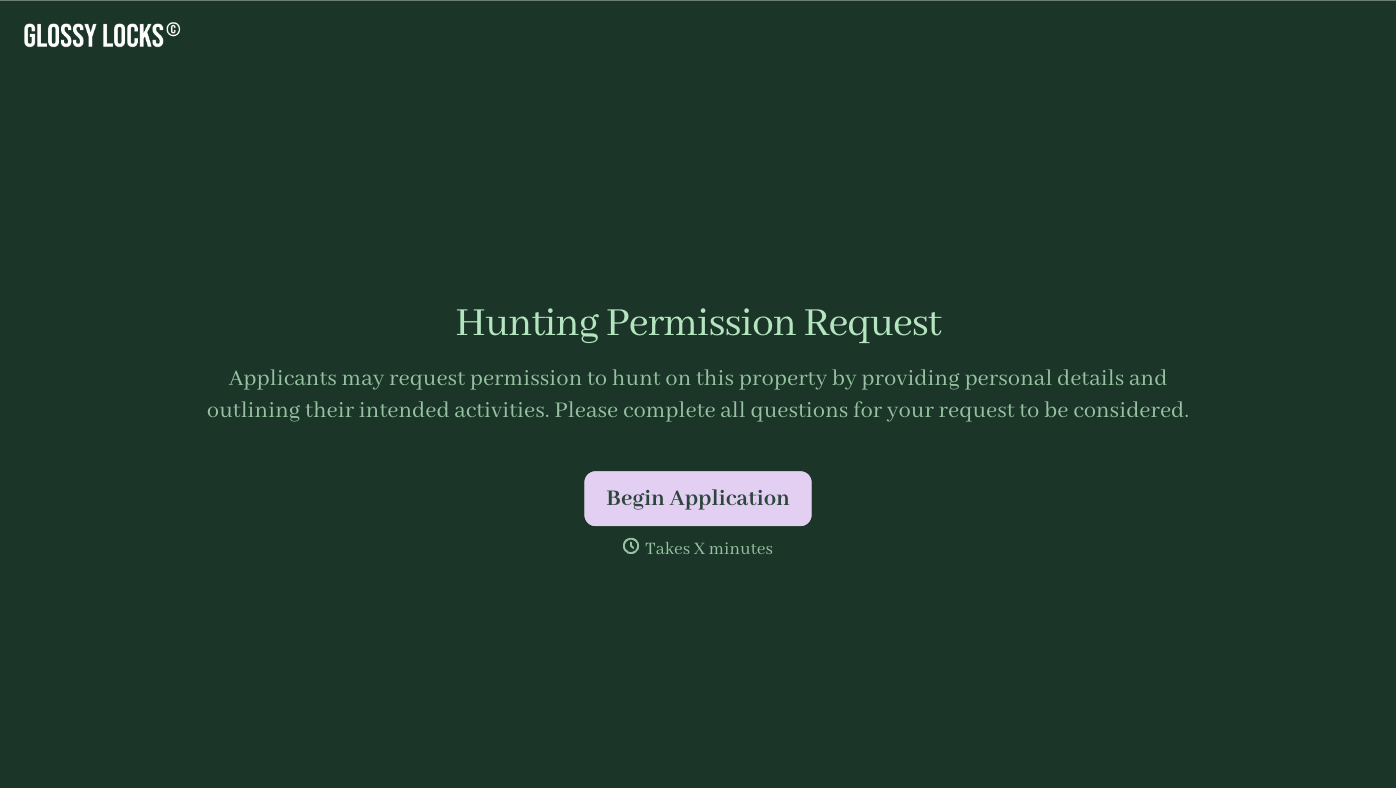

With Typeform, you can customize everything
Change text, colors, and even logos to match the look and feel of your brand. Then embed forms smoothly onto web and email.
Make forms feel effortless to fill out. Pace questions, call people by their name, and adapt the flow based on the data they share.
Stay efficient by connecting forms to your workflow. Typeform integrates with 300+ tools including Slack, Zapier, and HubSpot.


