Free Church Donation Form Template
Accepting donations online doesn't have to be complicated. This template makes it easy for your congregation to give from anywhere, at any time.



Churches rely on the generosity of their community, but outdated collection methods — passing a plate, mailing a check — leave money on the table. When giving requires physical presence or extra effort, people who want to contribute often don't follow through.
A digital donation form removes that friction. Typeform's church donation form template walks donors through one question at a time, making the process feel personal rather than transactional. You can use conditional logic to let donors choose a specific fund, set a recurring gift, or leave a note for the congregation — without overwhelming anyone with a wall of fields up front. Connect responses to your accounting tools or email platform via integrations to keep your records organized automatically.
Customize the form with your church's name, colors, and a welcoming message, then share the link in your bulletin, email newsletter, or website. You can be ready to accept donations in minutes.
A church donation form is a digital form that collects giving information from members and visitors — including donation amount, payment preferences, and fund designation. It replaces or supplements physical collection methods and gives your church a clear record of every contribution.
Physical giving methods limit who can contribute and when. A digital form lets people give from home, on a weekday, or after watching a livestream — expanding your donor base beyond those who attend in person every week.
A good church donation form collects the essentials without asking for more than necessary. Consider including:
- Donor's full name and email address
- Donation amount (with suggested giving levels)
- Fund or campaign designation (general, missions, building fund, etc.)
- Frequency preference (one-time vs. recurring)
- Payment method or confirmation
- Optional message or prayer request
Yes. You can add a dropdown or multiple-choice question that lets donors designate their gift to a specific fund — such as youth ministry, outreach, or facility maintenance. Conditional logic can then show relevant follow-up questions based on their selection.
Absolutely. You can duplicate and customize the template for specific campaigns like a Christmas offering or building fund drive. Update the messaging and fund options for each campaign, then share the unique link to that version.
Get inspired by relevant templates and categories
3200+ Templates, 300+ Integrations


Nationality Verification Form
A self-certification buried in a stack of new account paperwork isn't the kind of record a compliance team can rely on for a regulatory filing. Collect nationality, tax residency, and a signed declaration before an account opens, so compliance isn't chasing down a customer's citizenship status after the fact.
View template
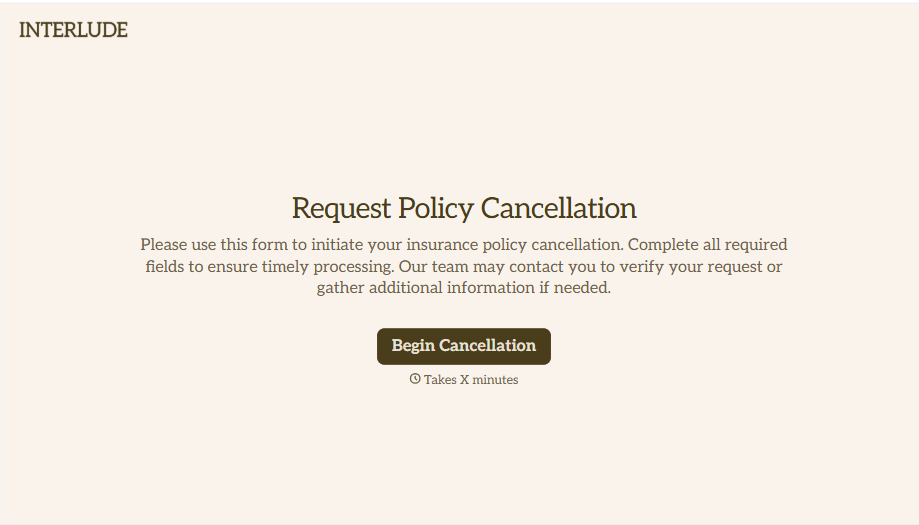
Policy Cancellation Form
A cancellation requested over the phone doesn't leave a clear record of exactly what date the policyholder actually asked for, and that date matters more than it sounds like it should. Collect what your agency actually needs, policy details, identity verification, and the requested effective date, before coverage actually ends.
View template
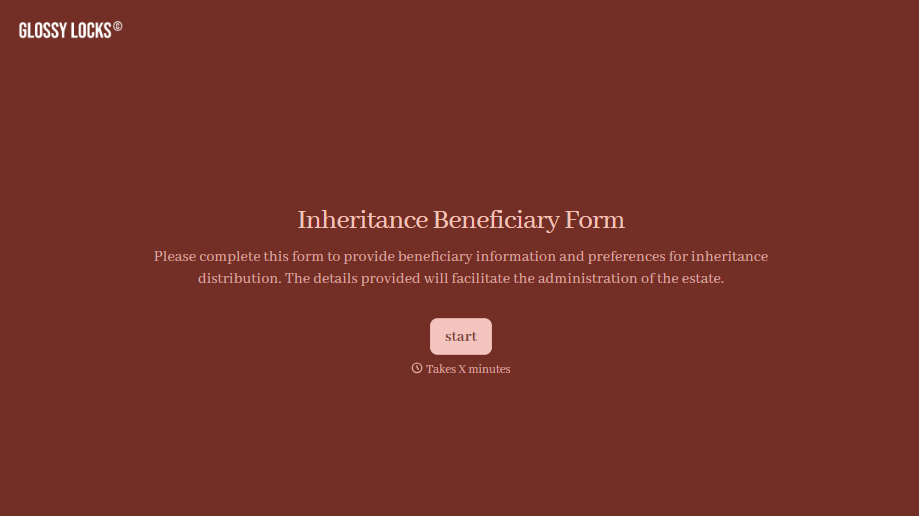
Inheritance Beneficiary Form
Asking a grieving family member for the same banking details across three different phone calls doesn't make settling an estate go any faster. Collect what your firm actually needs, beneficiary information, identification, and distribution details, in one submission instead of three calls.
View template
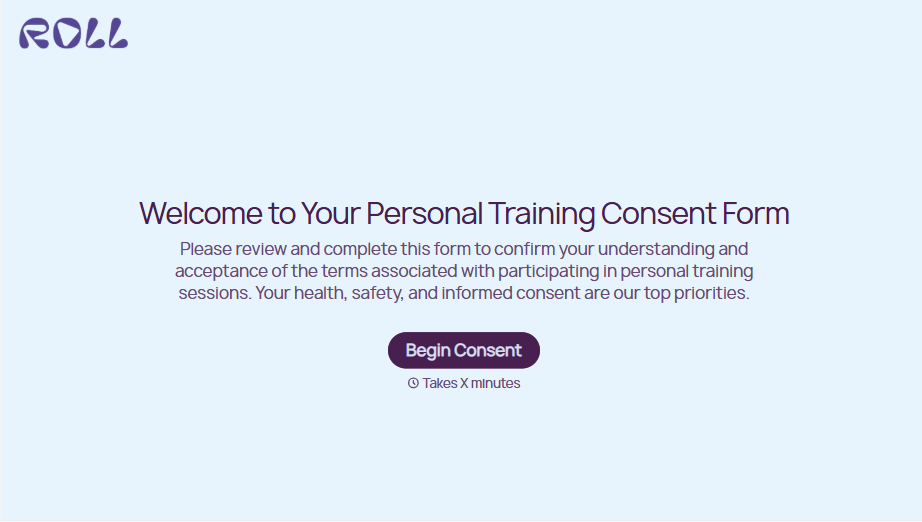
Personal Training Informed Consent Form
A consent form signed in the ten seconds before a first session isn't the kind of informed agreement that holds up if something goes wrong. Walk clients through the specific risks of training and get a signed, dated acknowledgment before the first rep, so consent actually means what the word implies.
View template

Unconditional Release Form
A lien waiver signed at the job site with a pen borrowed from someone's truck isn't the kind of document a lender wants to see before releasing a draw. Collect the project, payment details, and a signed unconditional release before funds go out, so a draw isn't held up by a waiver nobody can find.
View template
With Typeform, you can customize everything
Change text, colors, and even logos to match the look and feel of your brand. Then embed forms smoothly onto web and email.
Make forms feel effortless to fill out. Pace questions, call people by their name, and adapt the flow based on the data they share.
Stay efficient by connecting forms to your workflow. Typeform integrates with 300+ tools including Slack, Zapier, and HubSpot.


