Candy order form template
Candy orders taken through text or email lead to missed quantities, wrong flavors, and delivery mix-ups. Collect flavor selections, quantities, and delivery preferences from customers in one form.


Customers who order candy through text or email sometimes give sellers an inaccurate picture of what they actually want in their order. Order errors, such as a missing quantity, a wrong flavor, or a wrong delivery address, don't surface until pickup, when the order is already packed and the customer, or delivery person, is already at the door.
Typeform’s candy order form gives candy sellers a simple way to collect flavor selections, quantities, and delivery preferences from each customer. It covers product selection, quantity, packaging preferences, special instructions, and delivery or pickup choice in one submission. Conditional logic routes follow-up questions based on the delivery method. A customer who selects delivery sees an address field; one who selects pickup sees available pickup time windows.
Sellers who use candy order forms process customer orders faster and with fewer errors. A digital order is also easier to track and fulfill than a text thread or a handwritten list across different channels and communication tools. Each candy order submission builds a comprehensive customer list that makes promoting seasonal specials and new flavors easier.
A candy order form gives candy sellers a structured way to collect flavor selections, quantities, and delivery preferences from customers before orders are filled. It captures product selection, quantity, special instructions, and pickup or delivery choice in one submission. Use this candy order form to help your team process orders accurately without the back-and-forth of email or text.
Packing a wrong flavor or the wrong quantity often means remaking or refunding an order at the seller's expense. A structured candy order form collects every detail needed to fill an order correctly the first time. Sellers who switch from informal order-taking to a digital form reduce fulfillment errors and limit the number of customer complaints that follow.
Cover every detail needed for an accurate order:
- Product or flavor selection with quantity fields for each
- Packaging preference: individual bags, gift boxes, or bulk
- Any special instructions or mix preferences
- Pickup or delivery selection with corresponding details
- Customer contact information for order confirmation
Yes. Connect Typeform to Stripe so customers pay at the time of order, not after it's filled. For large or custom mix orders, collect details first and send a payment link once the total quantity and packaging are confirmed. For bulk or event orders like candy buffets, collect a deposit at checkout and invoice the remaining balance once the order is finalized.
Set a response limit in Typeform to close the form once a product's quantity is sold out. A Typeform notification alerts you when orders hit a threshold so you can restock before the form closes. For seasonal products, activate and deactivate the form to match your availability window.
Get inspired by relevant templates and categories
3200+ Templates, 300+ Integrations

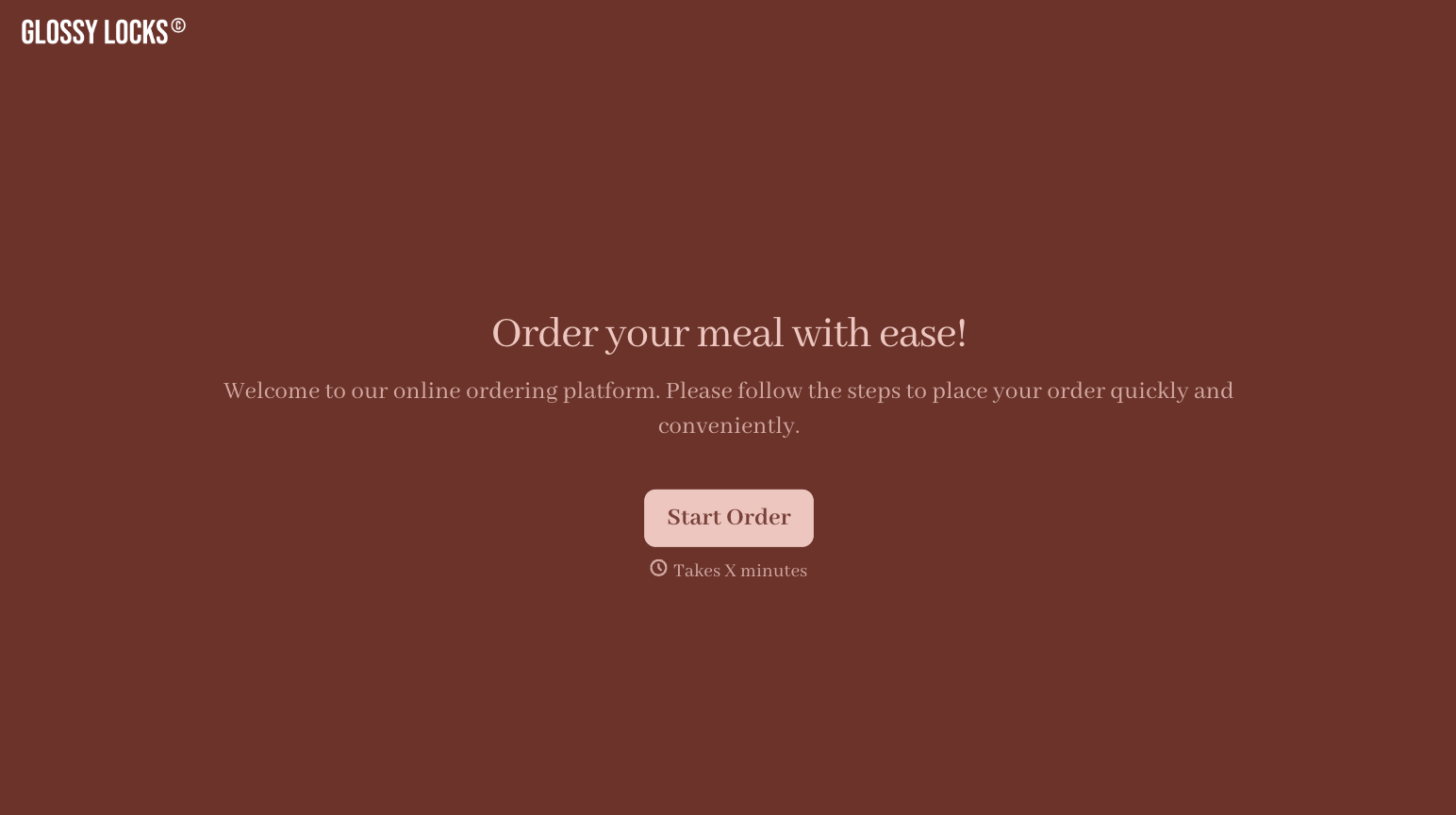
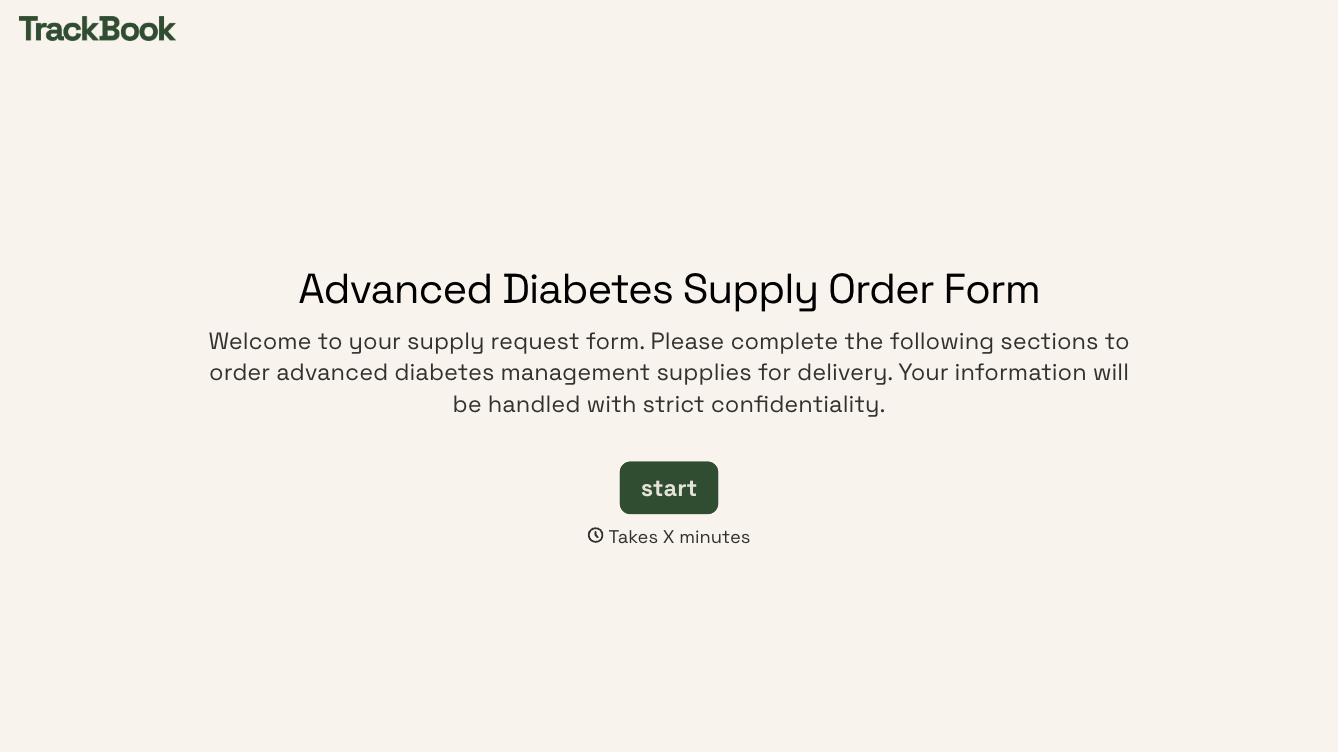
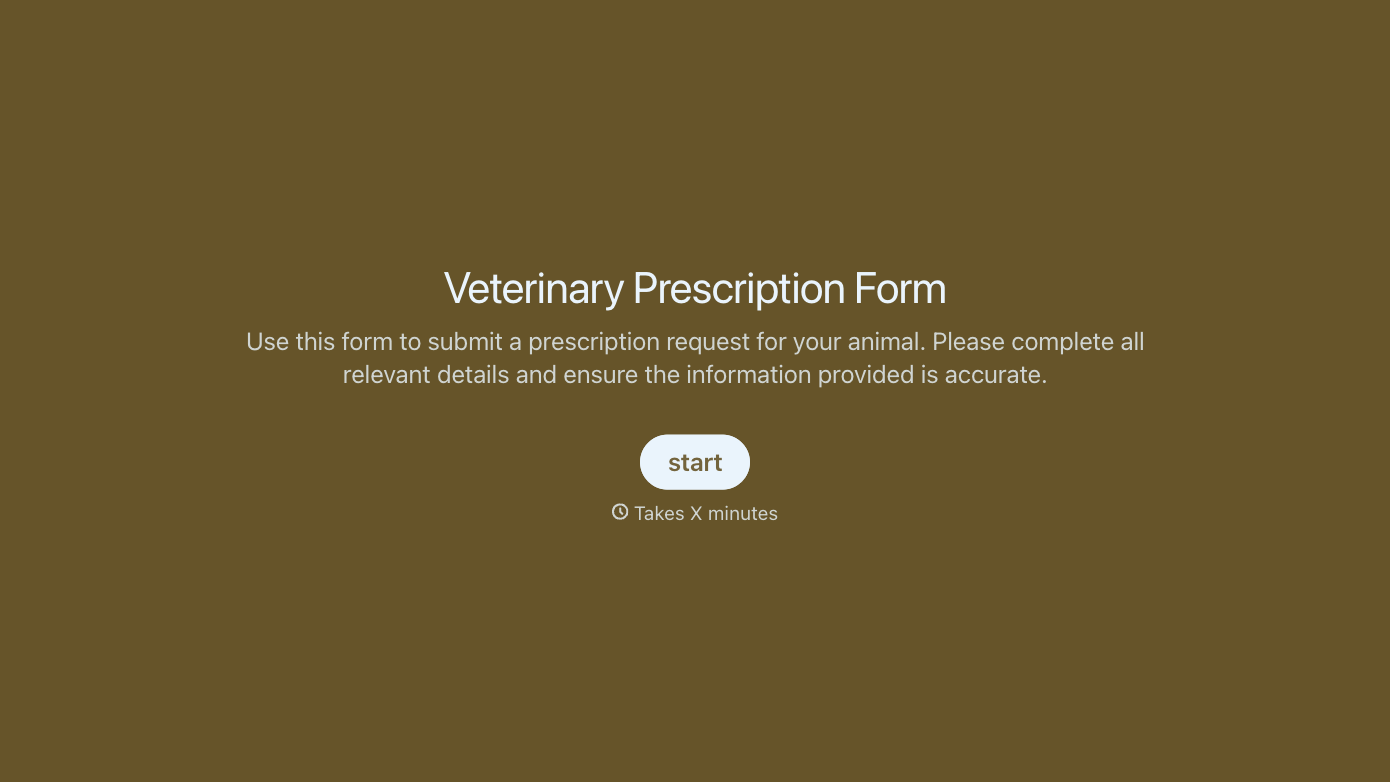
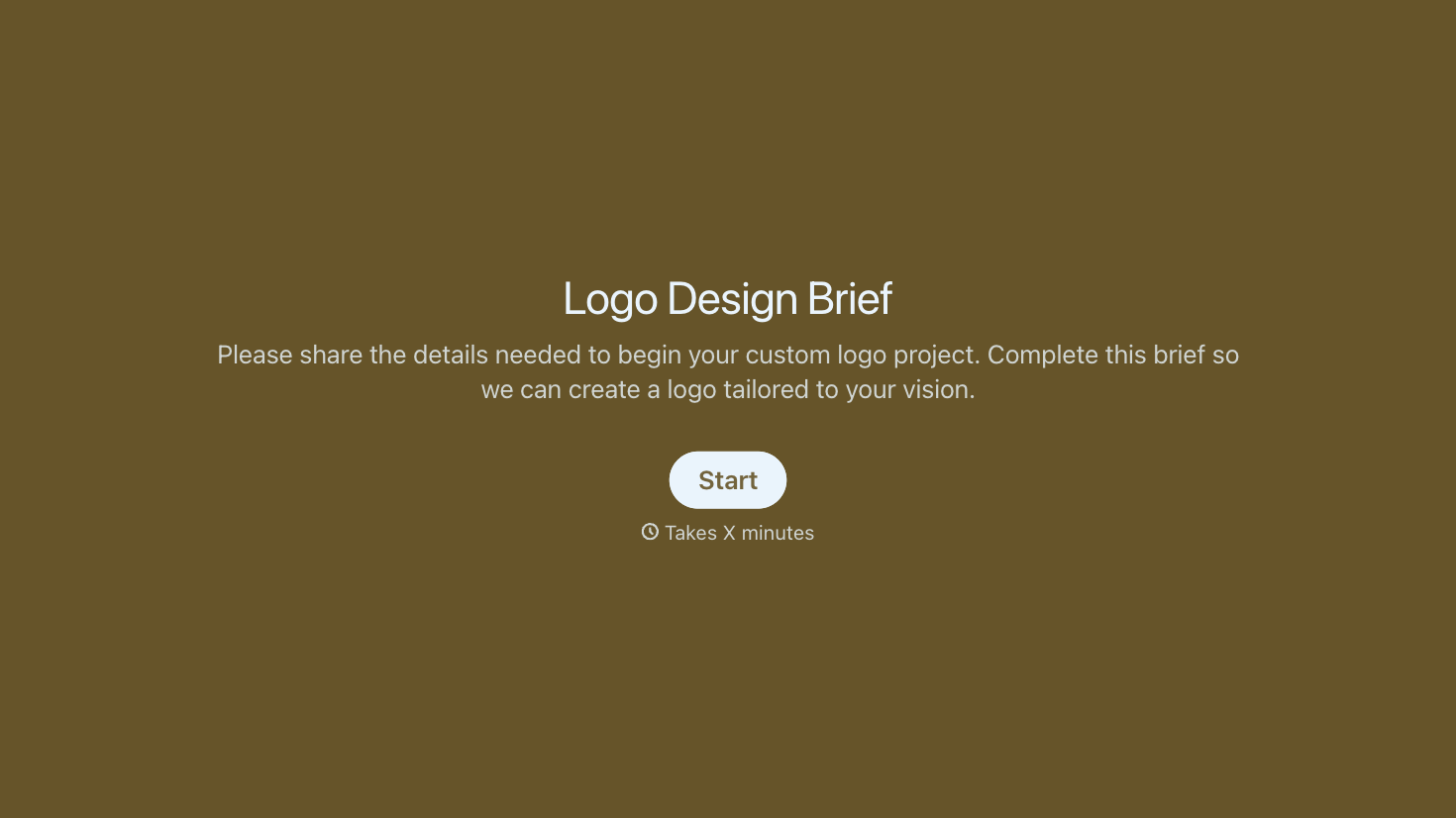
With Typeform, you can customize everything
Change text, colors, and even logos to match the look and feel of your brand. Then embed forms smoothly onto web and email.
Make forms feel effortless to fill out. Pace questions, call people by their name, and adapt the flow based on the data they share.
Stay efficient by connecting forms to your workflow. Typeform integrates with 300+ tools including Slack, Zapier, and HubSpot.


