Lead Generation Form Template
Capture qualified leads without a sales call, then follow up with exactly the right conversation.


Not everyone who visits your website is ready to talk to sales. But some of them are, and if you can't tell the difference, you're either wasting your sales team's time on tire-kickers or losing hot prospects who never get contacted. The generic "Contact Us" form doesn't solve this problem because it treats every submission the same way, regardless of intent or fit.
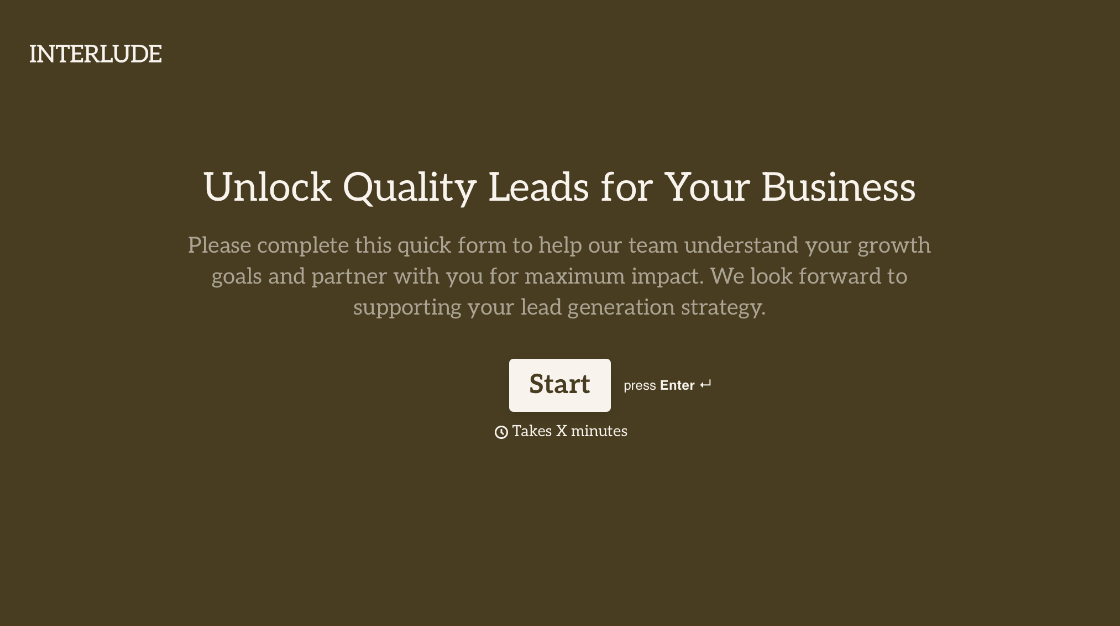
This lead generation form template does the qualifying for you. It collects contact information alongside strategic details. Budget, timeline, company size, pain points, and decision-making role. In a conversational flow that feels like a consultation, not an interrogation. Conditional logic adjusts questions based on responses, so a startup founder gets a different path than an enterprise procurement director. Route qualified leads to your CRM, email, Slack, or sales engagement platform via Zapier integrations.
Customize the qualifying questions to match your ideal customer profile, add your branding, and deploy. Embed it on landing pages, link from email campaigns, or use it as the backend for paid ad destinations. Every lead that arrives is scored, sorted, and ready for the right follow-up.
A lead generation form is a digital form designed to capture contact information and qualifying details from potential customers. It goes beyond basic name-and-email collection to gather strategic data points that help your sales and marketing teams prioritize outreach, personalize conversations, and close deals faster.
Because volume without quality wastes resources. A well-designed lead gen form filters for fit and intent, so your sales team spends time on prospects who are likely to buy, not everyone who clicked a button. It also creates a consistent data pipeline that feeds your CRM, enables lead scoring, and supports nurture campaigns.
Align questions with your qualification criteria:
- Name, email, and phone number
- Company name, size, and industry
- Role and decision-making authority
- Primary challenge or pain point
- Budget range and timeline for a decision
- How they heard about you
Start with the minimum information your sales team needs for an initial conversation — usually 4-6 questions. Use conditional logic to ask deeper questions only when earlier answers indicate high intent or fit. A respondent who selects "ready to buy" can see budget and timeline questions; someone "just exploring" gets a lighter path. This way, you qualify without alienating.
3 things, ideally: an immediate confirmation that thanks them and sets expectations for next steps, an automatic notification to your sales team (via Slack, email, or CRM assignment), and a follow-up within the window the lead indicated. Speed and relevance of follow-up are the 2 biggest factors in conversion from lead to customer.
Get inspired by relevant templates and categories
3200+ Templates, 300+ Integrations
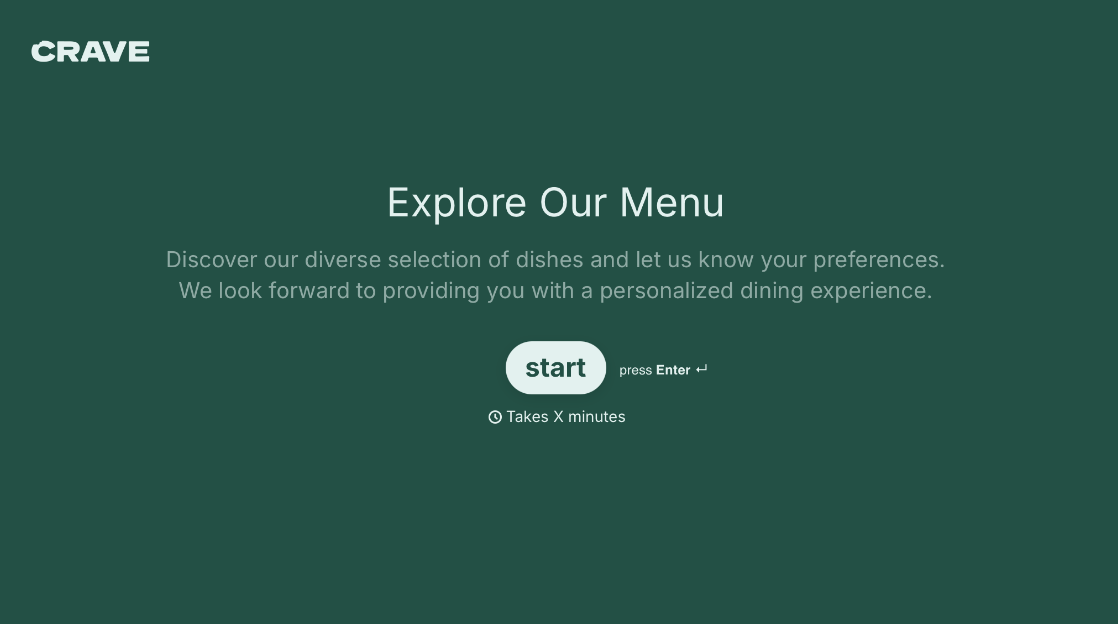
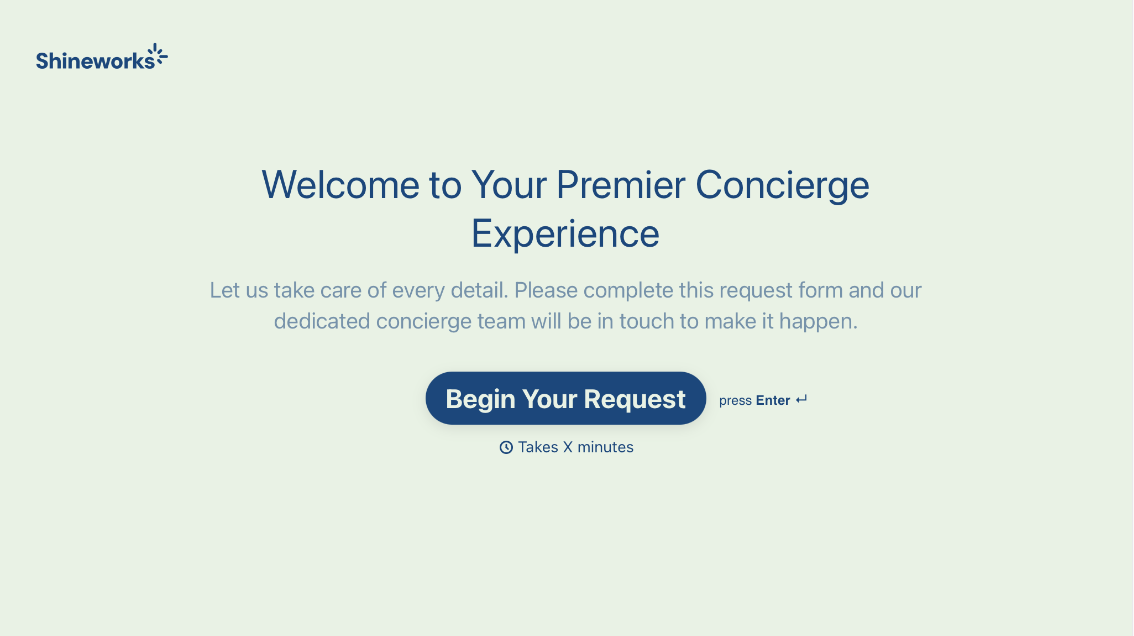
With Typeform, you can customize everything
Change text, colors, and even logos to match the look and feel of your brand. Then embed forms smoothly onto web and email.
Make forms feel effortless to fill out. Pace questions, call people by their name, and adapt the flow based on the data they share.
Stay efficient by connecting forms to your workflow. Typeform integrates with 300+ tools including Slack, Zapier, and HubSpot.


