New product evaluation form template
Use customer insights to spot and fix product issues early on



Feedback is your most valuable asset when releasing a new product into the market.
- Send your product evaluation form to a group of sample customers who match your target persona.
- Within the form, ask them what stands out about your product, and what could be improved.
- Use insights to make adjustments before the big product rollout.
Consider your product strategy and business goals. Is there a feature you have doubts about? Something new you’re testing? This should guide the type of questions you include.
We all know it’s not just about what you ask. How you ask for product feedback is just as important. Use different question types to gather qualitative and quantitative data, from easily comparable scales and ratings to open-ended questions.
Get inspired by relevant templates and categories
3200+ Templates, 300+ Integrations
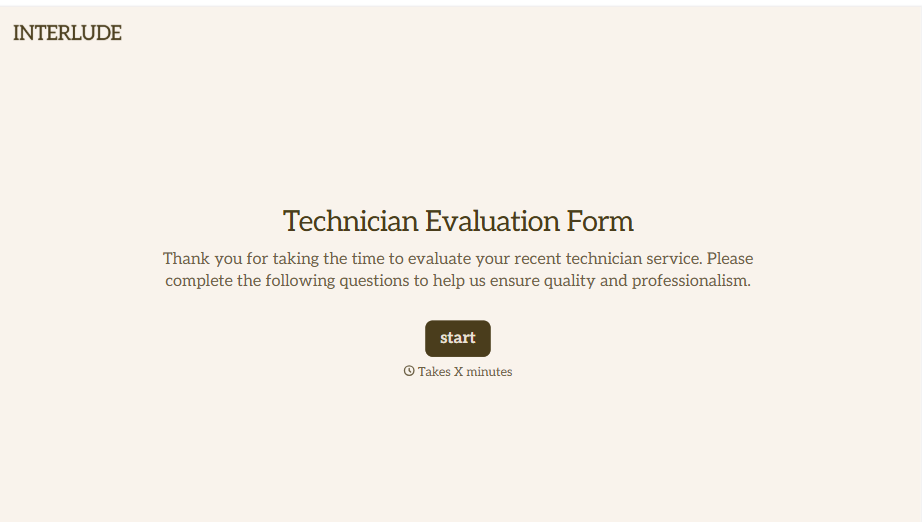
Technician Evaluation Form
A ride-along evaluation scribbled on a clipboard in the truck isn't the kind of record that holds up months later when it's time to talk about a raise or a certification renewal. Collect specific skill, safety, and customer service observations while the job's still fresh, so a technician's review is built on more than a supervisor's memory of the day.
View template
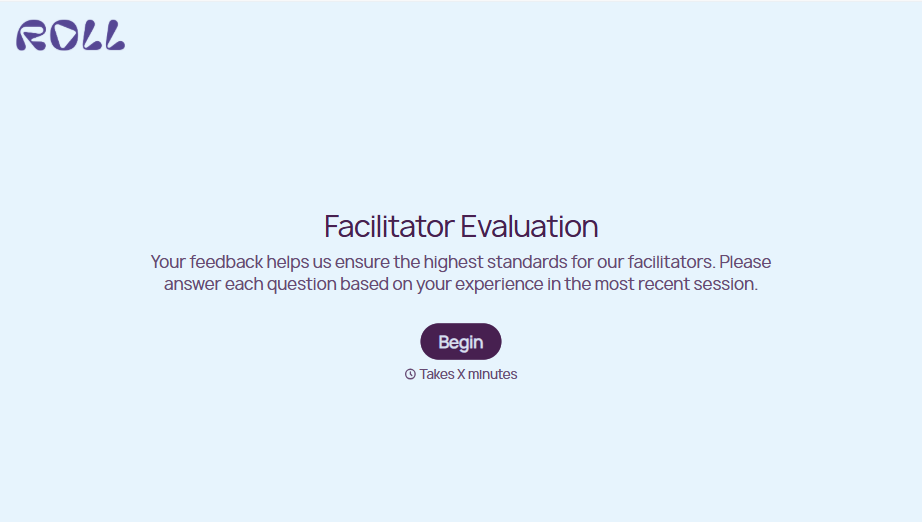
Facilitator Evaluation Form
A round of applause and a few nodding heads doesn't tell your program which facilitator's session actually clicked and which one needs coaching before the next cohort. Collect what your team actually needs, session details, ratings, and specific feedback, before everyone moves on to the next session.
View template

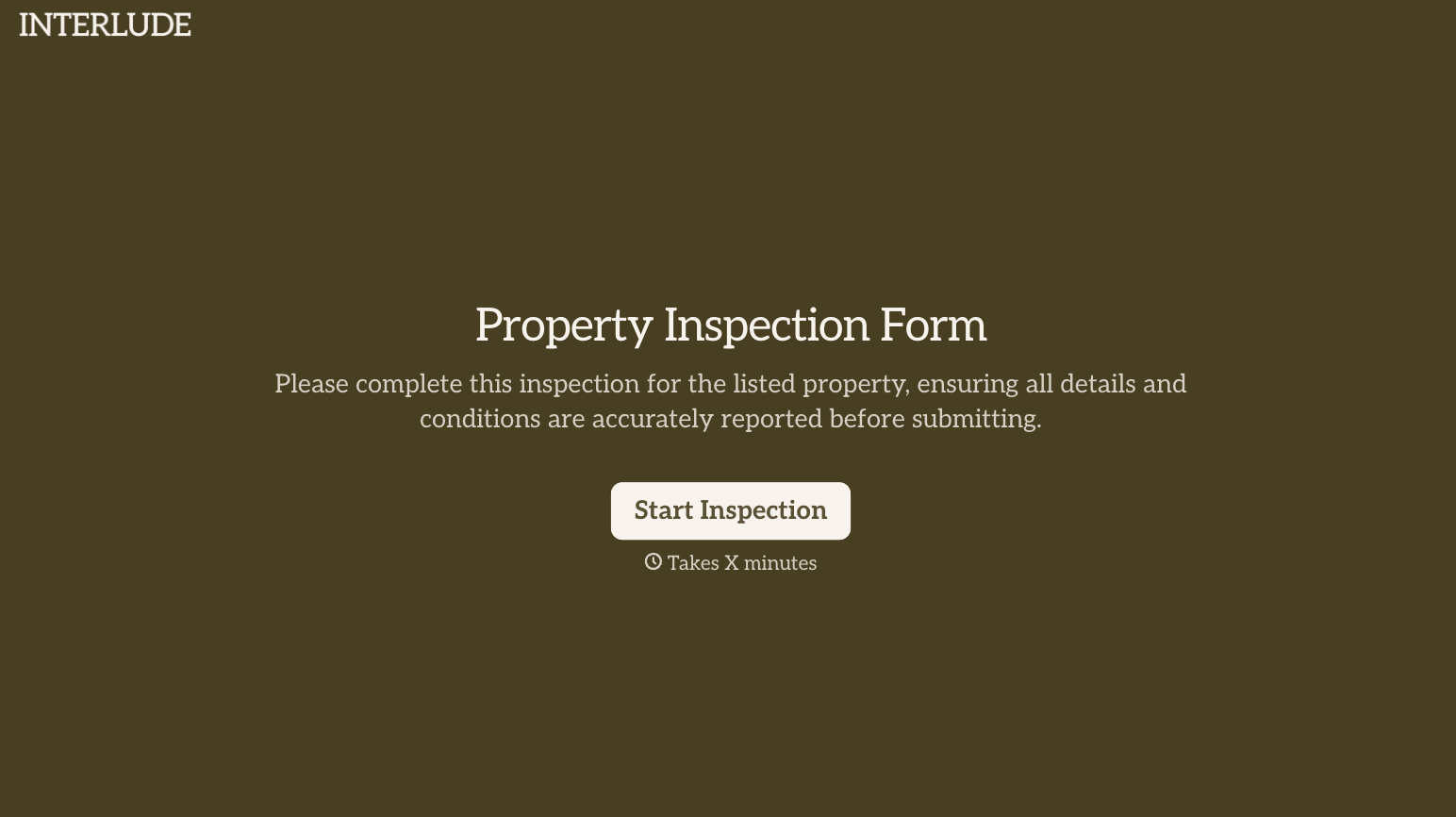
With Typeform, you can customize everything
Change text, colors, and even logos to match the look and feel of your brand. Then embed forms smoothly onto web and email.
Make forms feel effortless to fill out. Pace questions, call people by their name, and adapt the flow based on the data they share.
Stay efficient by connecting forms to your workflow. Typeform integrates with 300+ tools including Slack, Zapier, and HubSpot.


