FAQ Form Template
Let people ask their questions in their own words, and use their queries to build better support content.



FAQ pages are supposed to reduce support load. But here's the irony — if your FAQ doesn't answer someone's specific question, they often have no way to ask it without leaving the page and hunting for a contact form. The result? Frustrated users, missed opportunities to capture common questions, and an FAQ page that gets stale because you're not sure what people are actually looking for.
This FAQ form template flips the script. Embed it at the bottom of your FAQ page (or anywhere on your site) and let visitors submit the questions they couldn't find answers to. Conditional logic can route questions by topic — billing questions to finance, technical questions to support, feature requests to product. Responses feed into Google Sheets or your support tool via Zapier, creating a live database of customer questions that informs your content strategy.
Customize the topic categories, add a few starter FAQs if you like, and embed or link. It takes minutes to set up and pays dividends in customer insight and reduced support ticket volume over time.
An FAQ form is a digital form that allows users to submit questions they weren't able to find answers to in your existing FAQ content. It captures their question, relevant topic area, and contact details for follow-up. Organizations use the submissions to identify gaps in their documentation and continuously improve their self-service resources.
Because your FAQ page is never truly complete. Customer needs evolve, products change, and new questions emerge constantly. An FAQ form gives visitors a direct path to getting their question answered while giving you a feedback loop that highlights exactly what's missing from your existing content. Over time, the questions you collect shape a better, more relevant FAQ.
Keep it simple — the user already has a question they want answered:
- Their question in their own words
- Topic category (billing, technical, product, general)
- Name and email for follow-up
- Whether they searched the existing FAQ first
- How urgent their question is
- Any additional context that might help you answer
Review submissions regularly. Weekly at minimum. Group similar questions and look for patterns. Questions that come up repeatedly should be added to your FAQ page. Unique or complex questions should be answered individually via email. Track submission volume by category to identify which areas of your documentation need the most attention.
At the bottom of your FAQ page is the most natural placement. Visitors have already browsed your existing answers and didn't find what they needed. You can also add it to your help center, contact page, or resource library. The key is placing it where the intent to ask a question is already high.
Get inspired by relevant templates and categories
3200+ Templates, 300+ Integrations




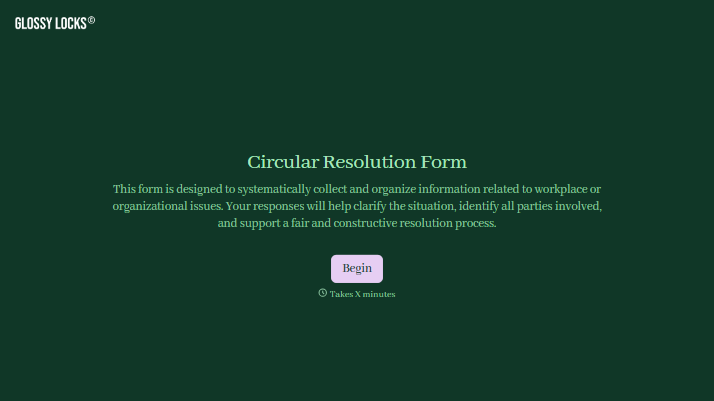
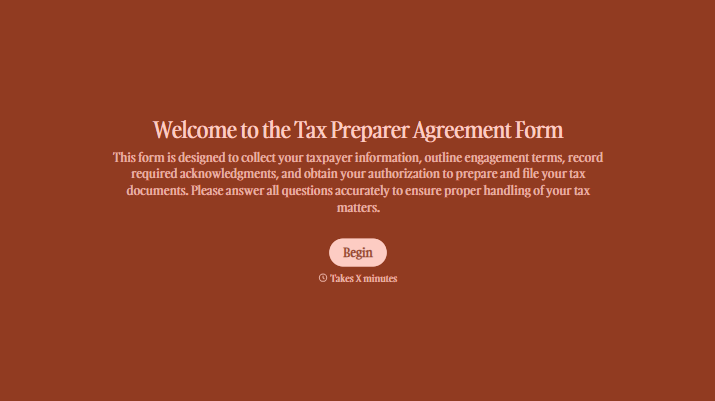
With Typeform, you can customize everything
Change text, colors, and even logos to match the look and feel of your brand. Then embed forms smoothly onto web and email.
Make forms feel effortless to fill out. Pace questions, call people by their name, and adapt the flow based on the data they share.
Stay efficient by connecting forms to your workflow. Typeform integrates with 300+ tools including Slack, Zapier, and HubSpot.


