Job application form template
Stop losing candidates to the application process before they reach the interview.


The application itself is costing you candidates. Long forms, broken upload fields, and generic questions create friction, causing qualified candidates to hit a wall and drop off. By the time someone abandons your job application form, they're already applying somewhere else.
Typeform's job application form template replaces the traditional multi-page form with a guided, one-question-at-a-time experience. Applicants stay engaged from start to finish. Collect contact details, work history, role-specific screening questions, and file uploads for resumes or portfolios in a flow that feels approachable. Conditional logic adapts the form based on the position selected, so a candidate applying for a design role sees different questions from someone applying for sales, without needing a separate form for each position.
This template works whether you're a startup running your first formal hiring process or an HR team standardizing applications across departments. Responses sync directly to Google Sheets, Slack, or your applicant tracking system (ATS) through Zapier, so nothing sits in an inbox waiting to be processed. This is the difference between a scattered email chain and a structured pipeline.
No. Candidates simply click the link and fill out the form — no account creation, no login, no friction. The experience is designed to be as easy as possible from their side, so you're not losing people before they've even gotten started.
Simply add a file upload question to the form. Applicants can attach resumes, cover letters, or portfolios in PDF, Word, or image formats directly through the submission. File upload is available on paid plans and supports all common file types, so you'll always get what you need.
Yes. Typeform uses encryption in transit and at rest, and the template is GDPR-compliant for collecting personal information. You control who has access to responses through your workspace settings, so only the right people on your team see candidate information.
Duplicate the template and adjust the questions for each role. You can also use conditional logic to show or hide specific questions based on which position an applicant selects, so one form handles multiple openings without feeling generic or overwhelming.
Responses appear in your Typeform dashboard and sync automatically to connected tools like Google Sheets, Slack, or your applicant tracking system (ATS) through native integrations or Zapier — no inbox management or manual sorting.
Get inspired by relevant templates and categories
3200+ Templates, 300+ Integrations
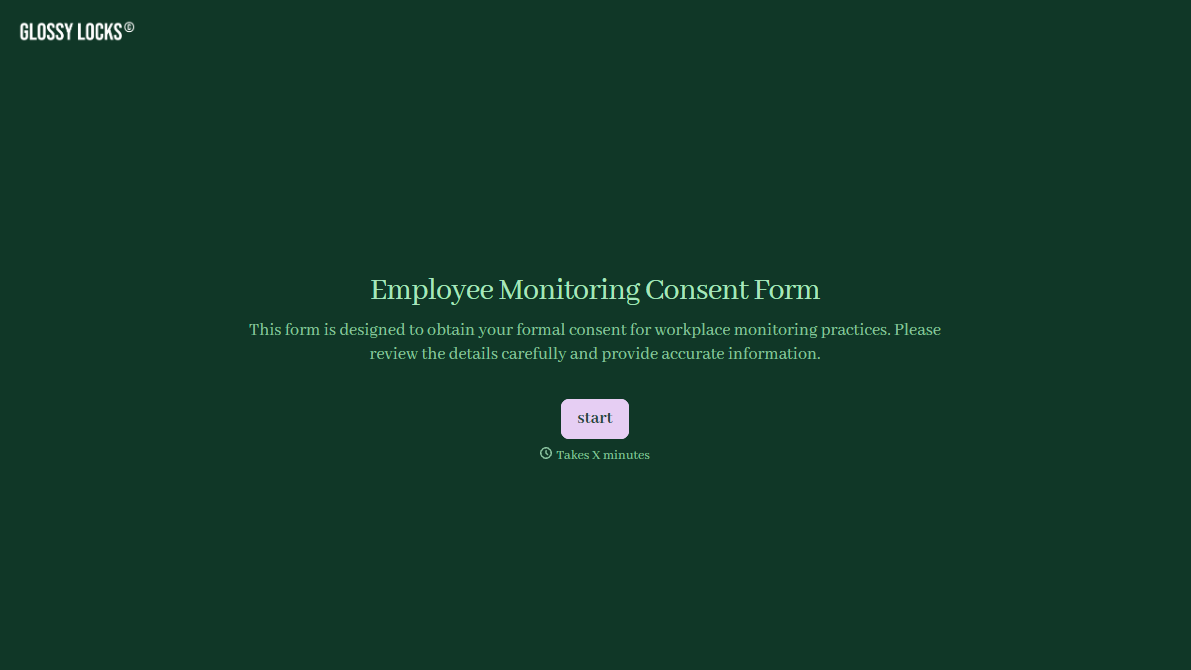
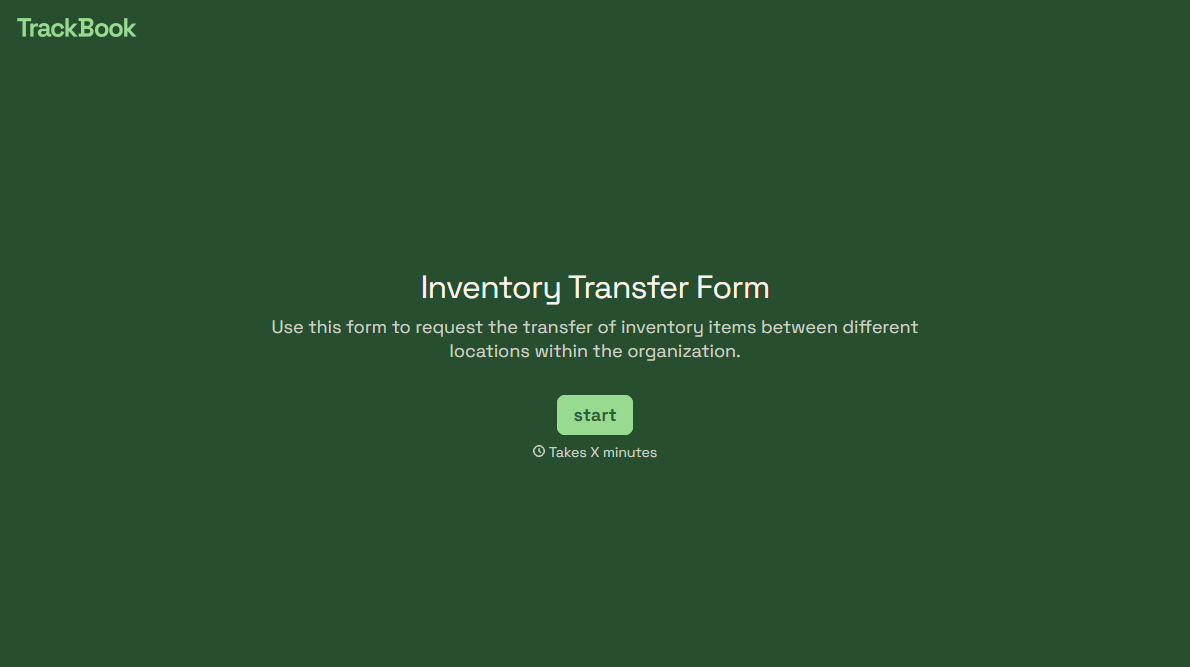
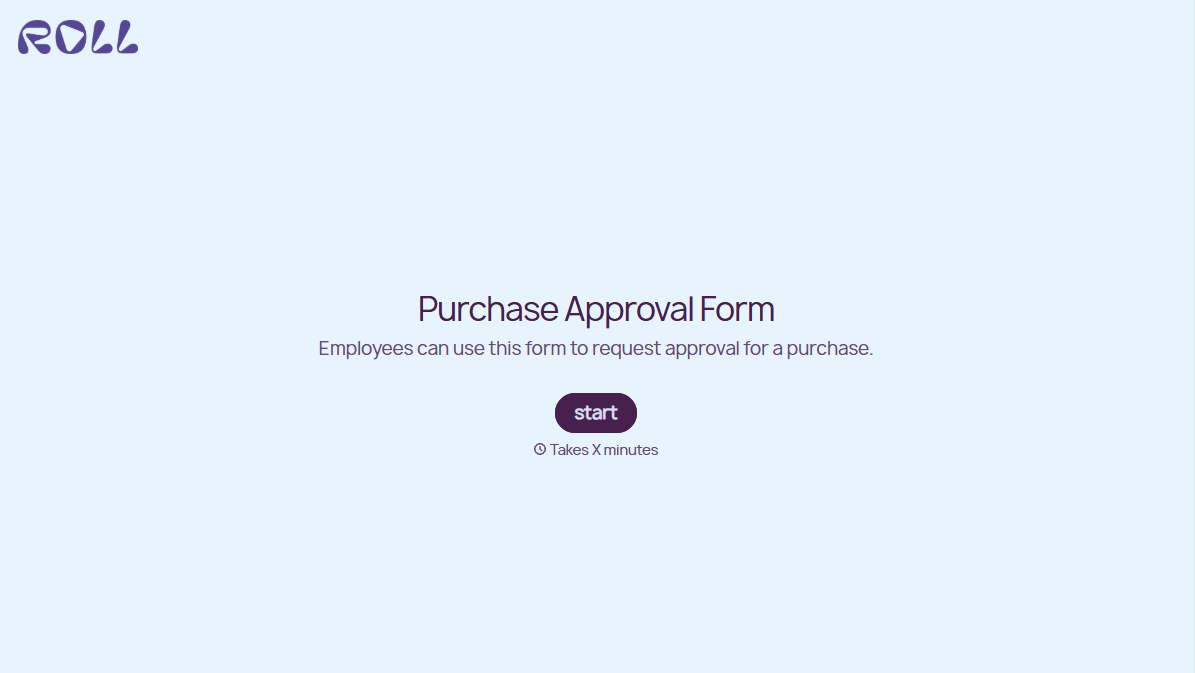
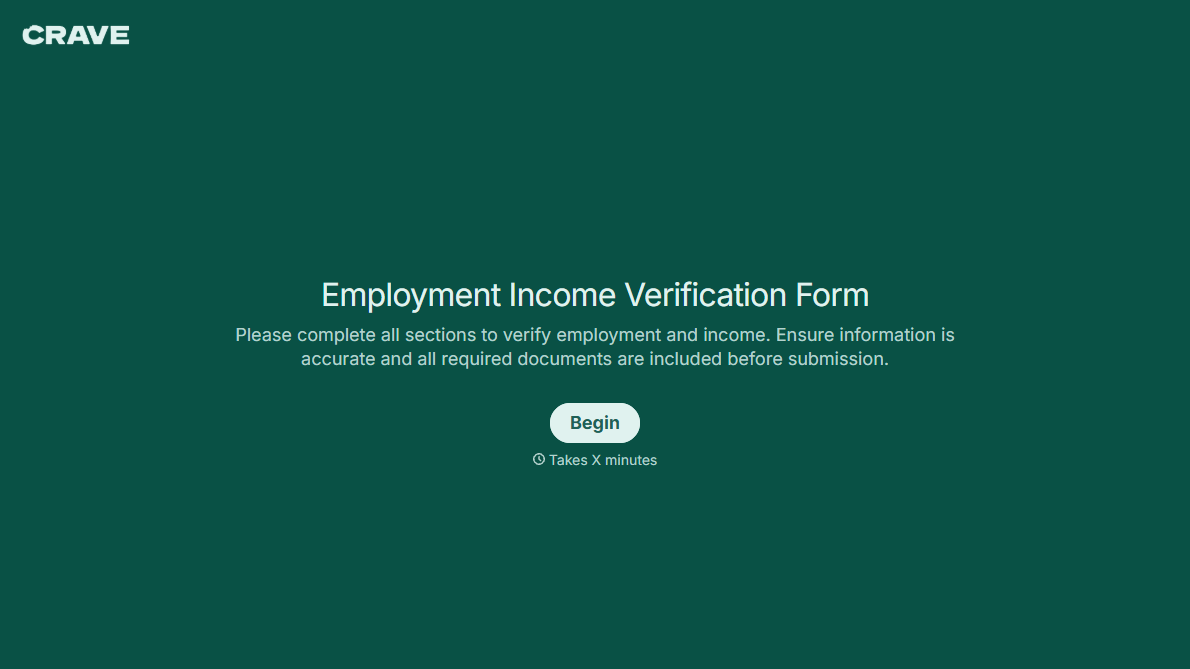
With Typeform, you can customize everything
Change text, colors, and even logos to match the look and feel of your brand. Then embed forms smoothly onto web and email.
Make forms feel effortless to fill out. Pace questions, call people by their name, and adapt the flow based on the data they share.
Stay efficient by connecting forms to your workflow. Typeform integrates with 300+ tools including Slack, Zapier, and HubSpot.


