Lead Generation Form Template
Capture qualified leads without a sales call, then follow up with the right conversation.



Not everyone who visits your website is ready to talk to sales. But some of them are, and if you can't tell the difference, you're either wasting your sales team's time on tire-kickers or losing promising prospects who never get contacted. The generic “Contact Us” form doesn't solve this problem because it treats every submission the same way, regardless of intent or fit.
This lead generation form template helps your team decide which leads to follow up with first. It collects contact information alongside details your team can use to assess fit, including budget, timeline, company size, pain points, and decision-making role. The questions flow like a consultation, not an interrogation. Conditional logic adjusts questions based on responses, so a startup founder gets a different path than an enterprise procurement director. Route qualified leads to your CRM, email, or Slack with Typeform’s built-in integrations. Use Zapier to connect to other sales tools.
Customize the qualifying questions to match your ideal customer profile, add your branding, and deploy. Embed it on landing pages, link from email campaigns, or link to the form directly from paid ads. Your team can use each submission to decide whether to reach out now or follow up later.
Use lead scores to prioritize follow-up
Start by asking how ready prospects are to talk. For “Where are you in your search?” offer choices like “Just researching,” “Comparing options,” and “Ready to talk to sales.” Use Typeform’s Calculator to assign points for answers that match your criteria, such as a budget within your target range, a timeline under 3 months, or authority to make the purchase. Save the total with each response so your team can sort leads by score in your CRM or spreadsheet. Start with 3 or 4 criteria so it’s easy to see what drove each score.
Set up an Automation to email a sales rep when a lead meets your score threshold. Add leads below that threshold to a nurture sequence if they’ve opted in to marketing emails. Each quarter, compare lead scores with which prospects become customers and adjust the points based on what you find.
Find out which campaigns bring in qualified leads
Use Hidden Fields to capture the campaign, ad, or page that brought each prospect to your form. That gives you source data without adding questions. Keep personal details like email addresses out of the URL, since links can be shared or logged. Send the source details to your CRM so marketing and sales can see which campaigns bring in qualified leads and which lead to sales.
A lead generation form is a digital form designed to capture contact information and qualifying details from potential customers. It goes beyond basic name-and-email collection to gather strategic data points that help your sales and marketing teams prioritize outreach and personalize conversations.
Volume without quality wastes resources. A well-designed lead gen form filters for fit and intent, so your sales team spends time on prospects who are likely to buy, not everyone who clicked a button. It also creates a consistent data pipeline that feeds your CRM, enables lead scoring, and supports nurture campaigns.
Align questions with your qualification criteria:
- Name, email, and phone number
- Company name, size, and industry
- Role and decision-making authority
- Primary challenge or pain point
- Budget range and timeline for a decision
- How they heard about you
Start with the minimum information your sales team needs for an initial conversation, often 4 to 6 questions. Use conditional logic to ask deeper questions only when earlier answers indicate high intent or fit. A respondent who selects "Ready to talk to sales" can see budget and timeline questions, while someone who selects “Just researching” gets a lighter path. This way, you qualify leads while keeping the form short for people who are still exploring.
Build these 3 steps into your follow-up process: an immediate confirmation that thanks them and sets expectations for next steps, an automatic notification to your sales team via Slack, email, or CRM assignment, and a follow-up within the window the lead indicated. Prompt outreach can make a difference. A study published in Harvard Business Review found that companies that tried to reach leads within an hour were nearly 7 times as likely to qualify them as companies that waited even an hour longer.
Get inspired by relevant templates and categories
3200+ Templates, 300+ Integrations

Point of Sale Agreement Extension Form
Give businesses a straightforward way to request extensions to existing point of sale agreements with a form that collects contract details, extension terms, and authorization information. Keep requests organized so service providers can review agreements, coordinate renewals, and maintain accurate contract records.
View template
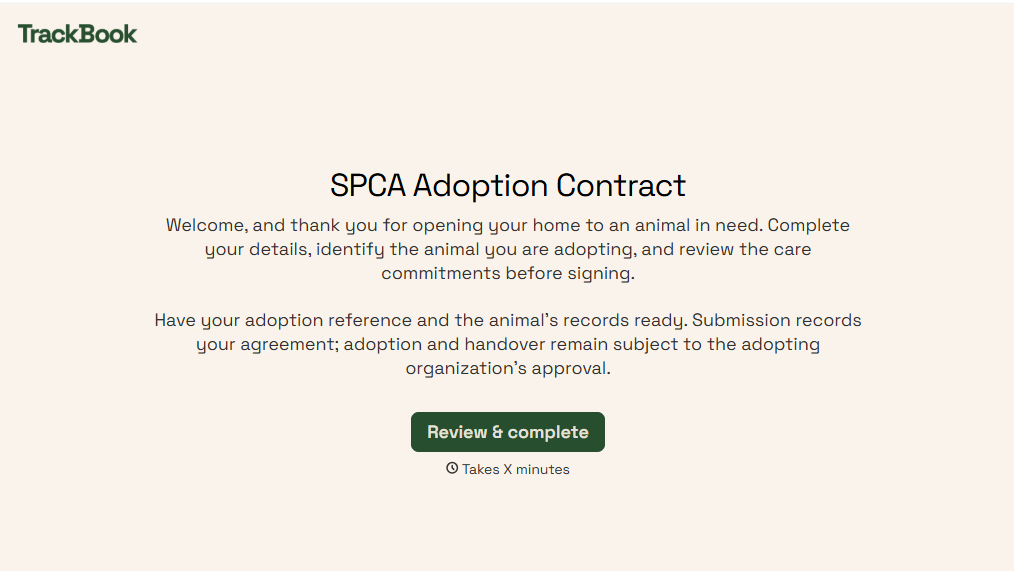
SPCA Adoption Contract Form
Give animal shelters an efficient way to finalize pet adoptions with a form that collects adopter information, pet details, and adoption agreements. Keep records organized so your team can verify requirements, document responsibilities, and help animals transition into their new homes.
View template

Shipment Status Monitoring Form
Give logistics teams and businesses an easy way to monitor shipments with a form that collects tracking numbers, carrier information, and delivery details. Keep shipment records organized so teams can track delivery progress, identify potential delays, and communicate shipping updates to customers and stakeholders.
View template

Total Savings Calculator Form
Give users a simple way to calculate their total savings with a form that collects income, expenses, and savings contributions. Keep all of the financial information organized so users can track their progress, estimate future savings, and make informed financial decisions.
View template
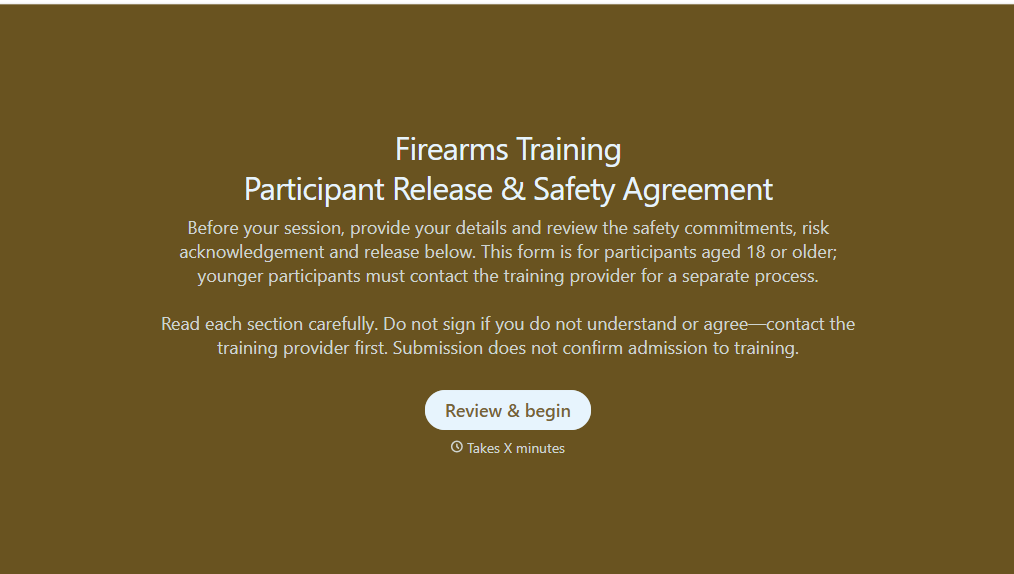
Firearms Training Release Form
Give shooting ranges, firearms instructors, and training organizations a straightforward way to document participant acknowledgments with a form that collects personal information, safety agreements, and liability release details. Keep records organized so training providers can verify required documentation, communicate safety expectations, and prepare participants for supervised firearms training activities.
View template
With Typeform, you can customize everything
Change text, colors, and even logos to match the look and feel of your brand. Then embed forms smoothly onto web and email.
Make forms feel effortless to fill out. Pace questions, call people by their name, and adapt the flow based on the data they share.
Stay efficient by connecting forms to your workflow. Typeform integrates with 300+ tools including Slack, Zapier, and HubSpot.


