Vacation Request Form Template
Make time-off requests painless for everyone. Employees get clarity, managers get coverage.


Requesting vacation shouldn't require a 3-email chain, a calendar screenshot, and a follow-up Slack message. But in many organizations, the process is exactly that fragmented — especially when there's no central system. Requests get lost, approvals happen informally, and by the time someone tracks down confirmation, the calendar conflict is already a problem.
This vacation request form template gives employees a clean, standardized way to submit time-off requests. They enter dates, vacation type, coverage arrangements, and any notes — one question at a time. Conditional logic can surface different fields based on leave type (personal vs. medical vs. bereavement) or require additional approval steps for requests exceeding a certain number of days. Submissions notify managers via email or Slack and log to Google Sheets through Zapier.
Customize the leave categories, approval fields, and notification recipients to match your HR policies. Add your company branding and share the link on your intranet or employee portal. It's a small process improvement that makes a real difference in how people experience your workplace.
A vacation request form is a standardized document employees use to formally request time off from work. It captures the type of leave, requested dates, reason (if required), and any coverage or delegation plans. It provides managers with the information they need to approve or discuss the request and creates a record for HR and payroll.
Digital forms replace the inefficiency of email chains, verbal requests, and paper forms. They create a consistent process that's easy to follow, hard to lose, and simple to track. Managers get structured requests with all the details they need, and employees get a clear record of what they submitted and when.
Keep it respectful of privacy while gathering what you need for planning:
- Employee name and department
- Type of leave (vacation, personal, sick, other)
- Start date and end date
- Total number of days requested
- Coverage plan or delegated responsibilities
- Any additional notes for the manager
While the form itself doesn't check calendars in real time, you can connect submissions to a shared team calendar or Google Sheet that managers reference before approving. Some teams add a question asking whether the employee has checked the team calendar for conflicts. The key is making the approval step informed, not just automatic.
That depends on your company policy, but 2 weeks is a common minimum for planned vacations. Build this expectation into the form. Add a note on the welcome screen or a validation that flags requests with short lead times. For emergencies or sick leave, you'll want a separate, expedited process.
Get inspired by relevant templates and categories
3200+ Templates, 300+ Integrations
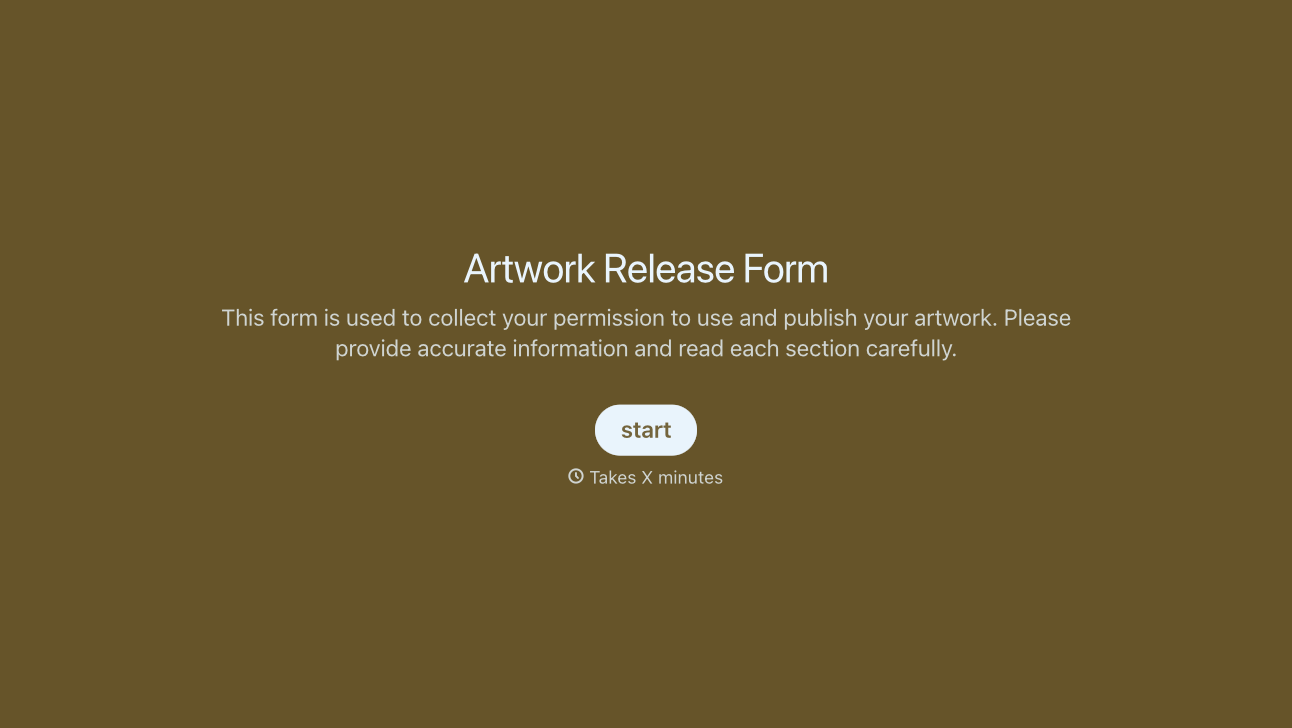
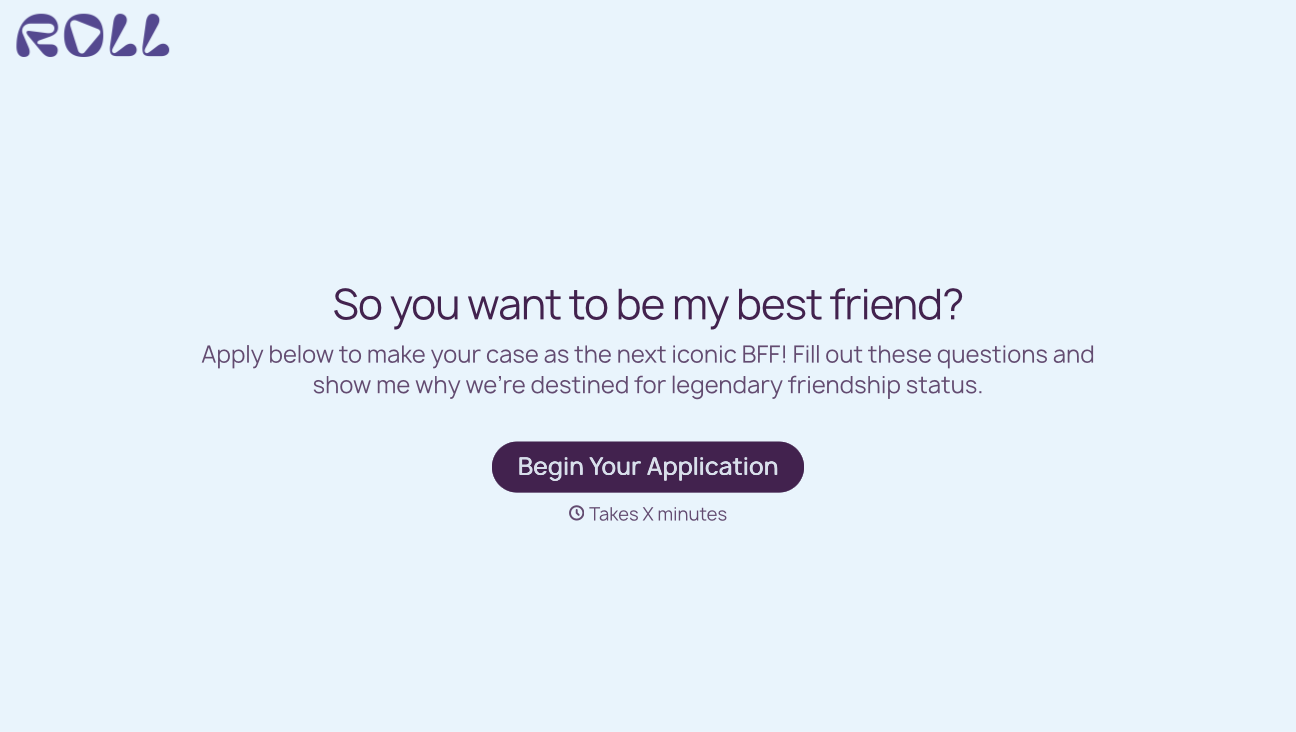
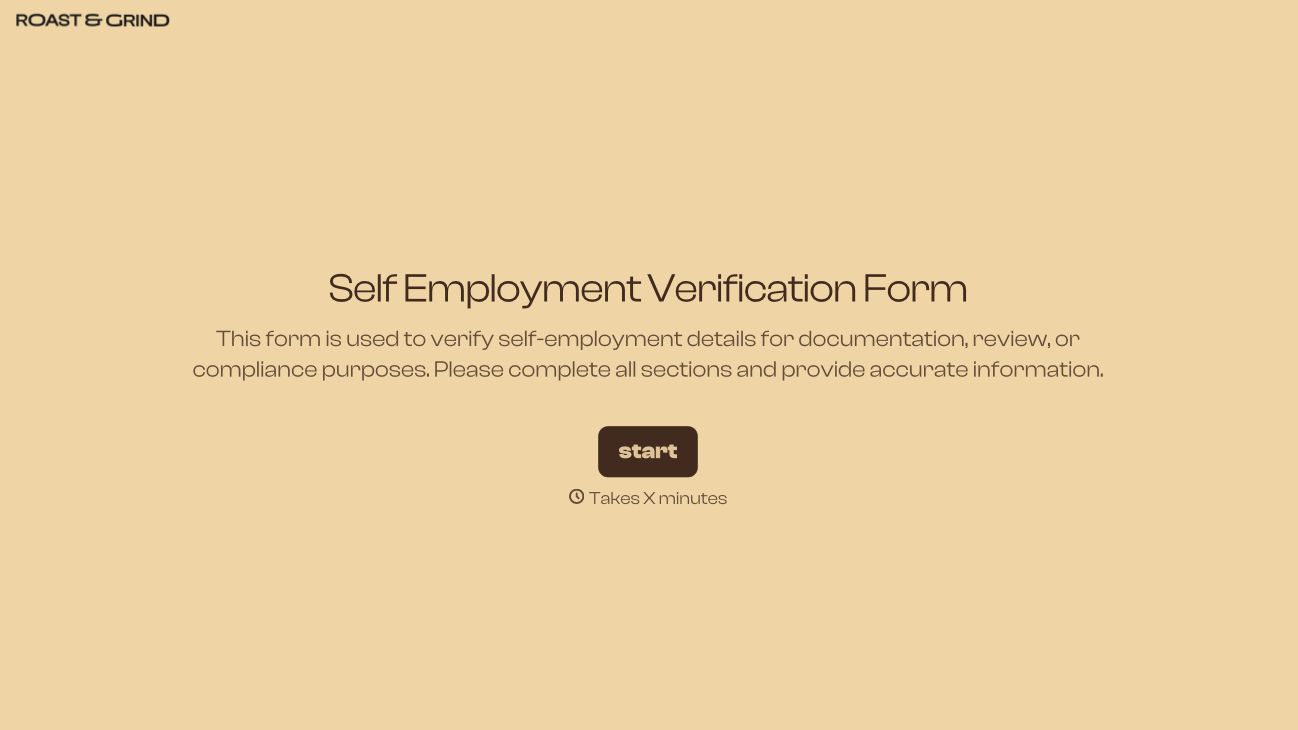
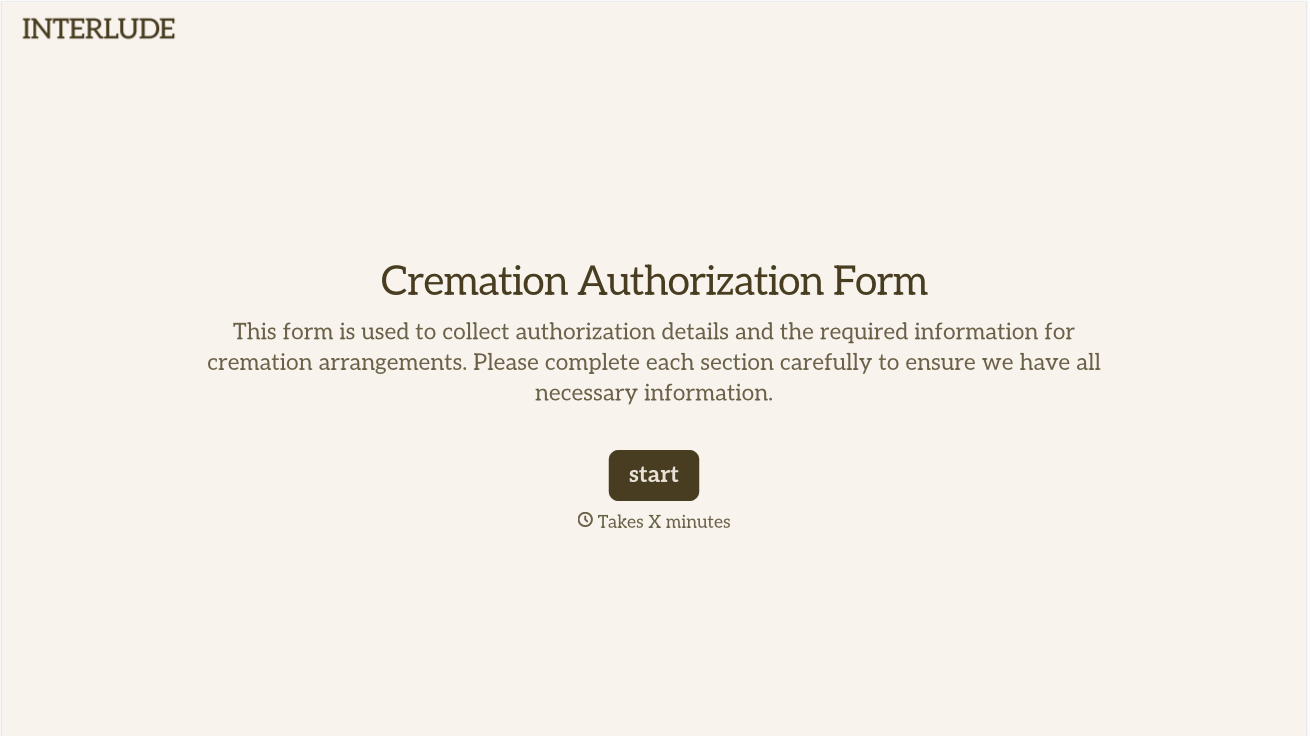
With Typeform, you can customize everything
Change text, colors, and even logos to match the look and feel of your brand. Then embed forms smoothly onto web and email.
Make forms feel effortless to fill out. Pace questions, call people by their name, and adapt the flow based on the data they share.
Stay efficient by connecting forms to your workflow. Typeform integrates with 300+ tools including Slack, Zapier, and HubSpot.


