Lunch Order Form Template
Coordinate office lunch orders without the chaos of collecting requests through chat and email.


Collecting lunch orders for a team through Slack, email, or verbal requests is one of those small administrative tasks that takes far more time than it should. Someone always misses the cutoff, dietary restrictions get forgotten, and the person coordinating the order ends up doing 3 rounds of follow-up.
A lunch order form creates a single, time-bound channel for everyone to submit their order. It's clear, fast to complete, and collects everything the kitchen or delivery service needs — including dietary notes and modifications. Set a cutoff time and share the form each morning or the night before.
Connect to a spreadsheet to compile the order automatically. No more consolidating a dozen separate messages.
A lunch order form is an online tool that allows employees or event attendees to submit their meal preferences for a group order. It collects individual orders in a structured format that's easy to consolidate.
It reduces the administrative work of collecting and reconciling orders from multiple people across multiple channels. Everyone submits the same format, which means fewer errors and less follow-up.
A focused lunch order form should cover:
- Name of the person ordering
- Date of the order (if used across multiple days)
- Menu item selection
- Customizations or modifications
- Dietary restrictions or allergies
- Any additional notes for the kitchen or delivery
Set a clear cutoff time in your form description and your team communications. Include a note field for urgent changes, but direct last-minute cancellations to a designated contact rather than through the form to avoid processing issues.
Yes. You can reuse the same form each day, resetting it each morning before sharing the link. If you're ordering from different vendors on different days, creating a form per vendor and labeling it clearly in your communications keeps things organized.
Get inspired by relevant templates and categories
3200+ Templates, 300+ Integrations


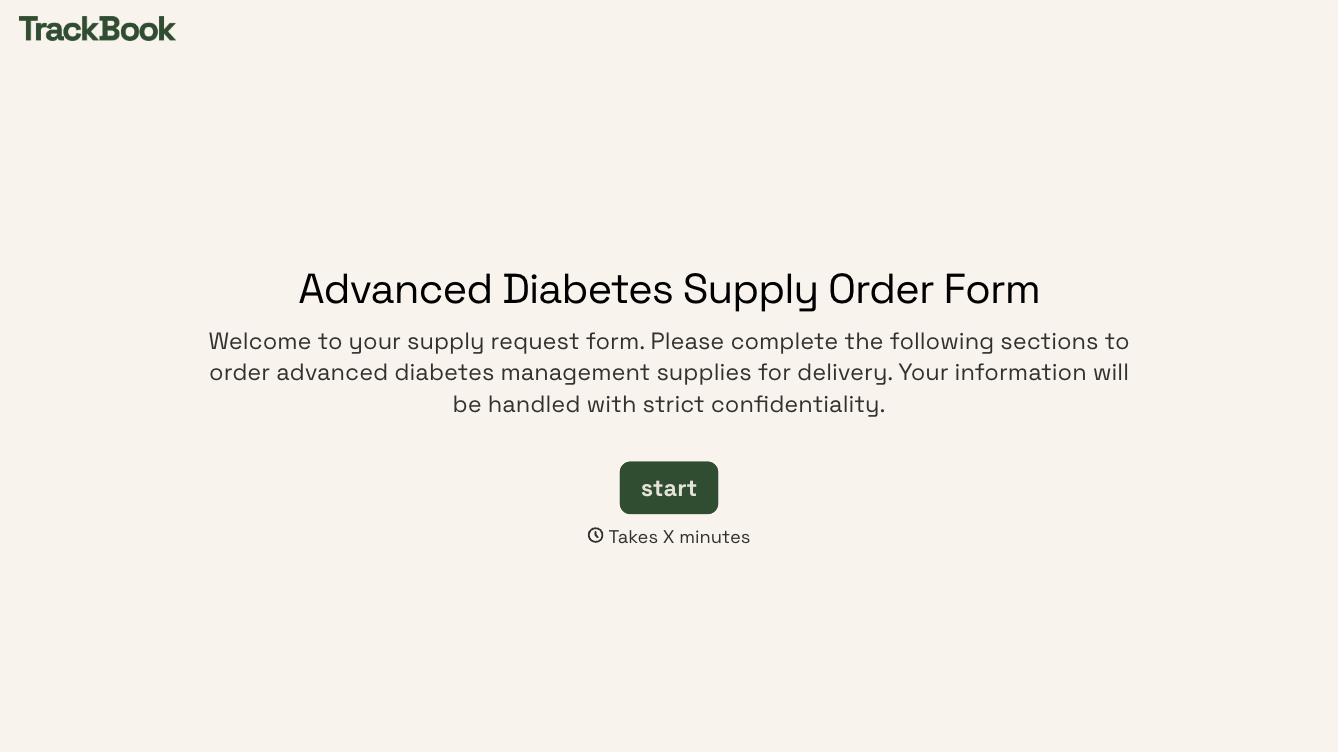
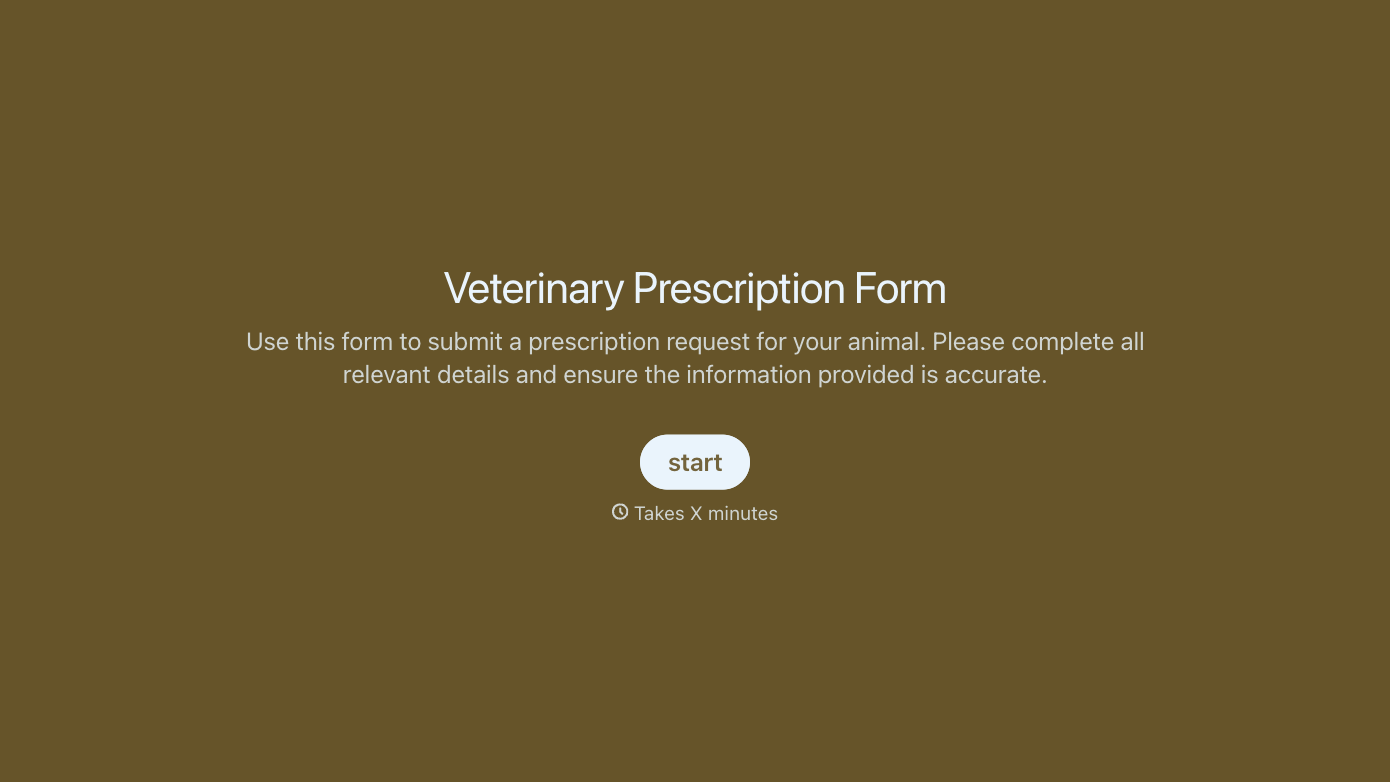
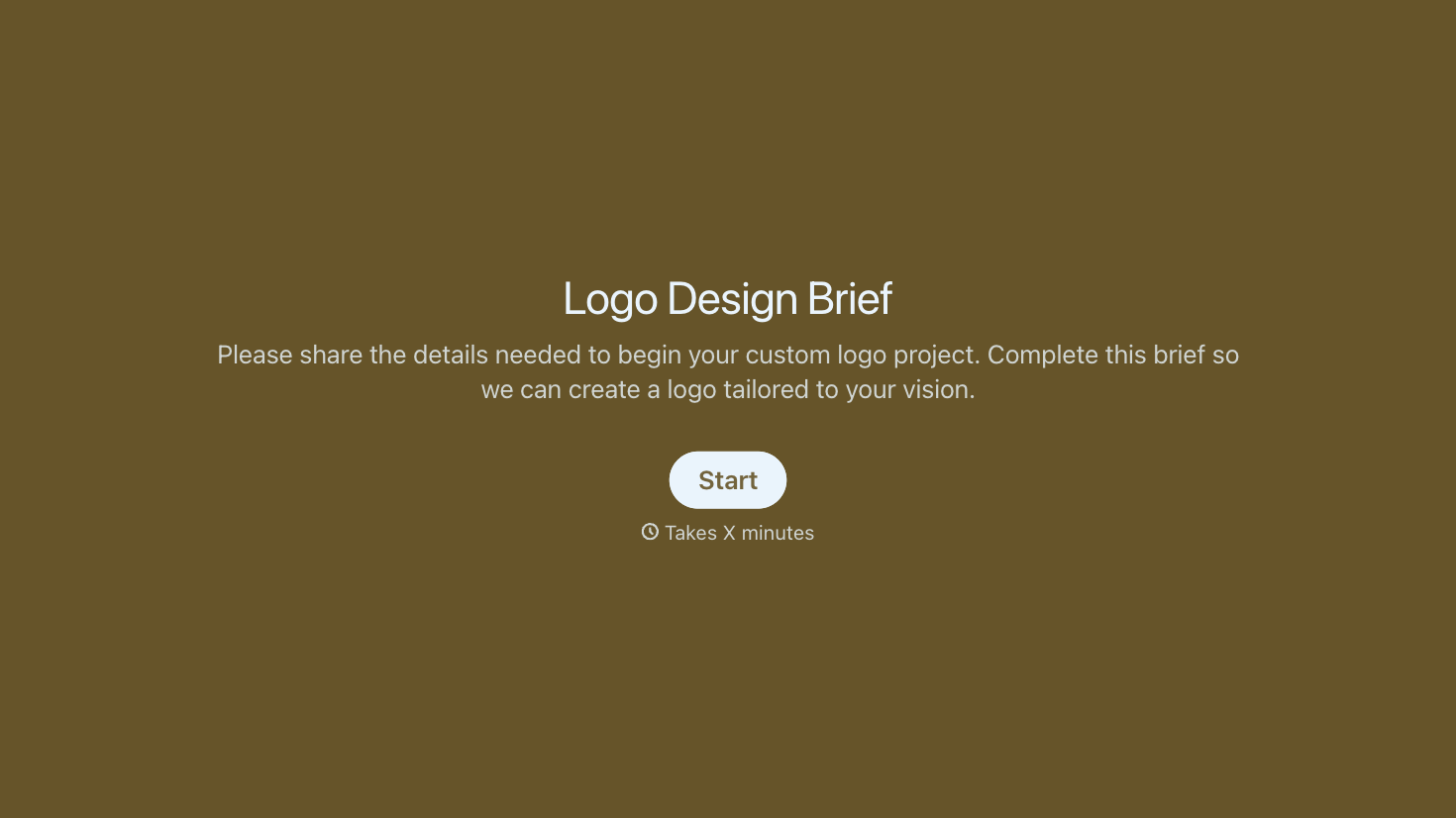
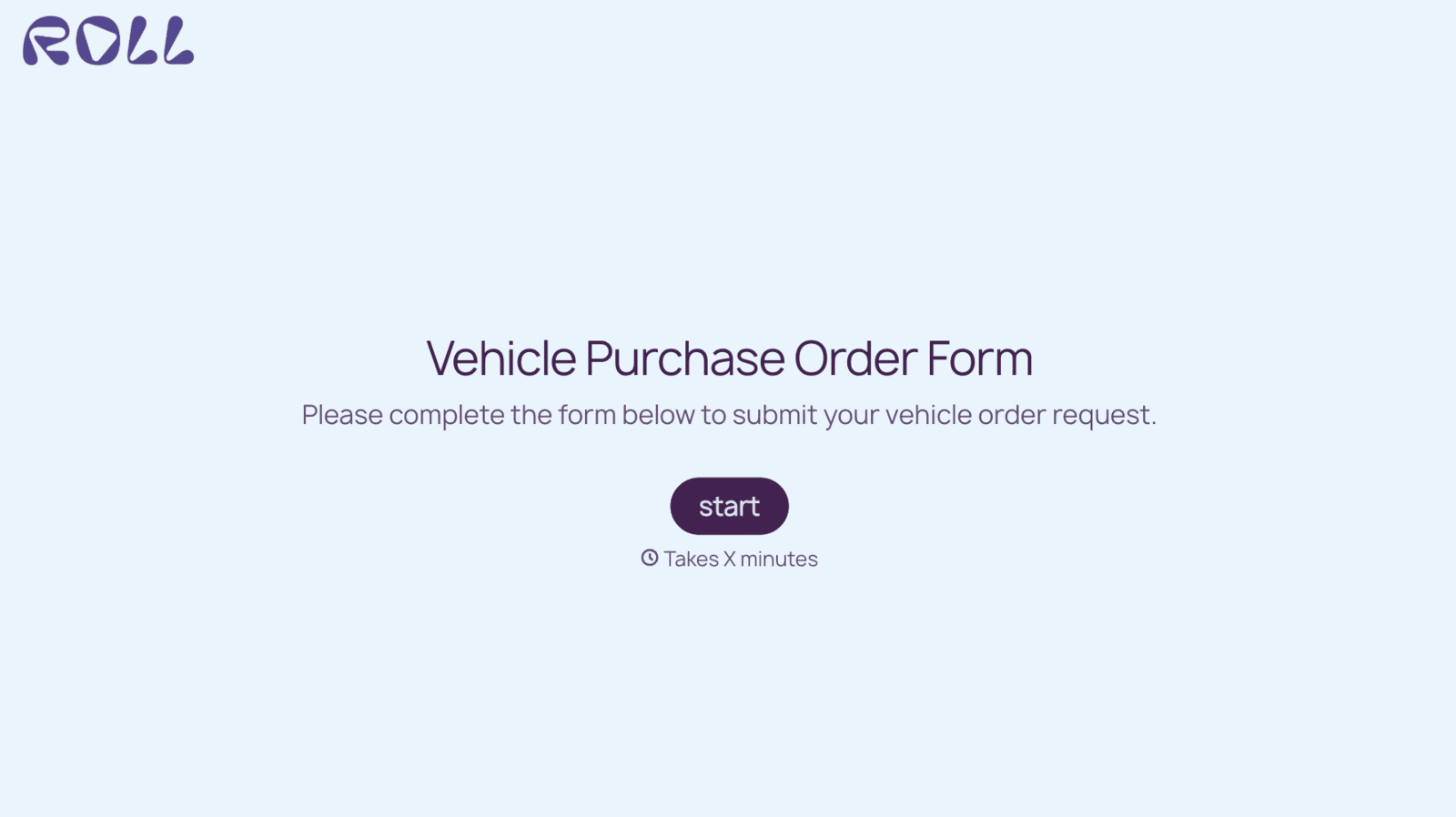
With Typeform, you can customize everything
Change text, colors, and even logos to match the look and feel of your brand. Then embed forms smoothly onto web and email.
Make forms feel effortless to fill out. Pace questions, call people by their name, and adapt the flow based on the data they share.
Stay efficient by connecting forms to your workflow. Typeform integrates with 300+ tools including Slack, Zapier, and HubSpot.


