Job Fair Registration Form Template
Job fairs involve a lot of moving parts — employers booking booth space, job seekers pre-registering, and coordinators managing both sides at once. Without a structured registration process, you're sorting through emails and spreadsheets right up to the day of the event. An online registration form captures what you need from each group in one organized flow. Use conditional logic to show employer-specific fields (booth size preferences, industries represented, roles available) only when someone registers as an employer, and job seeker fields only when relevant. All responses land in one place. Connect the form to a confirmation email tool so registrants get an immediate acknowledgment. Customize the form with your event branding and share the link on your website or social channels.



Job fairs involve a lot of moving parts — employers booking booth space, job seekers pre-registering, and coordinators managing both sides at once. Without a structured registration process, you're sorting through emails and spreadsheets right up to the day of the event.
An online registration form captures what you need from each group in one organized flow. Use conditional logic to show employer-specific fields (booth size preferences, industries represented, roles available) only when someone registers as an employer, and job seeker fields only when relevant. All responses land in one place.
Connect the form to a confirmation email tool so registrants get an immediate acknowledgment. Customize the form with your event branding and share the link on your website or social channels.
A job fair registration form collects pre-event information from employers, job seekers, or both. It helps organizers manage attendance, allocate space, and prepare materials before the event.
Pre-registration gives you an accurate headcount, helps you plan logistics, and ensures you have contact information for all participants. It also lets you segment communications — sending different updates to employers versus attendees.
For a complete registration experience, consider including:
- Name, organization (if applicable), and contact information
- Registration type (employer, job seeker, student, etc.)
- For employers: industries, roles available, and booth preferences
- For job seekers: industry interest and current employment status
- Accessibility or accommodation requests
- Where they heard about the event
You can include booth preference questions in the employer section and use the collected data to inform your layout planning. Connecting form responses to a shared spreadsheet makes it easier to assign and track booth allocations across your team.
Yes. Use a registration type question at the start, then apply conditional logic to route each group to the questions relevant to them. This keeps a single form clean and usable for both audiences.
Get inspired by relevant templates and categories
3200+ Templates, 300+ Integrations
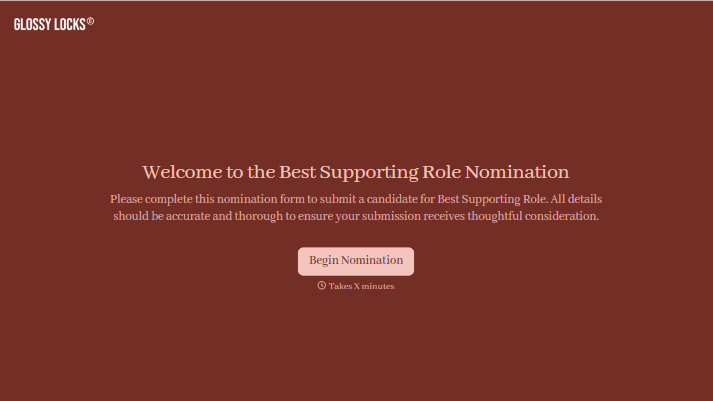
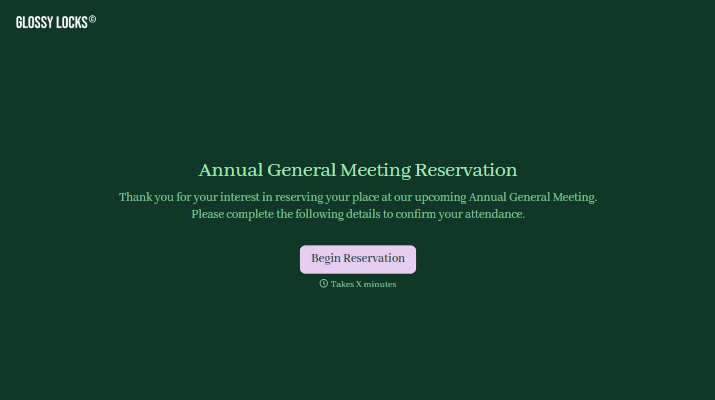
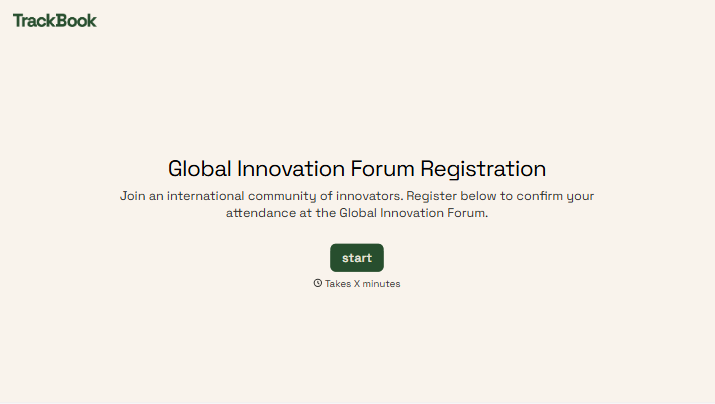
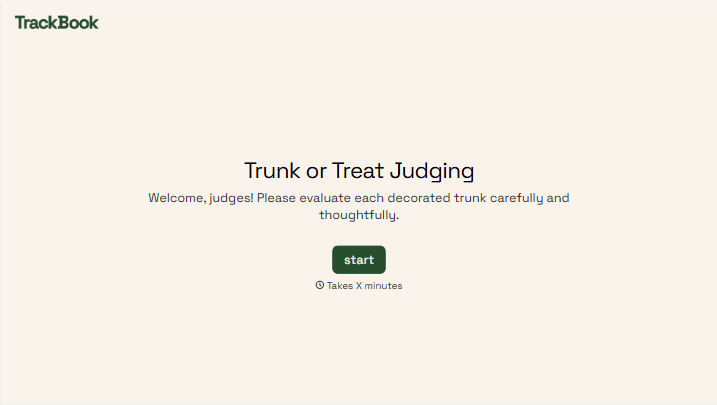
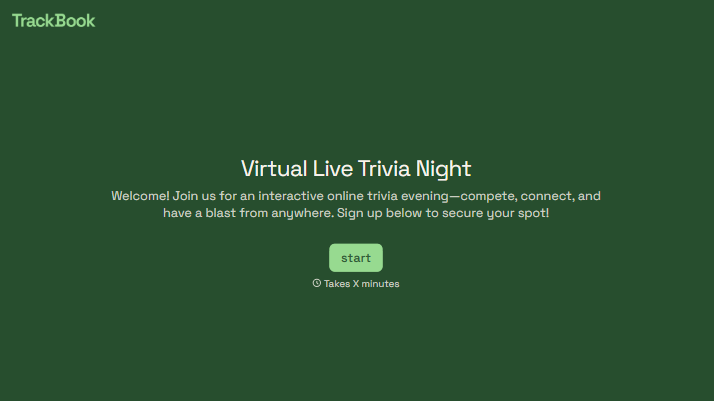
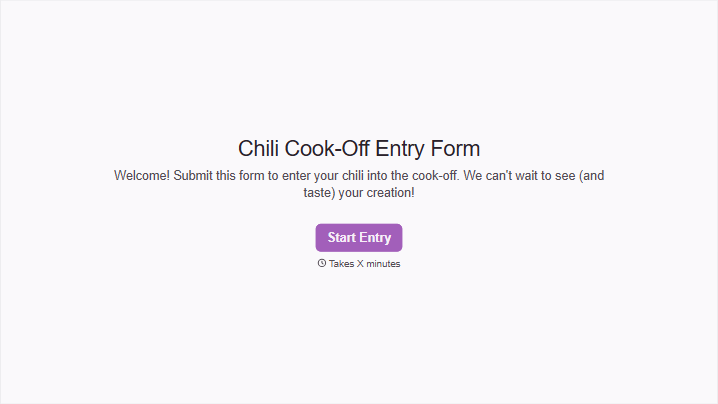
With Typeform, you can customize everything
Change text, colors, and even logos to match the look and feel of your brand. Then embed forms smoothly onto web and email.
Make forms feel effortless to fill out. Pace questions, call people by their name, and adapt the flow based on the data they share.
Stay efficient by connecting forms to your workflow. Typeform integrates with 300+ tools including Slack, Zapier, and HubSpot.


