Document Delivery Form Template
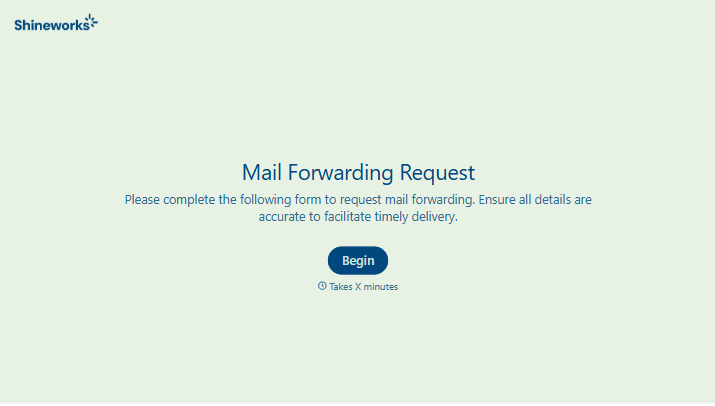
Collect document delivery requests with all the routing and handling details you need.



Document delivery requests that arrive informally — through an email or a sticky note on someone's desk — often include incomplete information. The destination address is missing, the urgency level is unclear, the handling instructions weren't specified. Every gap means a follow-up before the document moves anywhere.
A structured delivery request form fixes that. Typeform's document delivery form captures the sending and receiving party details, document type, delivery method, urgency level, and any special handling requirements in one place. Conditional logic surfaces the right fields based on delivery method — a courier delivery needs different information than an internal transfer or a digital delivery. Every request arrives with the details your delivery or records team needs to act on it without asking for more.
Customize the form for your organization's document types and delivery options, and connect to your tracking or records management system.
A document delivery form is an online request form used to capture the details needed to deliver a document from one party to another. It records the sender, recipient, document type, delivery method, urgency, and any specific handling requirements — so the delivery process can begin without a back-and-forth clarification step.
It creates a clean chain of custody. Every request is logged with a timestamp, the requester's details, and the specifics of what needs to happen. That paper trail is important in legal, healthcare, finance, and government settings where document handling requirements are strict.
A document delivery form typically captures:
- Sender name and contact details
- Recipient name, department, and location
- Document type and description
- Number of copies or files
- Delivery method (courier, internal mail, digital, etc.)
- Urgency level and required delivery date
- Special handling or confidentiality requirements
The form captures the request; tracking the delivery itself typically happens in a separate system — your courier's tracking interface, your internal mail log, or a shared spreadsheet. Many organizations connect the form to a ticketing or task management tool so each delivery request becomes a trackable task from submission to confirmation.
Yes, with appropriate safeguards. Make sure the form platform you're using encrypts form data in transit and at rest, and limit access to responses to authorized personnel only. For highly sensitive documents — legal, medical, financial — your organization's document handling policy should define additional protocols beyond the form itself.
Get inspired by relevant templates and categories
3200+ Templates, 300+ Integrations
With Typeform, you can customize everything
Change text, colors, and even logos to match the look and feel of your brand. Then embed forms smoothly onto web and email.
Make forms feel effortless to fill out. Pace questions, call people by their name, and adapt the flow based on the data they share.
Stay efficient by connecting forms to your workflow. Typeform integrates with 300+ tools including Slack, Zapier, and HubSpot.


